Turn a PDF into a Google Form

At the moment Google Forms doesn't have this feature, use Weavely AI to convert your PDF document into a fillable web form.

Import your PDF!

How to turn a PDF into a Google Form?

1
Import your PDF

2
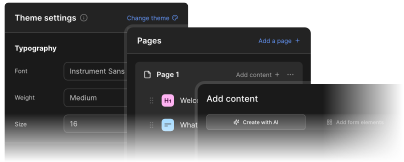
Let Weavely AI convert your PDF into a web form

3
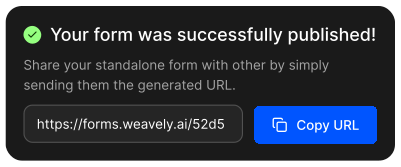
Publish your form!
How to covert a PDF to Google Form

Converting a PDF into a Google Form is technically possible but none of the native options make it easy. This article walks through two methods, including a Google Workspace add-on and a ChatGPT-based tool, with an honest look at where each one falls short.
Read the blog post
How to convert a PDF to a Google Form

What can I do with my Google Form in Weavely?

Paste a link to a Google form you want to customise with Weavely - no account needed.