

Connect a Google Form to Notion, Airtable or HubSpot
Google Forms doesn’t support integrations, Weavely is an AI alternative that integrates with Notion, Airtable, HubSpot. Customize your Google Form in seconds.

Import your Google Form!
How to connect your Google Form to Notion, Airtable and Hubspot?
1
Import your Google Form


2
Link your Notion, Airtable or Hubspot account in the integrations

3
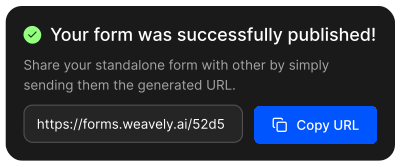
Publish your form!
How to connect Google Forms to HubSpot, Airtable, or Notion?
Google Forms only sends data to Google Sheets natively. In this article you will learn two ways to get submissions into HubSpot, Airtable, or Notion: routing through Zapier, or importing the form into Weavely for direct native integrations without extra automation tools.
Read the blog post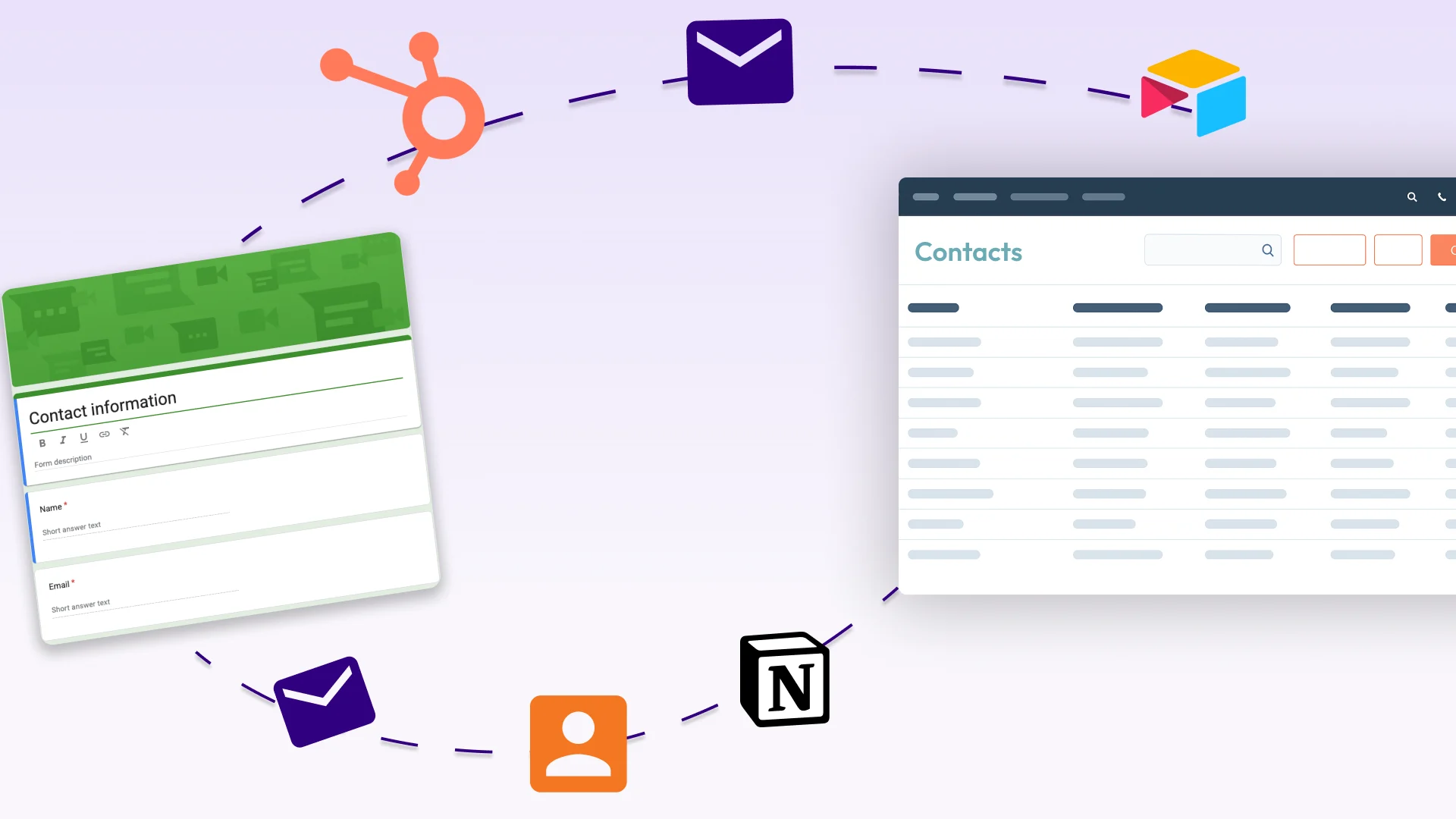
What can I do with my Google Form in Weavely?









Built with ❤️ by WEAVE.LY BV • BE0773.878.569 • Herbert Hooverlaan 141, 1030 Schaarbeek, Belgium
