
.png)
Add payments to your Google Form
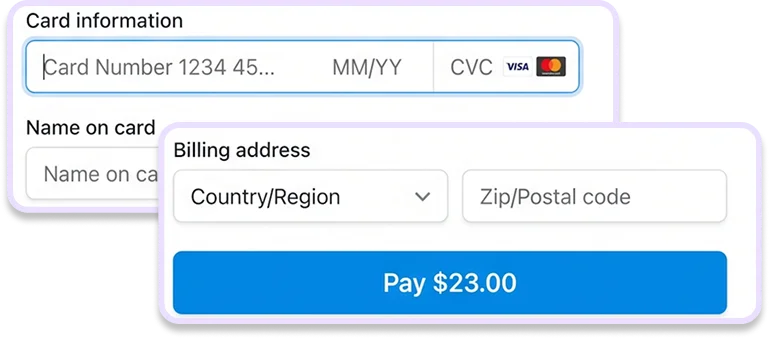
Google Forms doesn't support built-in payments. Import your form into Weavely and add a Stripe payment step in minutes

Import your Google Form
How to add payments to a Google Form
1
Import your Google Form


2
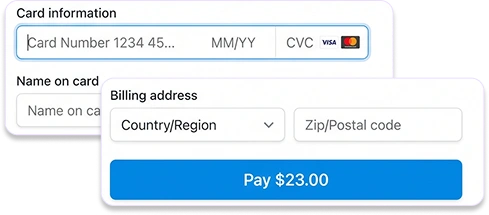
Add a payment field and connect to Stripe
3
Publish and share to collect payments


4 ways to add payments to your Google Form
Since Google Forms doesn't support payments natively, this article presents four workarounds, from adding a payment link to the confirmation message to using a dedicated form builder with built-in Stripe integration, ranked from the simplest to the most reliable.
Read the blog post
What can I do with my Google Form in Weavely?









Built with ❤️ by WEAVE.LY BV • BE0773.878.569 • Herbert Hooverlaan 141, 1030 Schaarbeek, Belgium
