Translate a Google Form

Google Forms doesn’t support automatic translation. But you can import your Google Form into Weavely, and ask the AI to translate your form to any language!

Import your Google Form

How to translate a Google Form

1
Import your Google Form

2
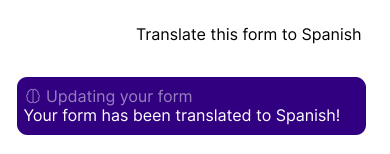
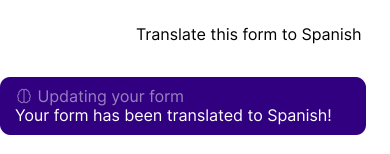
Ask Weavely AI to translate to any language
3
Publish your form!

How to translate a Google Form into any language for free with AI

Learn two ways to get around the missing translation functionality in Google Forms: importing your form into Weavely and letting AI translate it instantly for free, or using a paid add-on that stays within Google Workspace.
Read the blog post
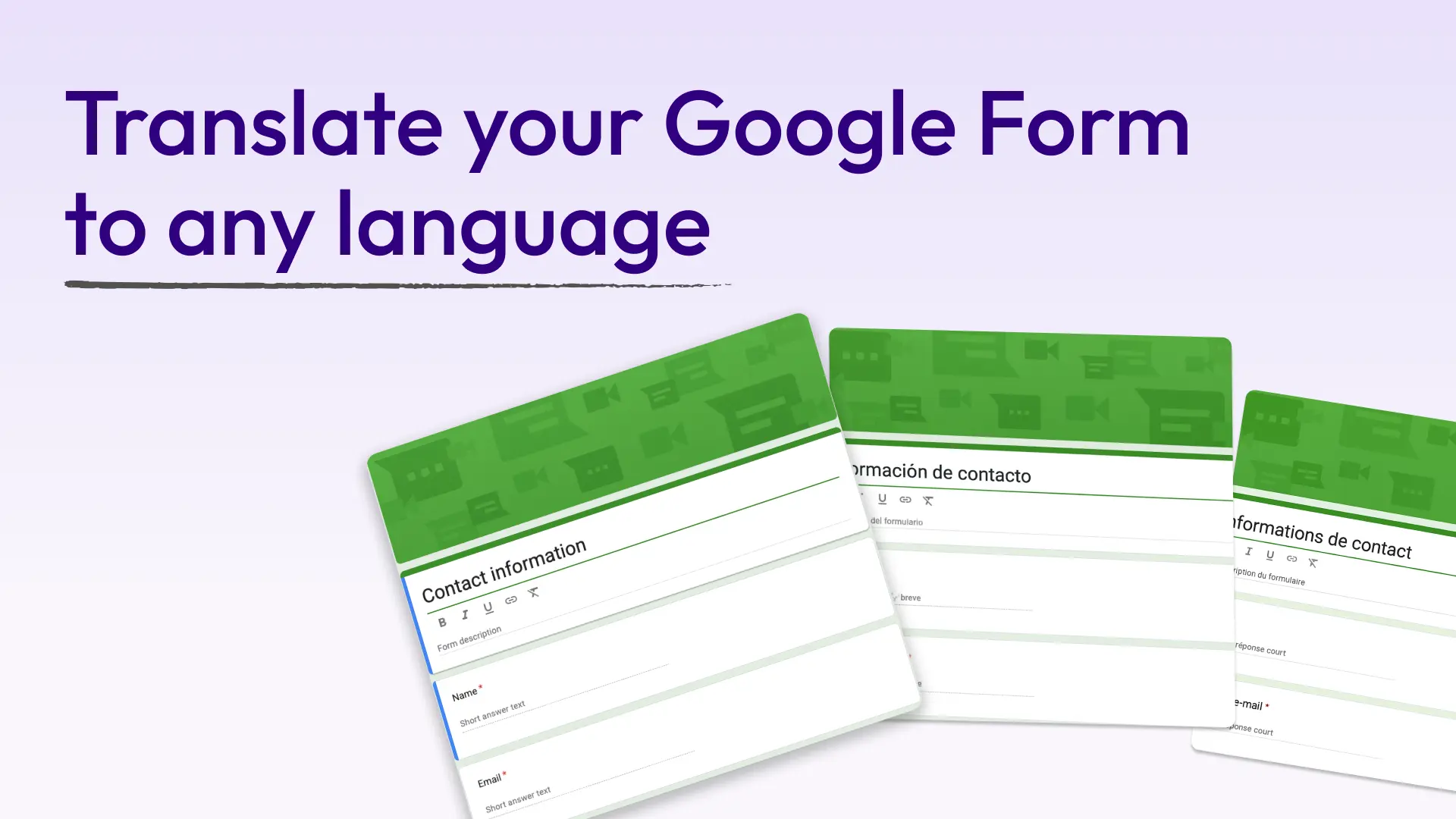
How to Translate a Google Form Into Any Language (Free AI Method)

What can I do with my Google Form in Weavely?

Paste a link to a Google form you want to customise with Weavely - no account needed.