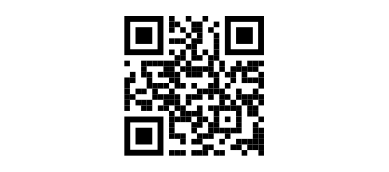
Create a QR code for a Google Form

Google Forms doesn’t support sharing forms via QR code. But you can import your Google Form into Weavely, that will automatically generate a shareable QR code for your form.

Import your Google Form!

How to make a QR code for a Google Form?

1
Import your Google Form

2
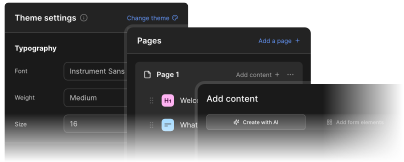
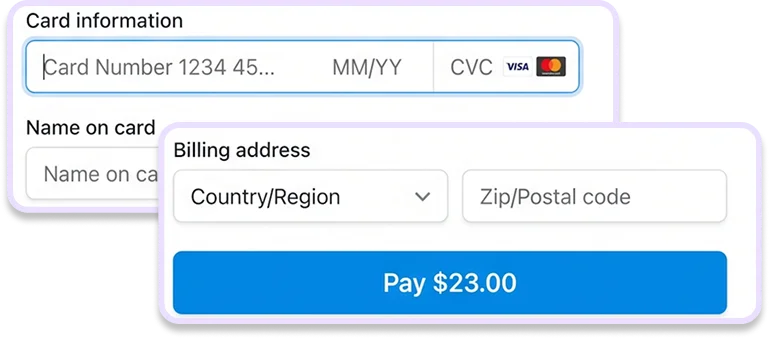
Customize your Google Form (optional)
3
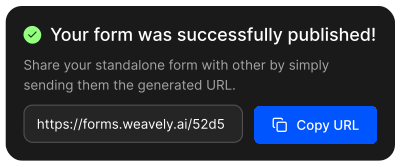
Publish your form and copy the QR code!
What can I do with my Google Form in Weavely?

Paste a link to a Google form you want to customise with Weavely - no account needed.