Create a popup from a Google Form

Google Forms can't natively be turned into pop ups, import them into Weavely AI to create a pop-up form.

Import your Google Form!

Google Forms can't natively be turned into pop ups, import them into Weavely AI to create a pop-up form.

How to create a popup from your Google Form?

1
Import your Google Form

2
Embed your form as a pop up
3
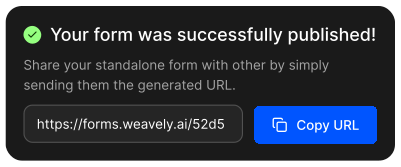
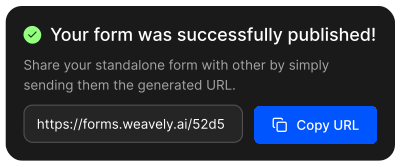
Publish your form!
What can I do with my Google Form in Weavely?

Paste a link to a Google form you want to customise with Weavely - no account needed.