Add dynamic fields to a Google Form

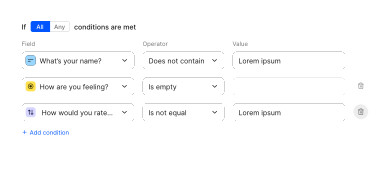
Google Forms doesn’t support dynamic fields, but you can add dynamic fields to your form using Weavely AI.

Import your Google Form!

How to add dynamic fields to your Google Form?

1
Import your Google Form

2
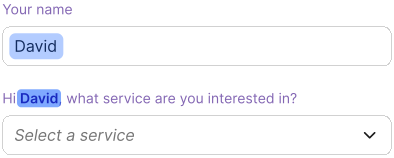
Weavely has native dynamic fields support
3
Publish your form!

What can I do with my Google Form in Weavely?

Paste a link to a Google form you want to customise with Weavely - no account needed.