
AI form builder
Create an employee feedback form with AI in seconds
Describe what you need, and Weavely generates a custom employee feedback form instantly. Collect anonymous responses, share via link, or embed directly on your company intranet.
How to create your employee feedback form with Weavely
Describe what you need and click “Generate.”
The more details you provide in a prompt, the more accurately your form will match what you need.

Sign in to Weavely to edit and style your form.
Tweak the content, customise the design, or add more questions using AI.

Publish and share your form in one click.
Embed it, link it, or pop it up on your site — ready to collect responses instantly.
Popular employee feedback form use cases
Anonymous feedback
360-degree feedback
Manager evaluations
Satisfaction surveys

Collect Honest Employee Feedback with AI-Powered Forms
Build employee feedback forms tailored to your team in seconds instead of hours. Whether you need anonymous pulse surveys, 360-degree peer reviews, or manager evaluations, Weavely's AI generates forms with the right questions, rating scales, and open-ended fields already in place. Share forms via link or embed them on your company intranet, and responses are automatically collected and organized for you. Sync results to Google Sheets or connect with tools like Zapier to route feedback directly into your HR workflow — no manual data entry required.
Learn How to Get Honest Answers from Your Employee Feedback Survey
Employees don't always tell the truth in feedback forms — and there are specific reasons why. Our guide breaks down what drives dishonesty in employee feedback surveys and shares practical strategies to encourage open, genuine responses from your team.
Read the blog post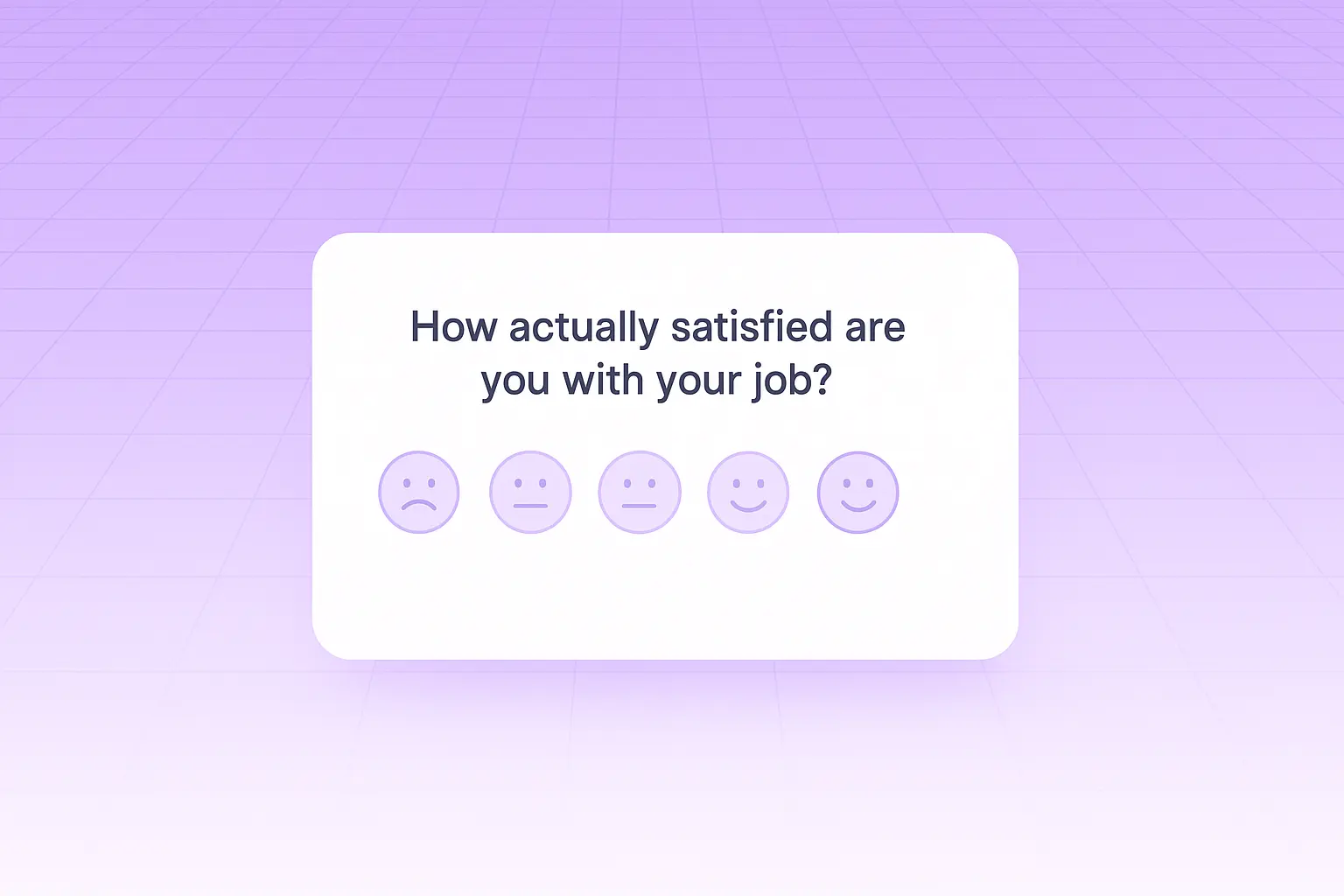
Other Free AI Form Tools




FAQ
What questions should I include on an employee feedback form?
Start with core areas like job satisfaction, management effectiveness, work-life balance, and career development opportunities. Include a mix of rating scales for quantitative data and open-ended questions for detailed input. For more specific feedback, add questions about team communication, workplace culture, and resource availability. Tailor the questions to what you plan to act on — collecting feedback you won't use erodes trust.
Can I create an anonymous employee feedback form?
Yes. Weavely lets you generate fully anonymous feedback forms where no identifying information is collected. Anonymous forms tend to produce more honest responses, especially on sensitive topics like management quality or workplace concerns. Just describe that you want the form to be anonymous, and the AI will build it without name or email fields.
How do I share an employee feedback form with my team?
Once your form is generated, you can share it through a unique link via email, Slack, or any messaging tool. You can also embed it directly on your company intranet or internal portal. Responses are automatically collected and organized, and you can sync them to Google Sheets for easy analysis.
Is the employee feedback form generator free?
Yes, it's completely free with no limits on the number of forms you create or responses you collect. Unlike many survey tools that restrict features or response counts on free plans, Weavely gives you full access to create, customize, and distribute unlimited employee feedback forms at no cost.

Built with ❤️ by WEAVE.LY BV • BE0773.878.569 • Herbert Hooverlaan 141, 1030 Schaarbeek, Belgium
