Contact Form Templates
Build professional contact forms effortlessly with customizable templates for websites, customer support, and business inquiries.
.webp)
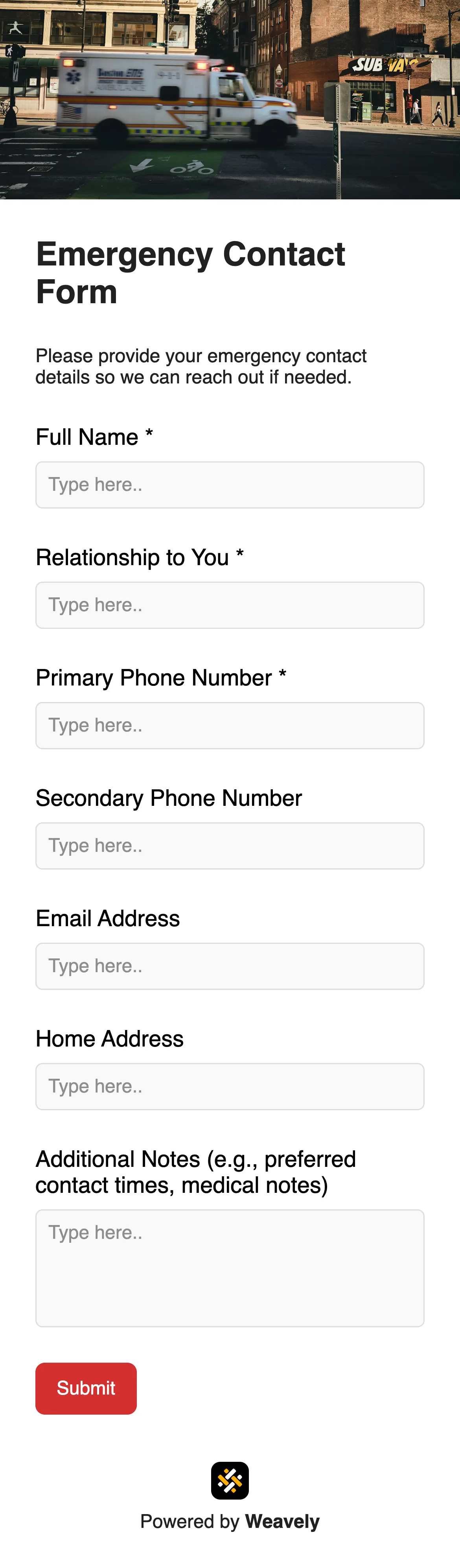
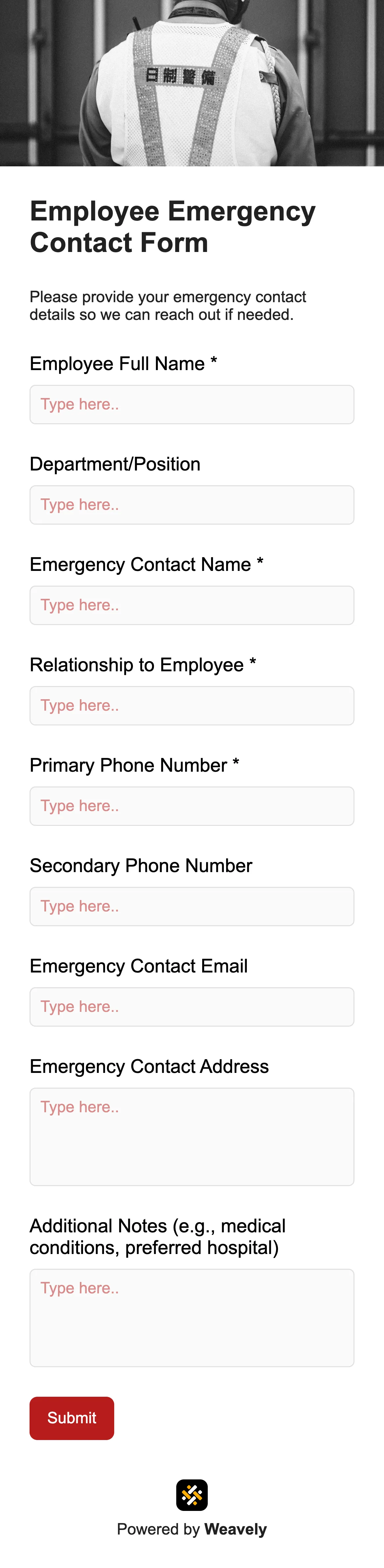
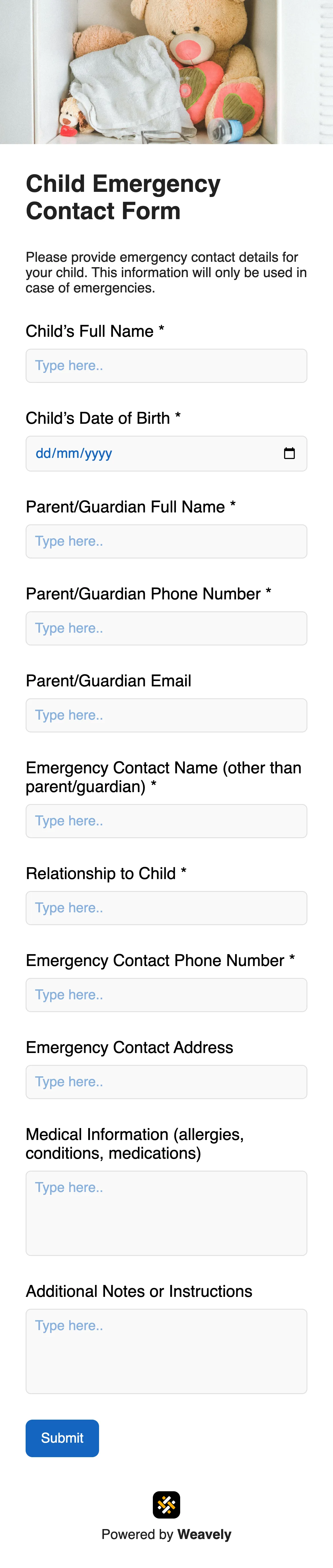
Should you build your own contact form or use a template?
Related templates
FAQ
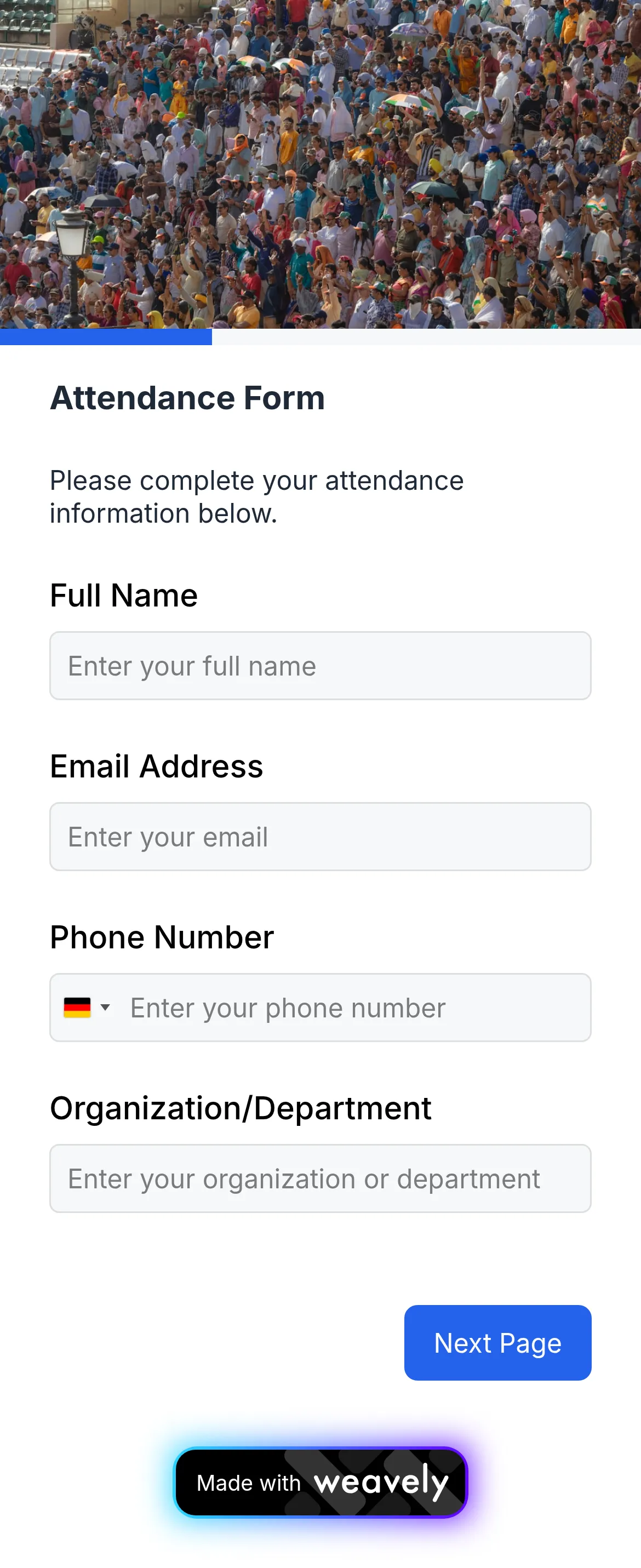
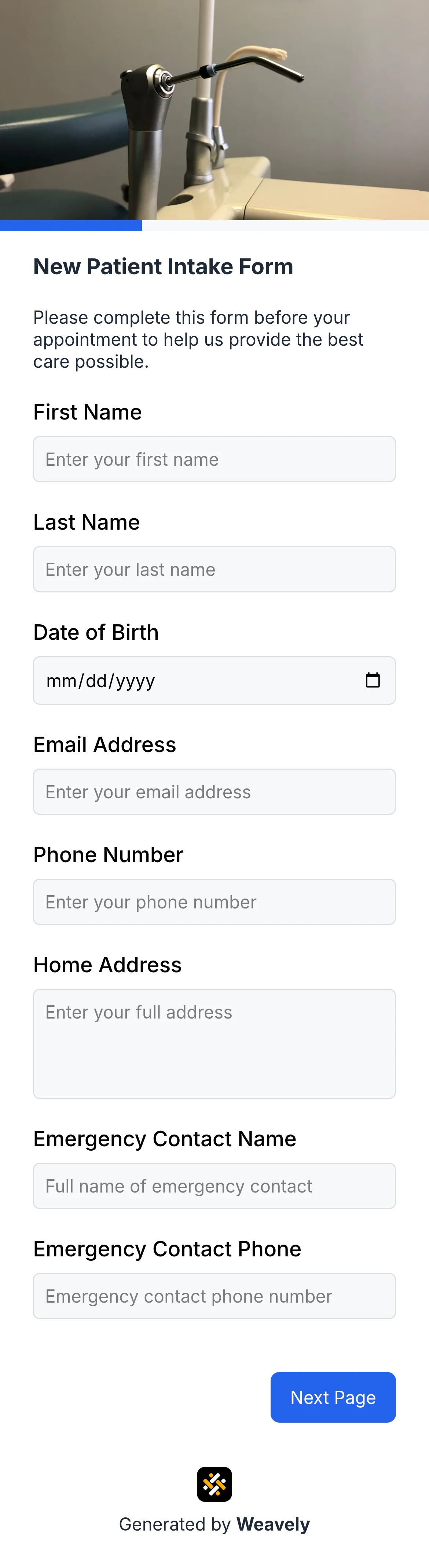
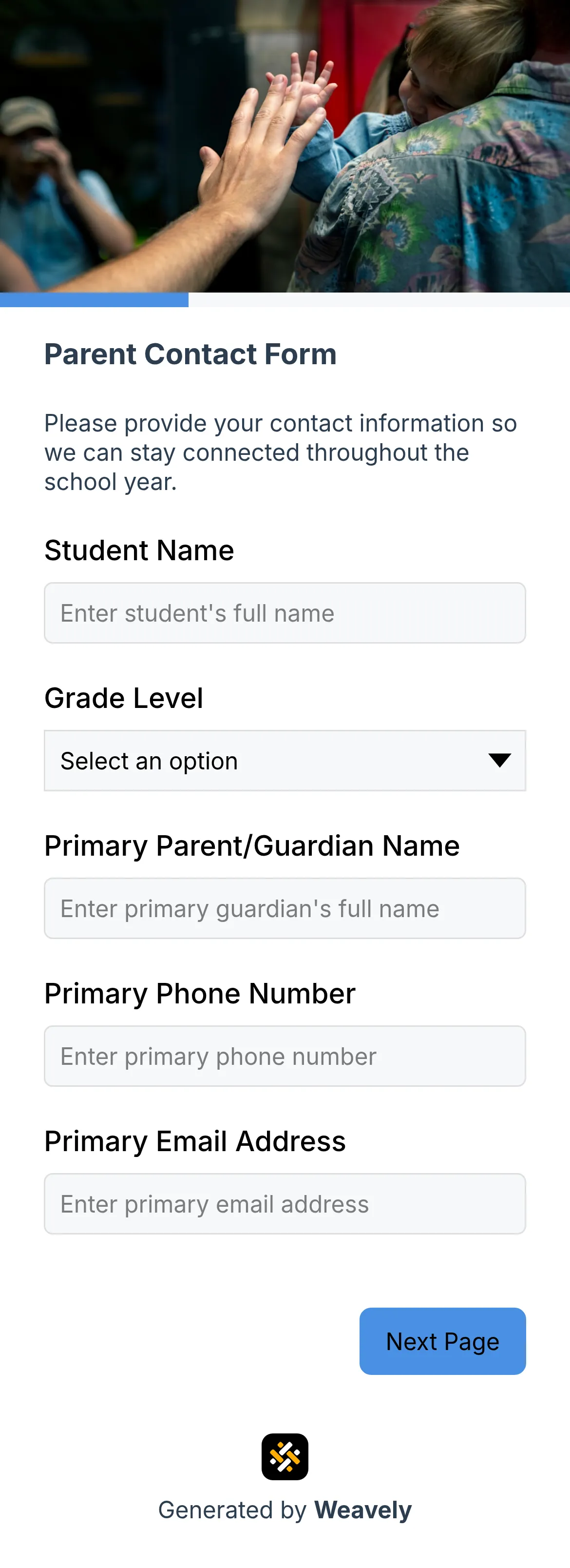
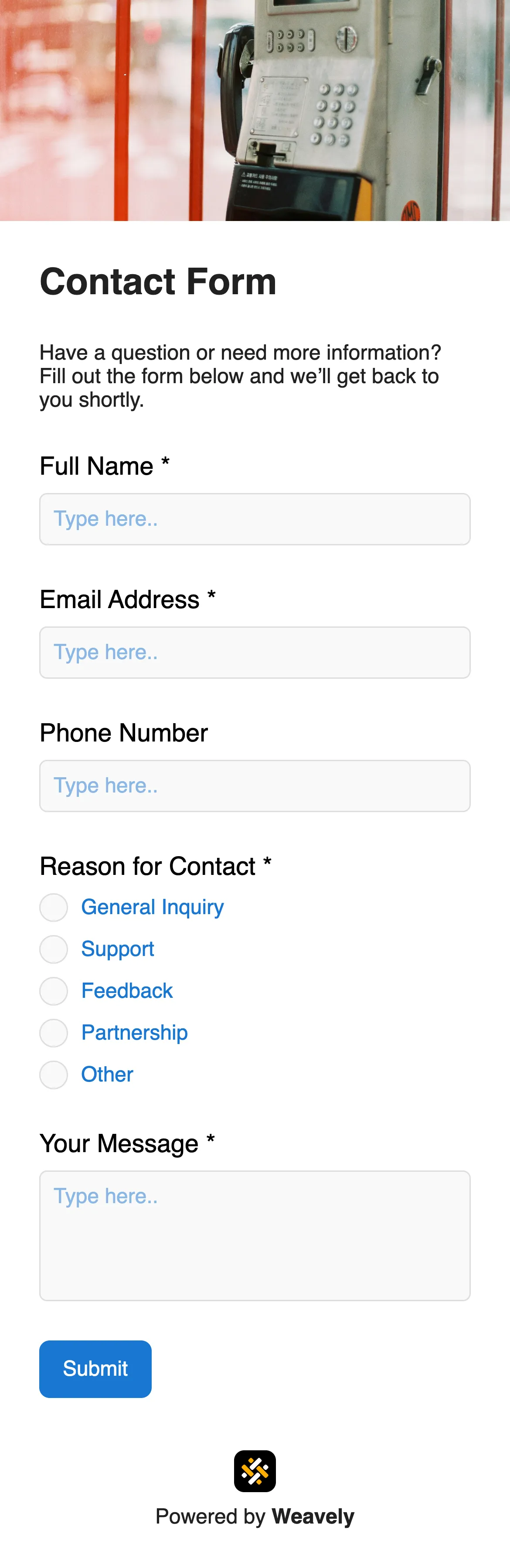
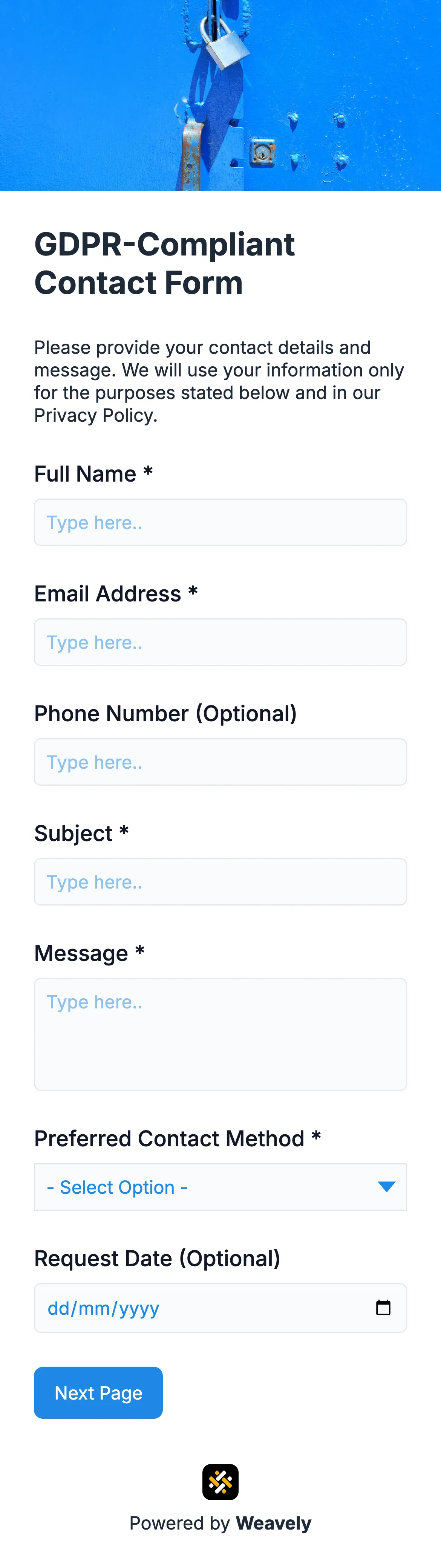
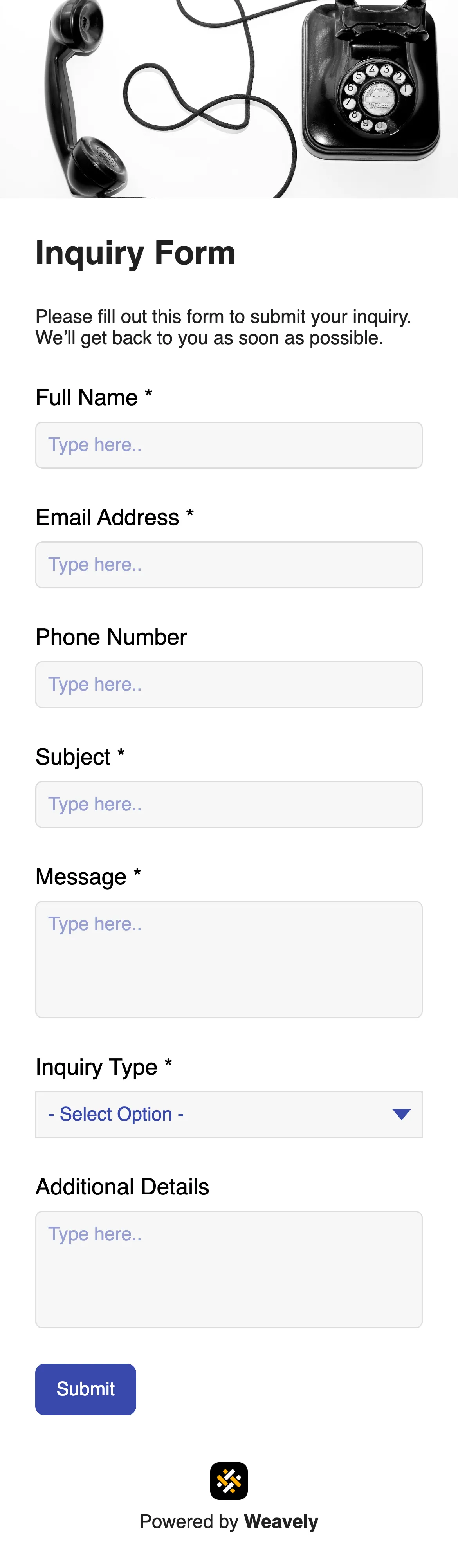
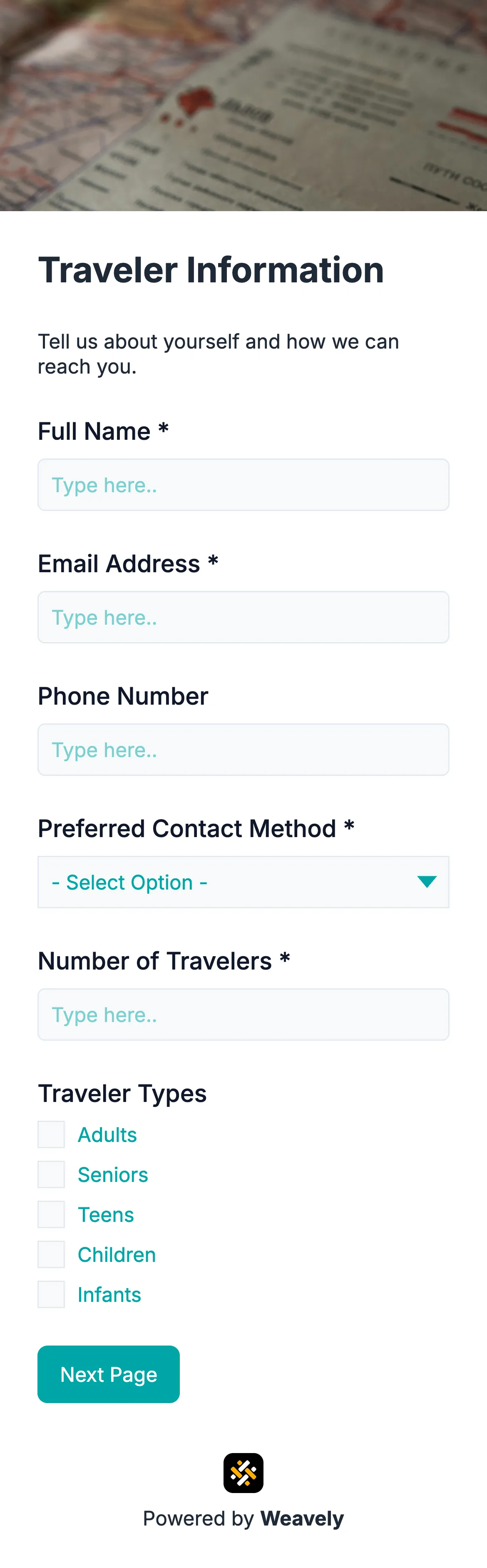
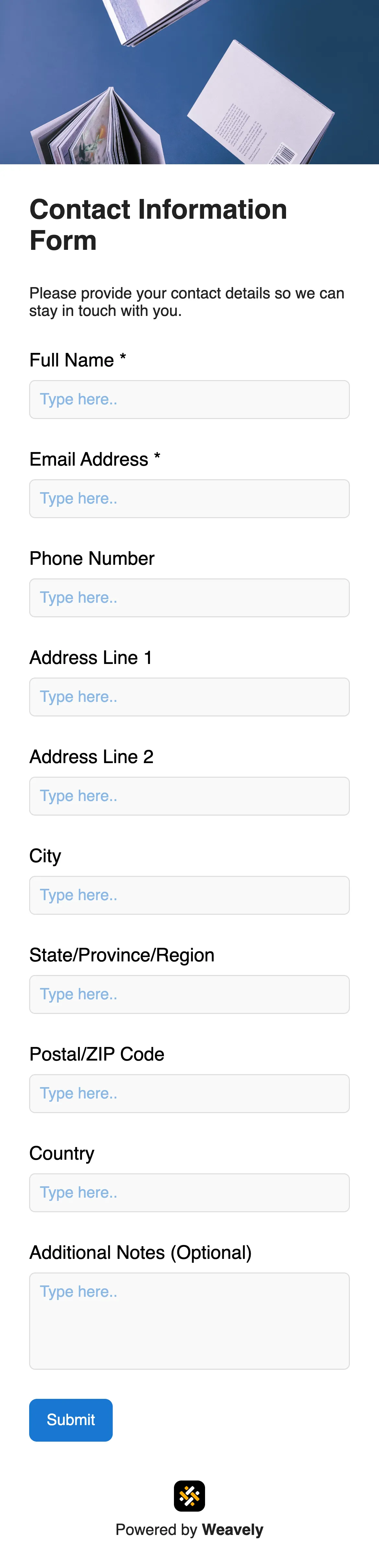
For a standard contact form name, email, and a message field are the minimum. Depending on your use case, you might add a subject line, phone number, or a dropdown to categorise the enquiry type. Keep it short — the fewer fields, the higher the completion rate. Weavely's collection of contact form templates includes forms for every use case.
A contact form keeps your email address off the page, which prevents it being harvested by spam bots. It also ensures you always receive structured information, lets you route enquiries automatically, and gives submitters an instant confirmation that their message was received.
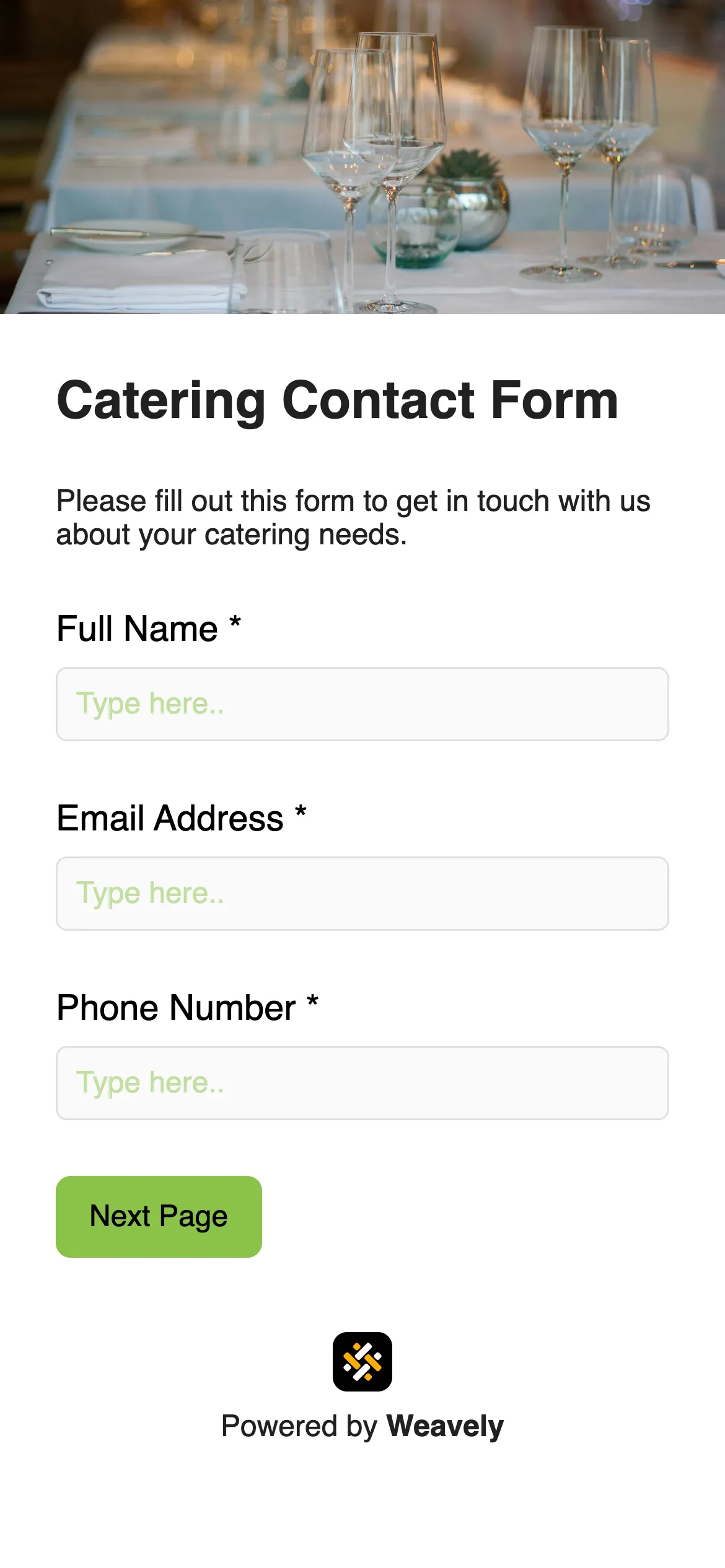
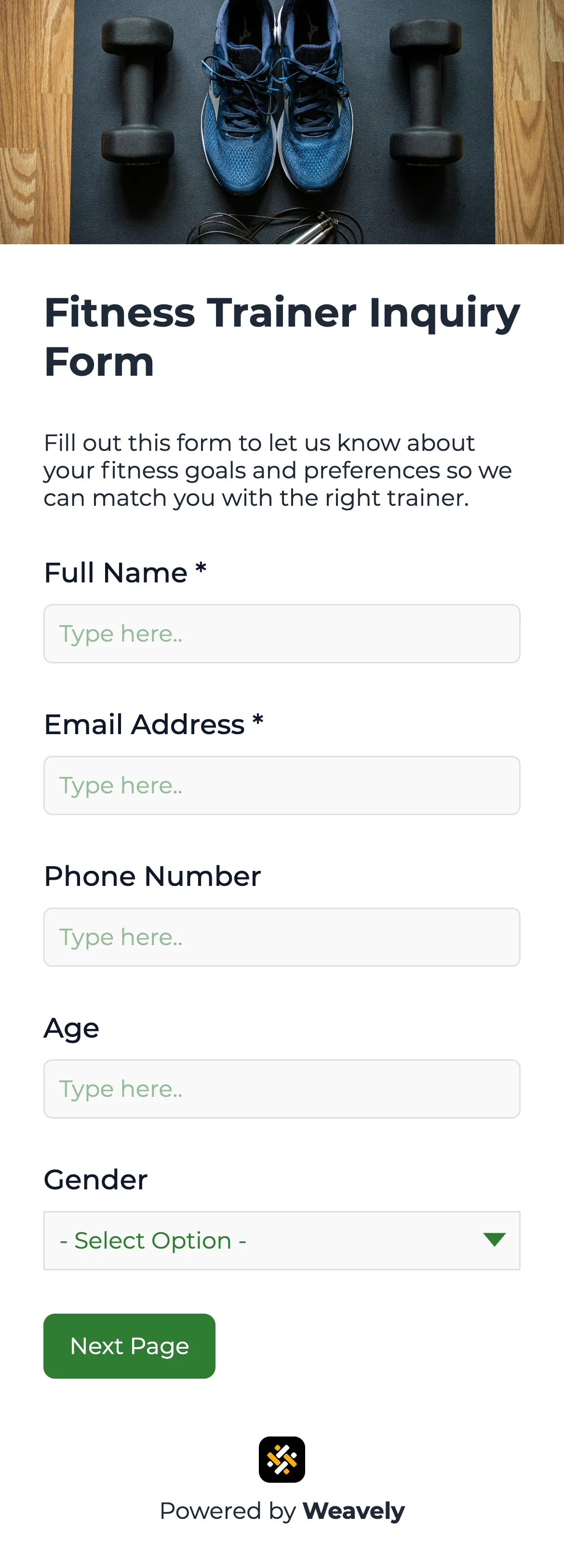
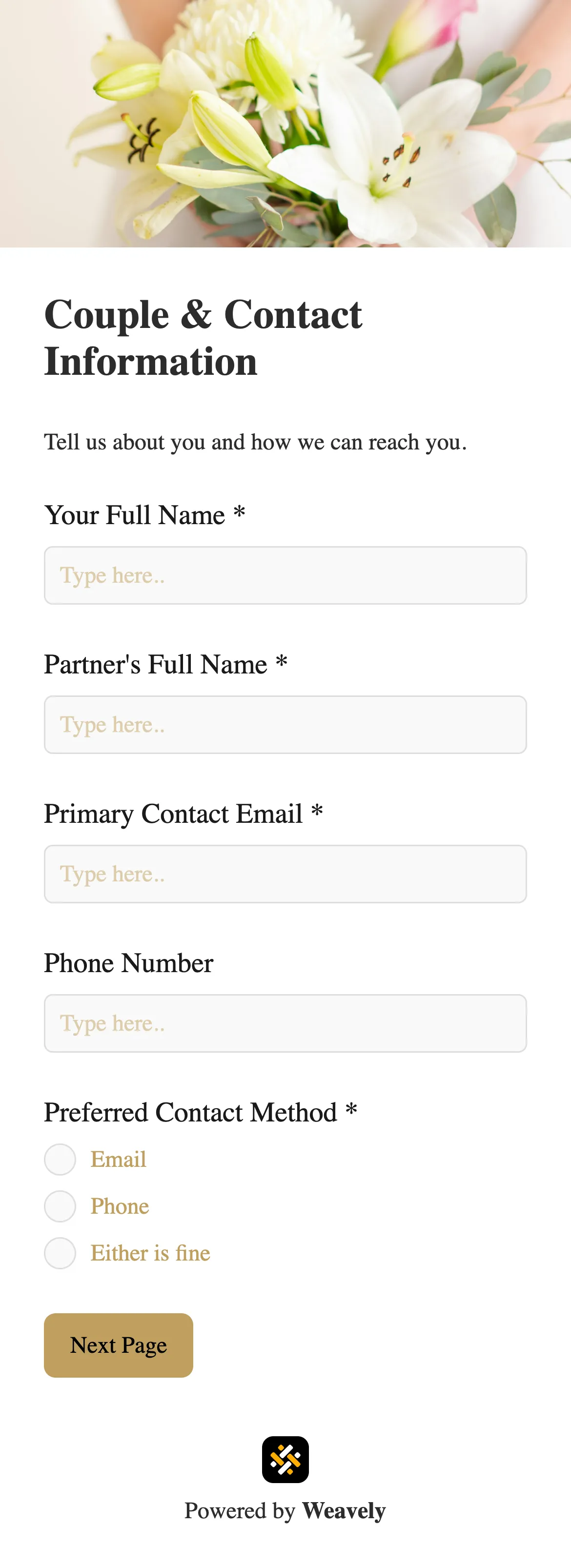
A contact form is general-purpose. It catches any message a visitor wants to send. An inquiry form is more specific, designed to collect structured information about a particular request — a quote, a service, a booking. Weavely has free templates for both, including a general contact form, an inquiry form, and industry-specific versions like a wedding inquiry form, catering contact form, fitness trainer inquiry form, and more.
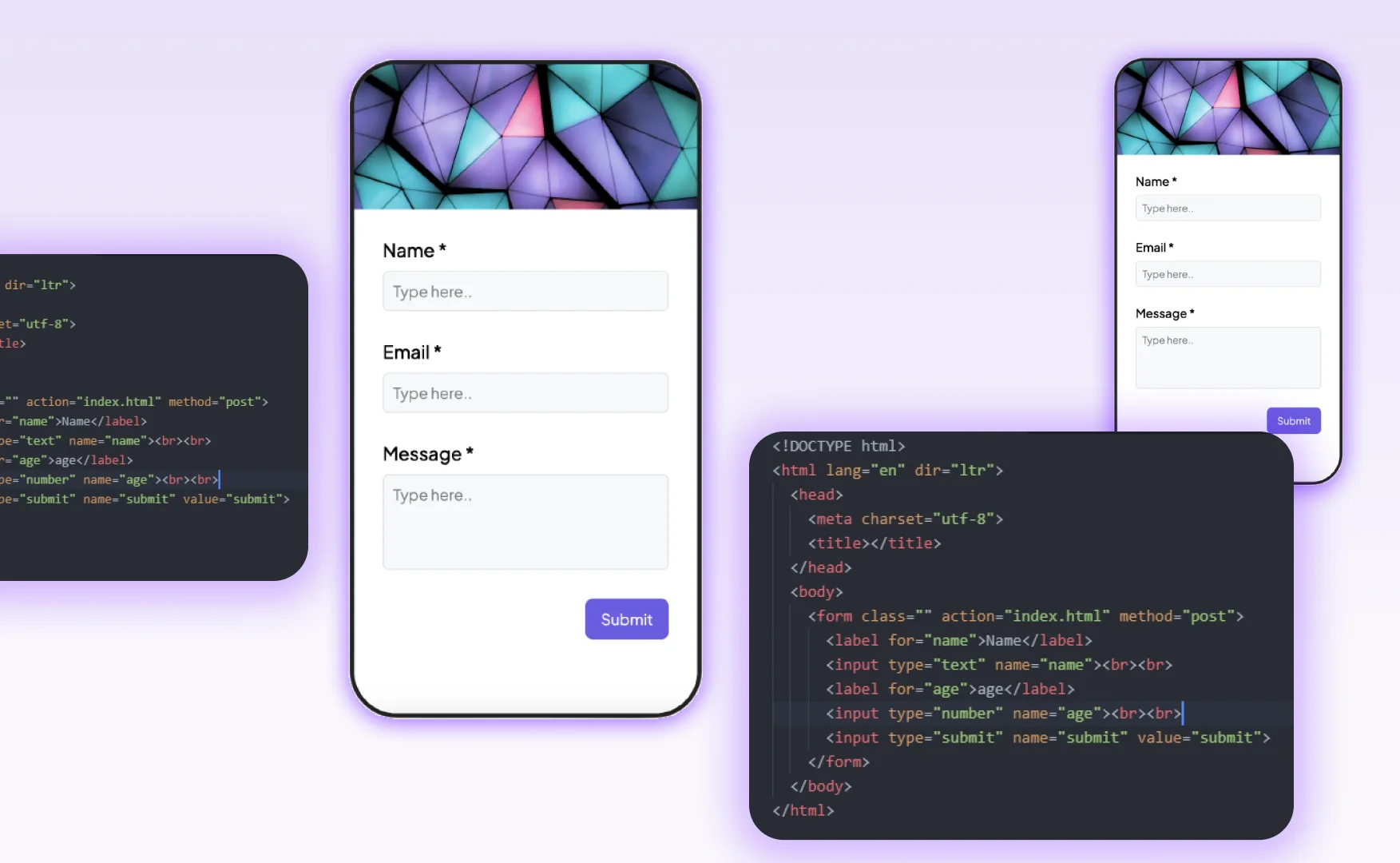
Create a contact form in Weavely, then use the Share menu to copy the embed code. Paste it into your website's HTML where you want the form to appear. Weavely forms work in Webflow, WordPress, Framer, Figma sites, Carrd, Shopify, and most other site builders. Alternatively, share a direct link and link to it from your contact page.

