Exit ticket template
Create custom exit tickets in seconds with AI. Free generator for 3-2-1, reflection, and subject-specific formative assessments. Share digitally or print for any lesson.

Who is this exit ticket template for?
Learn Best Practices for Using Exit Tickets Effectively

FAQ
An exit ticket is a quick formative assessment given at the end of a lesson to check student understanding before they leave class. Teachers use exit tickets to gather feedback on what students learned, identify confusing concepts, and assess whether learning objectives were met. This information helps educators adjust instruction and plan future lessons based on student needs.
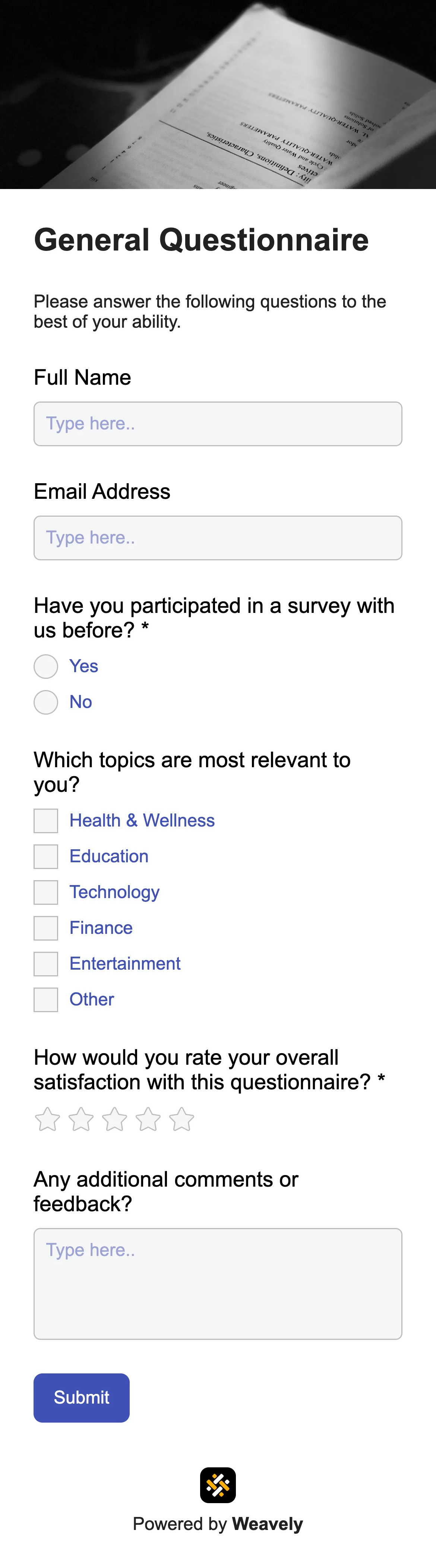
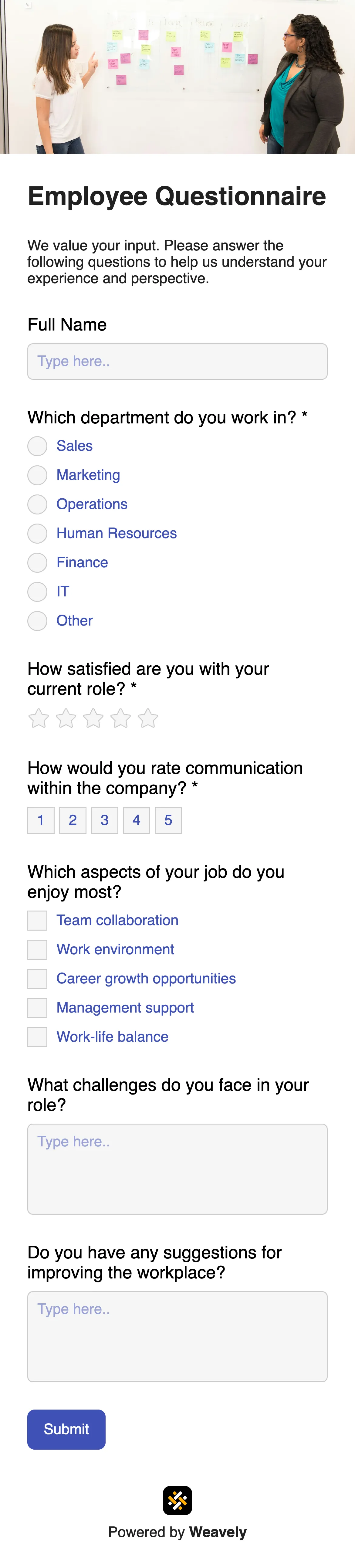
Essential fields include student name, date, class/subject, and the lesson topic for tracking. Core assessment fields should cover what students learned (3-2-1 format works well), understanding rating scales, remaining questions, and reflection prompts. Many teachers add fields for confidence level, most challenging concepts, and connections to prior learning. Multi-step layouts keep exit tickets organized and less overwhelming for students.
Yes, you can fully customize this template for any subject or grade level. Adjust questions to focus on math problems, science concepts, reading comprehension, or historical analysis. Change colors and fonts to match your classroom branding, add subject-specific prompts, or include emoji rating scales for younger students. Customize fields for specific lessons without any coding required.
Yes, this exit ticket generator is completely free with unlimited forms and responses. Create and share as many exit tickets as you need for all your classes and lessons. There are no hidden fees, subscriptions, or credit cards required. Collect unlimited student responses and integrate with Google Sheets at no cost.
Related templates

.webp)
.webp)