AI form builder
Create a form from a Google Sheet
Convert your Google Sheet to an online form with AI in seconds. Just paste your Google Sheet share URL, and Weavely will generate a ready-to-use form or survey from it. Customize, style, and publish in a few clicks.
How to create your form from a Google Sheet with Weavely
Paste a Google Sheet link
Weavely's AI will read the spredsheet and turn it into a form automatically.

Edit and style the form (optional)
Tweak the content, customise the design, or add more questions using AI.

Publish and share your form in one click.
Sign in to save and publish. Embed it, link it, or pop it up on your site.

From a Google Sheet to a custom form
Conditional logic: show or hide questions based on previous answers
Multi-step flow: break long forms into pages for higher completion rates
Custom branding: add your logo, colours, and fonts in seconds
Answer piping: use respondents' answers in follow-up questions
Integrations: sync responses with doznes of apps
Free plan: unlimited forms and unlimited responses, no credit card needed
Multi-step flow: break long forms into pages for higher completion rates
Custom branding: add your logo, colours, and fonts in seconds
Answer piping: use respondents' answers in follow-up questions
Integrations: sync responses with doznes of apps
Free plan: unlimited forms and unlimited responses, no credit card needed
How to convert Google Sheets to an online form
Learn multiple ways to turn your Google Sheet into an online form. You can either use paid add-ons for Google Forms, or step outside the Google ecosystem and use a free AI Sheet to Form converter. In this blog post you can find detailed steps for every approach.
Read the blog post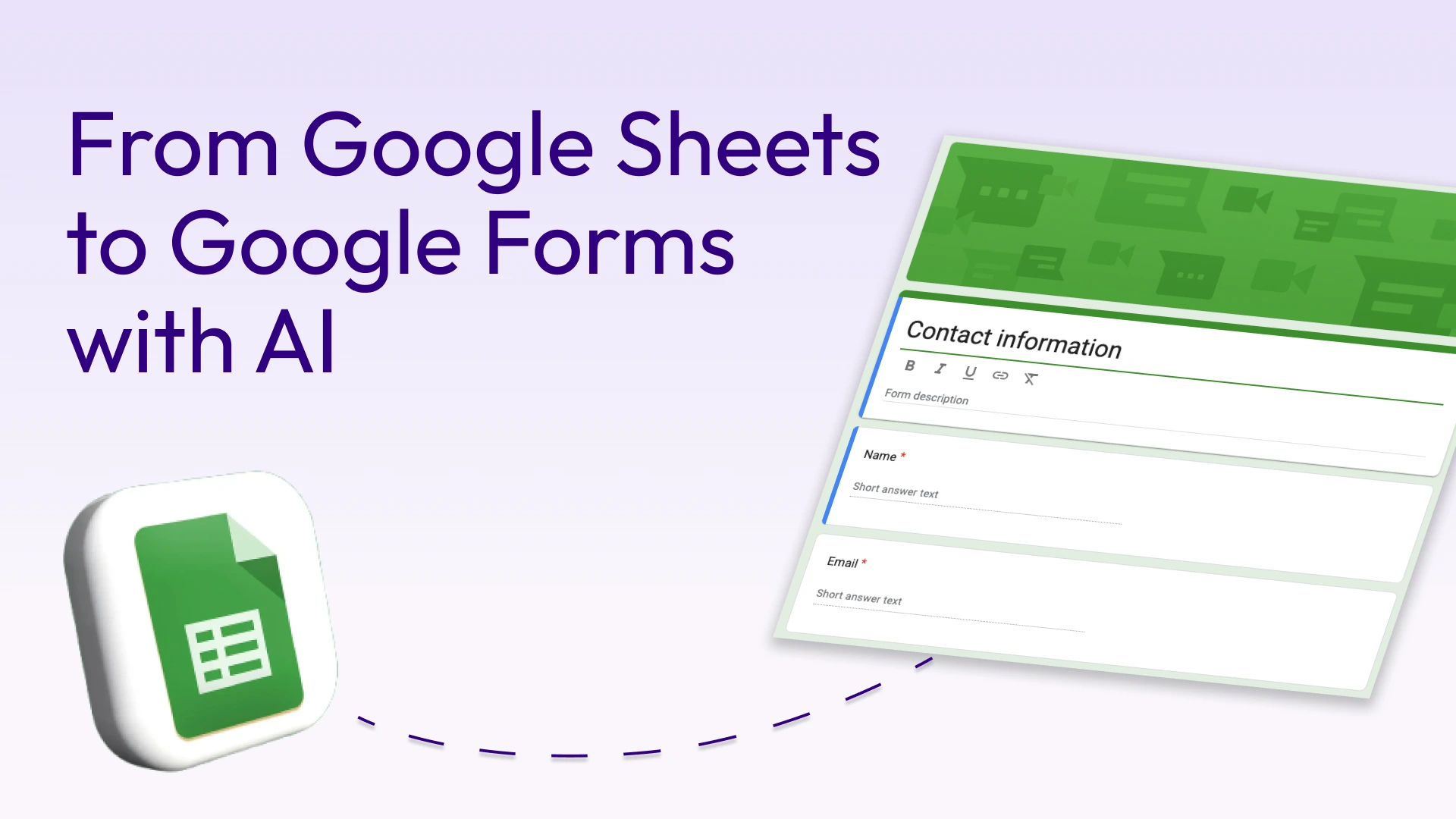
FAQ
Can you convert a Google Sheet to a Google Form?
Not directly. Google doesn't offer a native way to convert a Google Sheet to a Google Form. However, Weavely has a free Google Sheet to Form converter that can turn the contents of your Google Sheet into a custom online form.
How do I convert a Google Sheet to a form?
Paste your Google Sheet share URL into Weavely, click Generate, and the AI converts it into a ready-to-use web form. Make sure your Sheet is shared with "Anyone with the link" before pasting.
Is it free to convert a Google Sheete to a form?
Yes. Weavely's Google Sheet to form converter is completely free. You get unlimited forms and unlimited responses on the free plan, with no credit card required.
What can I do with a form created from a Google Sheet?
Once Weavely converts your Google Sheet into a form, you can fully customize it. Add conditional logic, apply your brand colors and logo, create multi-step flows, and connect responses back to Google Sheets, as well as HubSpot, Airtable, Salesforce, Zapier, Make, and much more. You can share it via link, embed it on your website, or set it as a pop-up. All of this is available on the free plan.

Built with ❤️ by WEAVE.LY BV • BE0773.878.569 • Herbert Hooverlaan 141, 1030 Schaarbeek, Belgium