How to Convert Google Sheets to Google Forms Instantly with AI
Ever opened a Google Sheet full of responses… and realized you no longer have the original form that collected them? Or maybe a colleague handed you a spreadsheet and you found yourself thinking: “Okay, I see the data. But what did the original survey even look like?”
Yep. Happens more often than you’d think. Sometimes all you have is the results, and you want to recreate the survey that produced them: same questions, same formats, same answer types. In other words, you want to turn your Google Sheet back into a form that collects the same data.
Good news: you can do exactly that. And surprise surprise ... AI is once again here to do the heavy lifting.
In this guide, I’ll walk you through two simple methods to turn any Google Sheet into a ready-to-use form:
- The lightning-fast Weavely AI method (paste link → AI reconstructs the questions → instant working form)
- The Formswrite method (paid, but generates a real Google Form)
By the end, you’ll be able to rebuild any survey purely from its spreadsheet. No guessing, no manual reconstruction, no squinting at column D.
Why Convert Google Sheets to Google Forms?
Before we dive in, here’s why this workflow matters. Most teams end up with Google Sheets full of raw input:
- survey responses
- onboarding answers
- customer interviews
- product usage data
- event feedback
But what if you want to run the same survey again, collect new answers, or recover a lost Google Form? Google Sheets tell you what data was collected, but not how it was collected:
- Was this a dropdown?
- A multiple choice?
- A rating scale?
- A number field?
And because Google still hasn’t added a magical “Convert Sheet to Google Form” button (seriously, Google?), you’ll need to use an AI-powered workaround. Here are two solid options depending on whether you want a free Weavely form or a native Google Form.
PS: in case you're wondering. There is a "Create a new form" button in Google Sheets (see screenshot below), but what that does is create a new Google Form which is automatically linked to your sheet. In other words, it will collect new responses in the sheet but not generate a pre-filled Google Form for you.
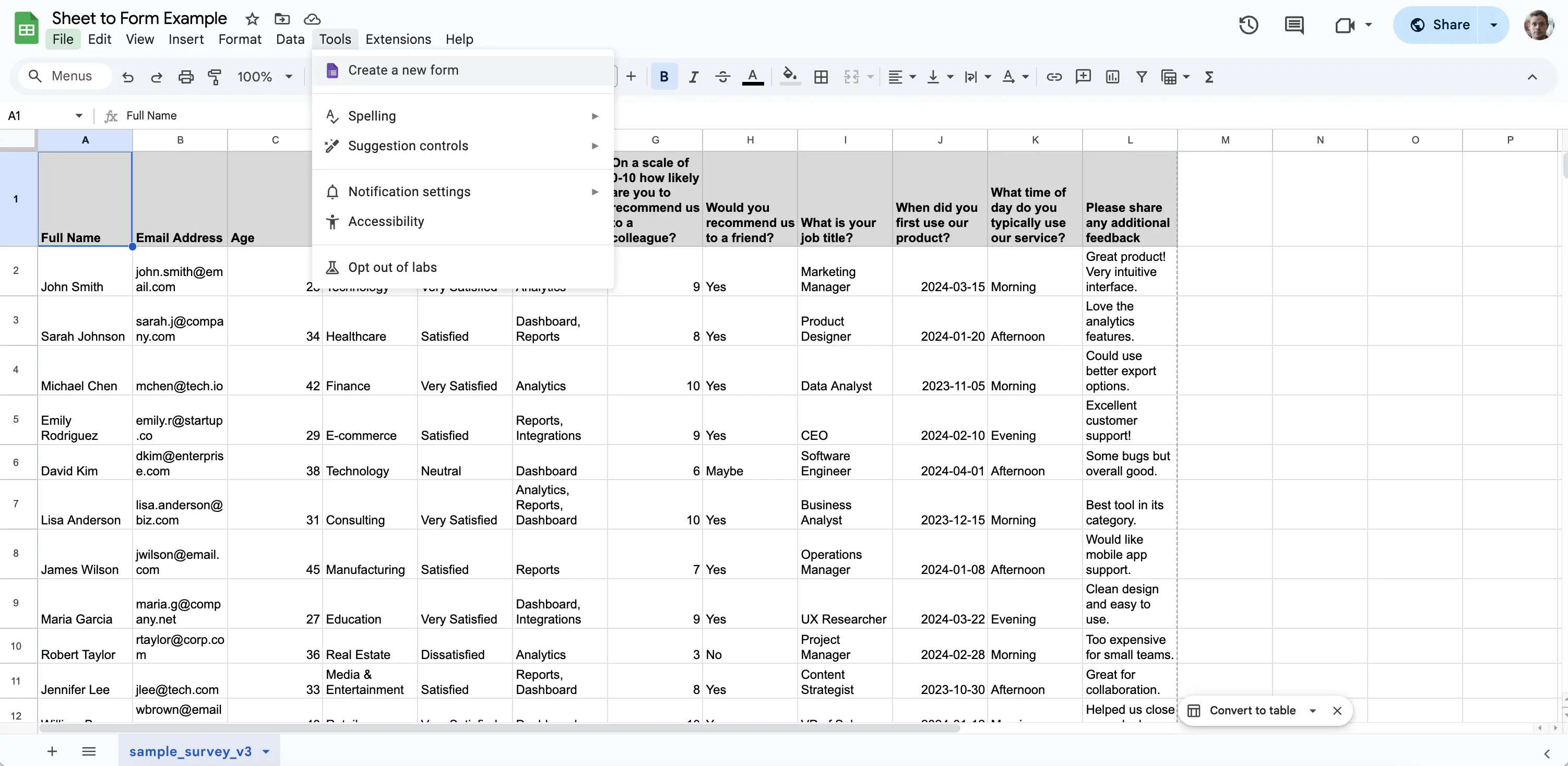
Method 1: Convert a Google Sheet into a Form with Weavely AI (Fast & Free)
This is the easiest method by far, and completely free. It doesn’t generate a Google Form, but it creates a Weavely form, which behaves the same way:
- unlimited responses
- sharable links
- smart AI-detected question types
- logic, themes, and integrations
- modern design, or at the very least better-looking forms compared to Google Forms.
Here’s how it works.
Step 1: Open the Weavely Sheets-to-Form Tool
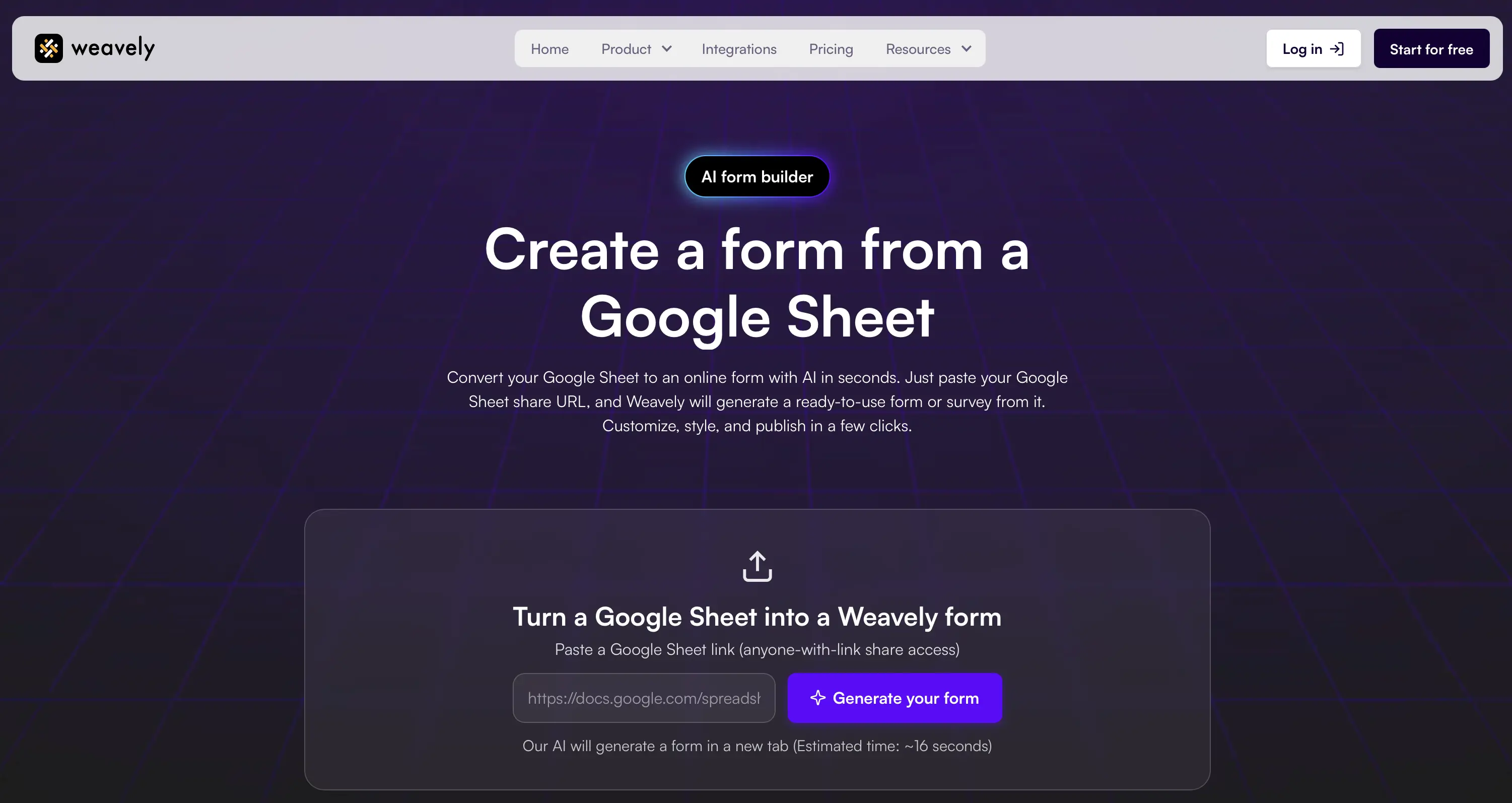
On the weavely.ai website, under the Product section, you’ll find several free mini tools. One of them is the Google Sheets to Form converter, which you can access here directly. It's rather self-explanatory, but in case you're unsure how to proceed: paste the link to your Google Sheet into the input field and hit the "Generate your form" button. Important: Set your Sheet's sharing setting to “Anyone with the link can view.” Otherwise, the AI won’t be able to access your data.
Weavely's AI will analyse your Google Sheet and automatically derive the necessary information to recreate the original survey. In other words:
- what the original questions must have been
- what type of field each column represents
- whether answers are free-text, numeric, email-based, fixed-choice, multiple choice
- whether a rating scale or satisfaction metric was used
This process takes a couple of minutes, after which you'll be redirected to your freshly generated Weavely form.
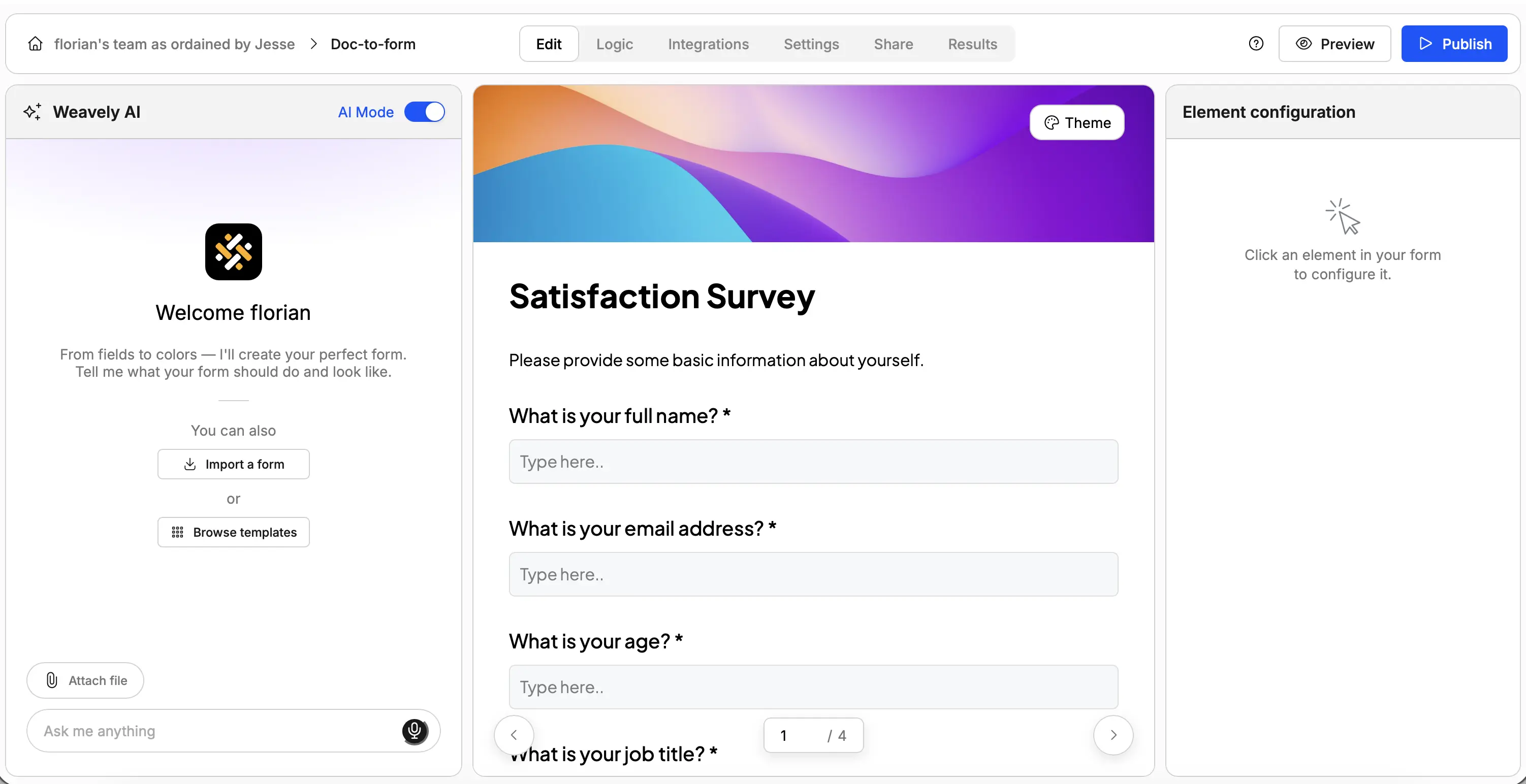
Step 2 (Optional): Refine Your Form with AI

This is where Weavely really pulls ahead of standard Google Forms.
With it, you’re able to:
- Choose from a variety of built-in themes (ranging from sleek and minimal to bold and playful)
- Restyle the entire form using AI prompts (“Give it a modern conference vibe”)
- Insert images, set up conditional logic, and customize the confirmation screen
- Send responses to Google Sheets to store responses where you need them. Here is how to connect a Weavely form to Google Sheets.
In short, it gives you a far more versatile and unrestricted alternative to Google Forms, and it looks like it was actually designed in the 2020s.
Step 3: Publish Your Form
And that’s all there is to it. Just click the blue Publish button at the top, and you’ll get a link you can share anywhere. You can even embed the form directly on your website.
If you’re more of a visual learner, we’ve created full video tutorial as well:
Why Choose the Weavely Method?
Here are the pros and cons of using Weavely to convert Google Sheets into forms:
- ✅ Fastest option: paste link → ~1 minute→ done
- ✅ Unlimited file uploads: no paywalls, no limits
- ✅ Customizable: themes, AI design, layout controls, logic, integrations
- ❌ Not a Google Form: but identical behavior for 99% of use cases
If you want a free, fast, and flexible solution, this is the way to go.
Method 2: Convert a Google Sheet into a Google Form with Formswrite (Paid)
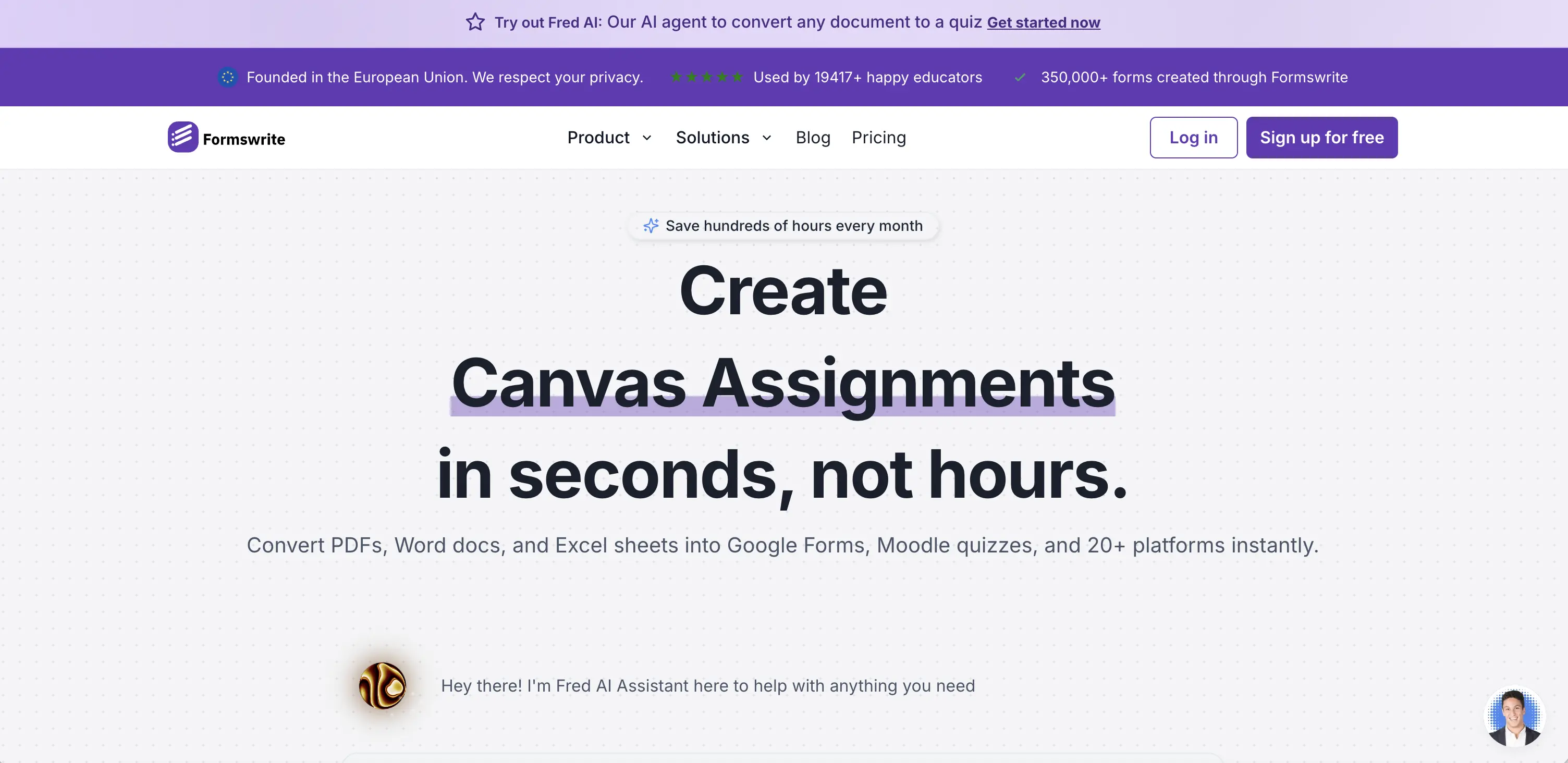
If you absolutely need a true Google Form, maybe for Google Workspace compliance or shared Drive workflows, you can try Formswrite. This tool transforms Google Sheets into actual Google Forms. However, it comes with a price tag.
Step 1: Sign Up & Select Your Sheet
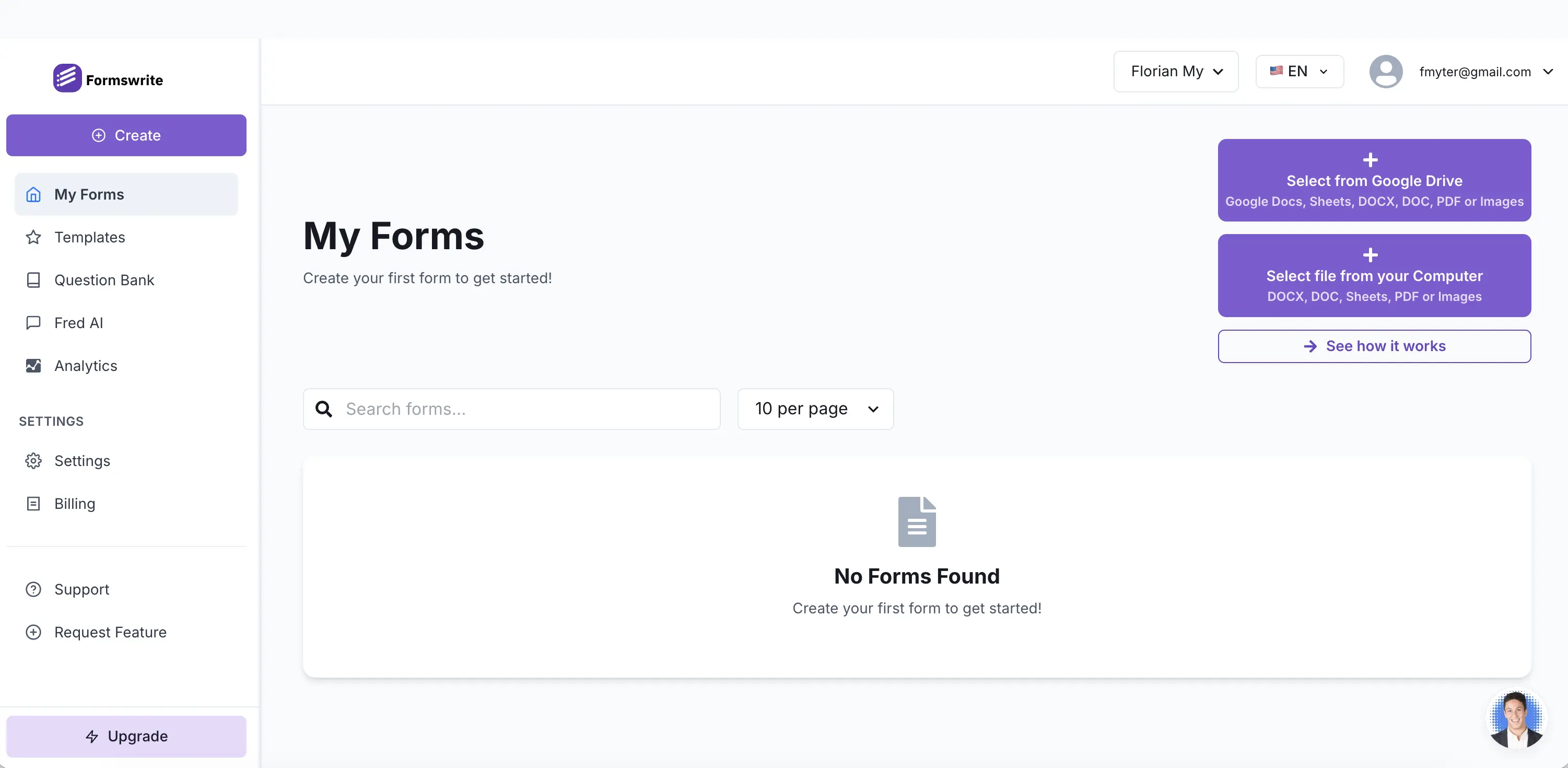
Go to Formswrite’s dashboard, create an account, and choose: From Google Drive → Select your Google Sheet. So far so good.
Step 2: Convert… and Immediately Hit the Paywall
The moment you click “Convert”, a paywall appears. No free trial, no free preview, no “just checking the output.” It’s paid from the very first conversion. Depending on your budget, you may find it a bit steep for occasional use. Especially compared to Weavely’s fully free tool.
We couldn’t test the final Google Form quality due to the paywall, but the AI likely follows a similar logic to Weavely: infer questions from data patterns.
Why Choose the Formswrite Method?
- ✔️ Creates real Google Forms — useful for strict Google Workspace workflows
- ✔️ Pulls Sheets directly from Google Drive
- ❌ Paid tool: no free version to try
Simply put, use Formswrite if you must stay 100% native to Google Forms.
Frequently Asked Questions: Convert Google Sheets to Google Forms
Can I convert a Google Sheet directly into a Google Form?
Not natively. Google doesn’t offer a built-in Sheet → Form conversion. But Weavely AI (free) and Formswrite (paid) fill that gap nicely.
How to Convert Google Sheet to Google Form?
You can convert a Google Sheet to a Google Form using AI tools that rebuild the form based on your spreadsheet data. The fastest option is Weavely’s free Sheets-to-Form converter. Just paste your Sheet link, and the AI automatically detects column types and generates a form that collects the same data.
Does Weavely create Google Forms?
No, Weavely creates Weavely forms, which behave similarly: unlimited responses, sharable links, logic, themes, integrations, etc.
Is Weavely free?
Yes! Weavely’s Sheets-to-Form tool is completely free with no usage limits.
Is Formswrite free?
No. Formswrite has a paywall before you can export or even preview your converted Google Form.
Can these tools detect field types like dropdowns or rating scales?
Yes, both tools analyze patterns in your data. Weavely, in particular, is very good at detecting numeric fields, multiple-choice sets, email fields, and 1–10 scales.

Florian is the co-founder and CEO of Weavely, where he does a bit of everything: from product and fundraising to making YouTube videos and writing for the blog. He holds a PhD in computer science and sits on the board of No Code Belgium, the country's no-code community, after more than seven years as a researcher and business developer at Vrije Universiteit Brussel. He writes the hands-on tutorials here, drawing on both an academic background and the day-to-day reality of building a form tool from the ground up. Based in Brussels.


