
AI form builder
Create a form from a PDF file
Convert your PDF to an online form with AI in seconds. Just upload your file, and Weavely will generate a ready-to-use form or survey from it. Customize, style, and publish in a few clicks - all for free.
How to turn a PDF file into an online form with Weavely
Upload your PDF
Drag and drop your PDF file (up to 15MB). Weavely's AI reads the content and builds your form automatically.

Edit and style your form
Tweak the content, apply conditional logic, customise the design, or add more questions using AI.

Publish and share your form in one click
Sign in to publish the form. Embed it, link it, or pop it up on your site — ready to collect responses instantly.
"The option to upload a document with questions or other inputs is seamless. I uploaded a PDF that had questions divided into different groups, and Weavely recognized everything accurately right away, with no formatting issues or missing content. This saved a lot of time and effort compared to entering the data manually."

Ivana Ležaić
Customer Success Manager at Determ

From a PDF file
to a custom form
Conditional logic: show or hide questions based on previous answers
Multi-step flow: break long forms into pages for higher completion rates
Custom branding: add your logo, colours, and fonts in seconds
Answer piping: use respondents' answers in follow-up questions
Integrations: sync responses with doznes of apps
Free plan: unlimited forms and unlimited responses, no credit card needed
Multi-step flow: break long forms into pages for higher completion rates
Custom branding: add your logo, colours, and fonts in seconds
Answer piping: use respondents' answers in follow-up questions
Integrations: sync responses with doznes of apps
Free plan: unlimited forms and unlimited responses, no credit card needed
Learn how to convert PDF files to Google Forms
Want to convert your PDF into a Google Form specifically? Google doesn't make this easy, but there are a couple of workarounds. This article is a detailed guide that covers two real methods — including a free one.
Read the blog post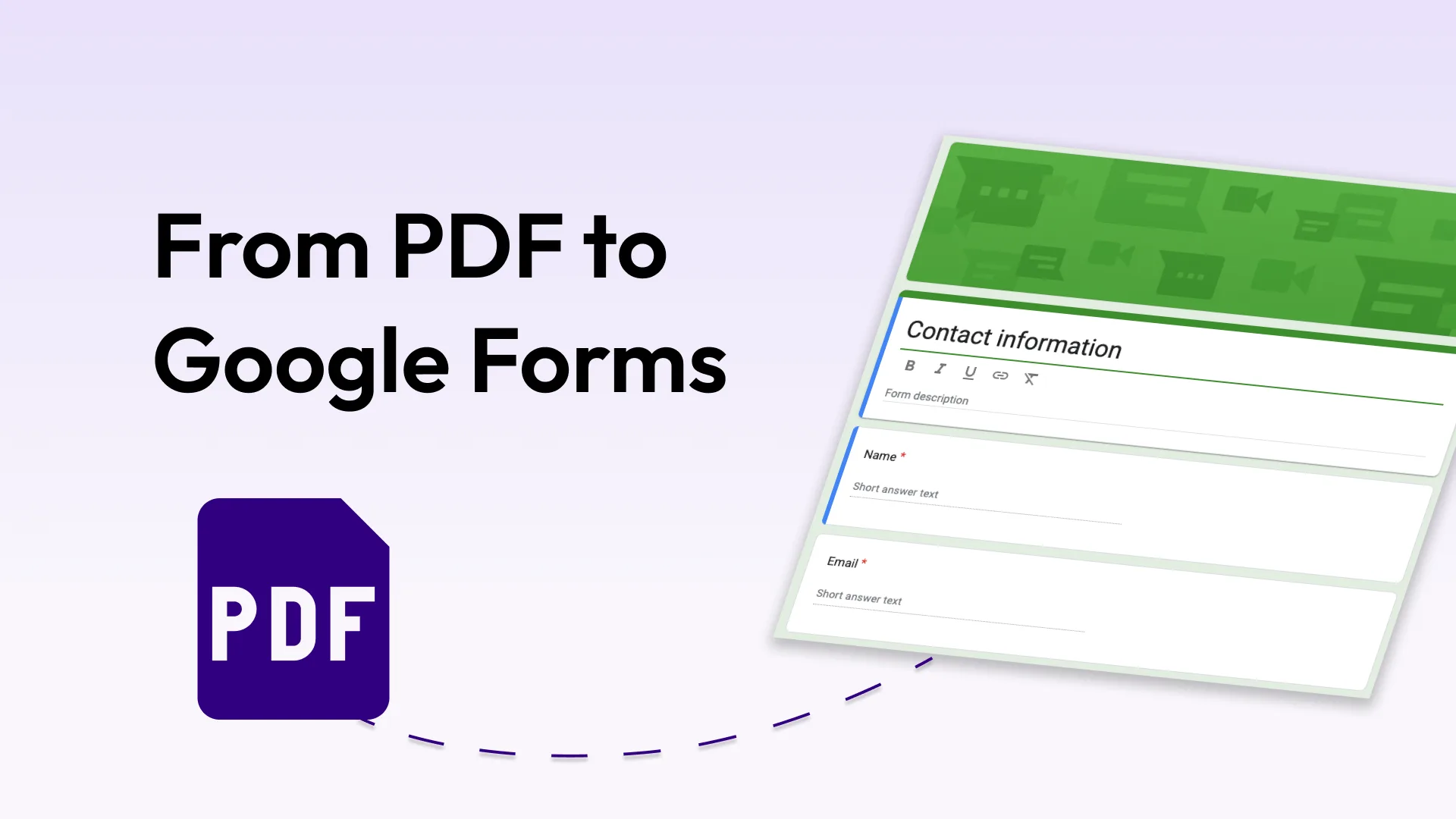
FAQ
What does "convert PDF to fillable form" mean?
Most tools convert a PDF into another PDF with clickable fields. Weavely does something different - it converts your PDF into a web form that lives online, works in any browser, and collects responses automatically. No PDF software needed.
Can I convert a PDF to a Google Form?
Not directly. Google Forms doesn't have a PDF import feature. Weavely converts your PDF into a web form with similar functionality to Google Forms, plus additional features like more input fields, advanced conditional logic, custom branding, and CRM integrations.
Is it free to convert a PDF file to an online form?
Yes. Weavely's PDF to form converter is completely free. You get unlimited forms and unlimited responses on the free plan, with no credit card required.
What's the difference between a fillable PDF and a web form?
A fillable PDF still requires PDF software to open and submit (like Acrobat), and responses are hard to collect at scale. A web form works in any browser on any device, and all responses land in one place automatically. Weavely converts your PDF into a web form, not another PDF.

Built with ❤️ by WEAVE.LY BV • BE0773.878.569 • Herbert Hooverlaan 141, 1030 Schaarbeek, Belgium
