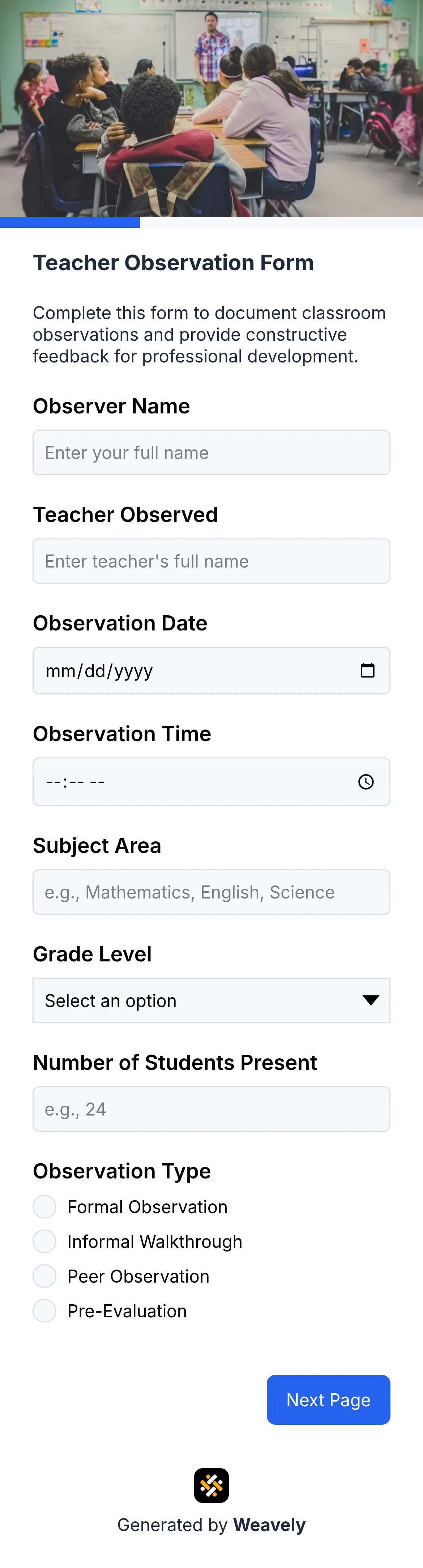
Inspection form template
Create custom inspection forms in seconds with AI. Free equipment, safety, and facility inspection checklists with photo uploads and OK/Not OK status tracking.

Who is this inspection form for?
FAQ
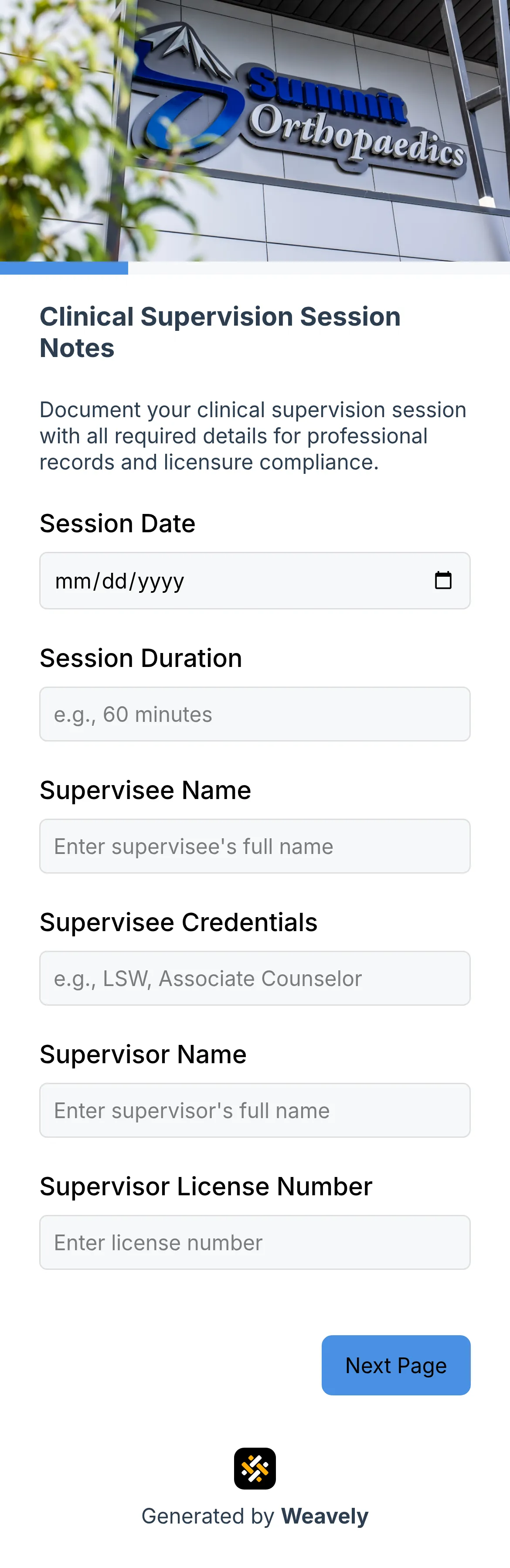
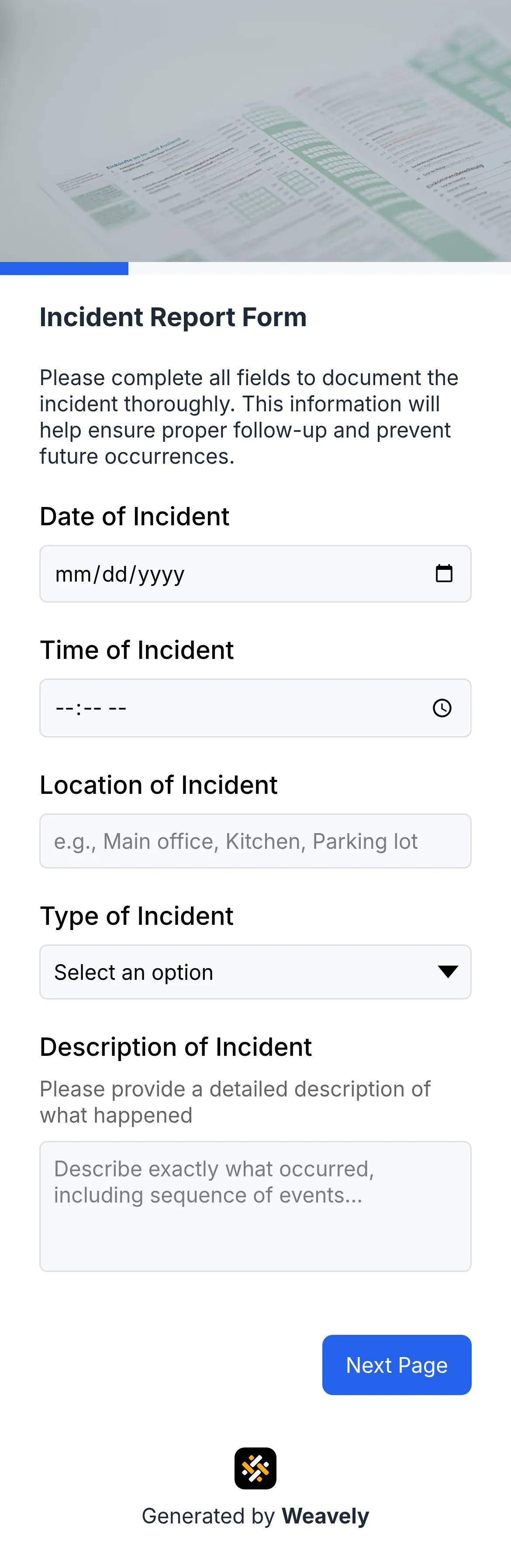
An inspection form is a structured checklist used to systematically evaluate equipment, facilities, or safety conditions. It contains checkpoints with status options (OK/Not OK/N/A), remarks fields for observations, and space for inspector signatures. Digital inspection forms replace paper checklists and enable photo uploads, instant submission, and automatic record-keeping.
Essential inspection form fields include inspector details, date, equipment/location ID, checkpoint items with status ratings, remarks sections for each item, photo upload capability, overall condition assessment, corrective actions needed, priority levels, and digital signature. Multi-page layouts work well to organize safety checks, operational checks, and documentation sections separately.
Yes, you can fully customize inspection forms through natural language commands. Add or remove checkpoint items, modify status options (Pass/Fail vs OK/Not OK), change field labels, adjust required fields, customize colors and fonts to match your brand, and add conditional logic for follow-up questions based on inspection results.
Yes, this inspection form is completely free to use with unlimited forms and responses. Create as many custom inspection checklists as needed, collect unlimited submissions, and access all responses in your dashboard. Integrations with Google Sheets, Zapier, and other tools are included at no cost.
Related templates