Setting up online guest registration forms for tours and retreats
When someone decides to join your retreat or book a tour, the registration form is their first real interaction with your business as a paying customer. Get it wrong and you'll spend the weeks before the event chasing missing dietary information, unsigned waivers, and guests who didn't realize they'd booked the shared room option.
This guide covers what to include, how to structure the flow, and how to connect registration to your planning tools, so the process runs cleanly whether you're hosting 10 guests or 100.
Why form design has a direct impact on bookings
Poor form design is a surprisingly costly problem. According to Insiteful.io, the travel industry has the highest form abandonment rate at 81%.
For tour and retreat operators, every abandoned form is a potential booking lost. And although it is not always the form design that causes abandonment, optimising your form for a smooth user experience could help increase completion rates.
The fix isn't necessarily a shorter form, a good structure actually matters more. Multi-step forms show an 86% higher conversion rate compared to single-step forms for longer processes, because breaking a form into logical sections makes it feel less overwhelming. Critically, encountering complications will cause more than 67% of visitors to abandon a form permanently, with only 20% following up with the business in any way. First impressions matter, so let's break down step by step how to create the perfect lead and registration forms for tourism industry.
What a guest registration form actually needs
There's a core set of required information that applies across almost every tour or retreat, and then a contextual layer that changes depending on what you're running.
The universal fields for tour and retreat registration forms
Every registration form should capture:
- Full legal name (not just a preferred name, especially if you're issuing receipts or travel documents)
- Email and phone number (both, as you need a backup contact channel)
- Accessibility needs or physical limitations
- Agreement to terms, cancellation policy, and liability waiver
The contextual layer
Beyond the essentials like contact details, what you collect depends on the experience.
For example, a multi-day yoga retreat needs to know about injuries and experience level before day one, so that instructors can adapt sessions safely. A guided cultural tour with group transport needs arrival times, flight details, and room preferences. A corporate offsite needs department information so team groupings make sense.
Rather than building a separate form for every event, use conditional logic: show questions based on what a guest selects. A guest choosing shared accommodation sees roommate preference fields. One selecting an add-on activity gets routed to those specific questions. Everyone else skips them entirely. This keeps the form concise for most guests while capturing the right detail from those who need it. At five questions, the drop-off rate is just 2%, but it doubles to 4% when the form grows to 10 questions, so every field you can conditionally hide rather than show to everyone is worth it.
Pro tip: If you build a form with Weavely, leave a detailed prompt of how you envision your registration form, and the tool will generate a custom form with all the necessary questions. You can also ask Weavely to apply conditional logic automatically, which will save you tons of time. Setting up conditional questions can be very time-consuming, so now Weavely does it for you in a second!
Structuring the registration form flow
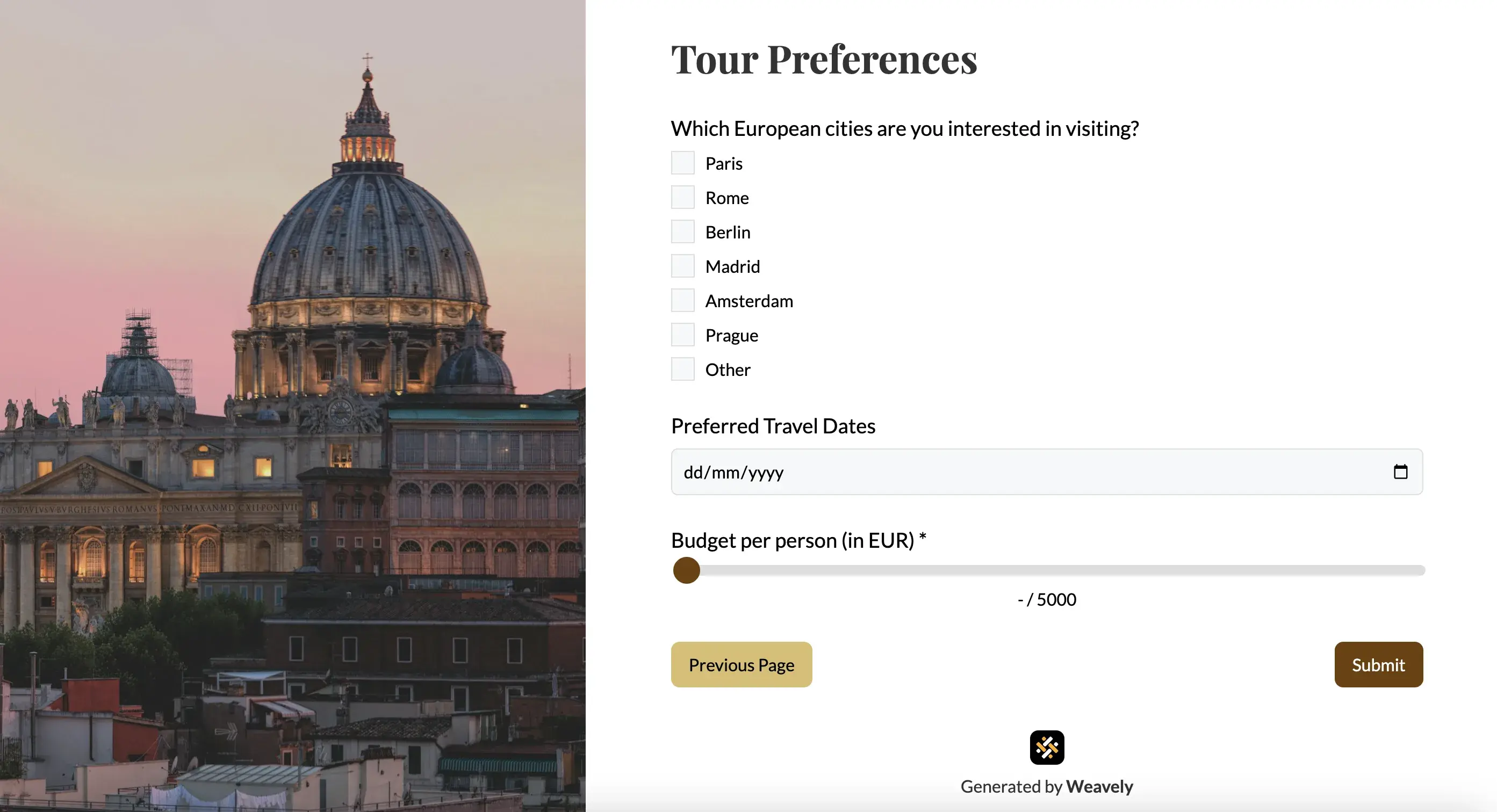
Personal details
Full name, contact information, emergency contact. Keep this short and familiar.
Trip or retreat specifics (flights, dates, activities)
Dates, package selection, accommodation preference, add-on activities. This is where guests make choices, so give them clear options rather than open text fields wherever possible. Forms with radio buttons can be completed an average of 2.5 seconds faster than forms with dropdown fields. However, for questions with a large list selection, opt for a searchable dropdown.
At the same time, to better understand your clients' expectations, you can include an open text field and ask them about how they imagine the perfect trip experience.
For event planners organising retreats, it is important to sort arrival and departure dates. For example, your guests might be travelling from different locations, and they might have completely different time of arrival. If getting to your destination requires a shuttle, make sure to know the exact time of your guests' arrival to make sure the transport is arranged accordingly.
Accommodation
Often accommodation deserves its own section. Room type preference (private vs. shared), roommate preferences if applicable, bed configuration, and any special accommodation requests. For guests staying multiple nights, also collect arrival and departure dates here.
Health and dietary information
This section asks for more sensitive information, so framing matters. Explain why you're collecting it and who will see it: "We share dietary preferences with our catering team and health details with our lead facilitator" builds more trust than a blank field with no context.
Agreements and consent
Waivers, cancellation policies, photography consent if relevant. Presenting these at the end, after a guest has already invested time in the form, is both practically effective and legally important.
Alternatively, you can split guest registration and legal arrangements into two forms. First, let guests complete a registration process, and then ask them to fill out a dedicated consent or legal waiver form.
Payment or deposit
If collecting payment at registration, integrate it directly into the form. Every redirect to a separate payment link is another drop-off risk.
Handling sensitive information in guest registration forms
Health details, medications, and emergency contacts require more care than standard fields.
Be explicit about who will see the information and why. For retreats involving physical activity, guests are more likely to disclose a relevant health condition if they understand it's going to a facilitator for their safety, not stored in a marketing database.
For anything involving minors, add a dedicated parent or guardian section. Collect both the participant's and guardian's information separately, require consent form signatures, and make sure your waiver covers the specific activities planned.
Medical information also needs to be accessible on the day itself, not just in a submission database. Think ahead about how your lead facilitator or on-site staff will access it during the event — a printed summary, a shared document, or a tagged view in your planning tool.
What happens after guests submit their registration forms
Send a confirmation immediately
An automatic confirmation email with event details, what to bring, and what to expect next reduces follow-up questions and signals professionalism. You can set up email automation with the help of Weavely and your emailing tool.
Sync data to your planning tools
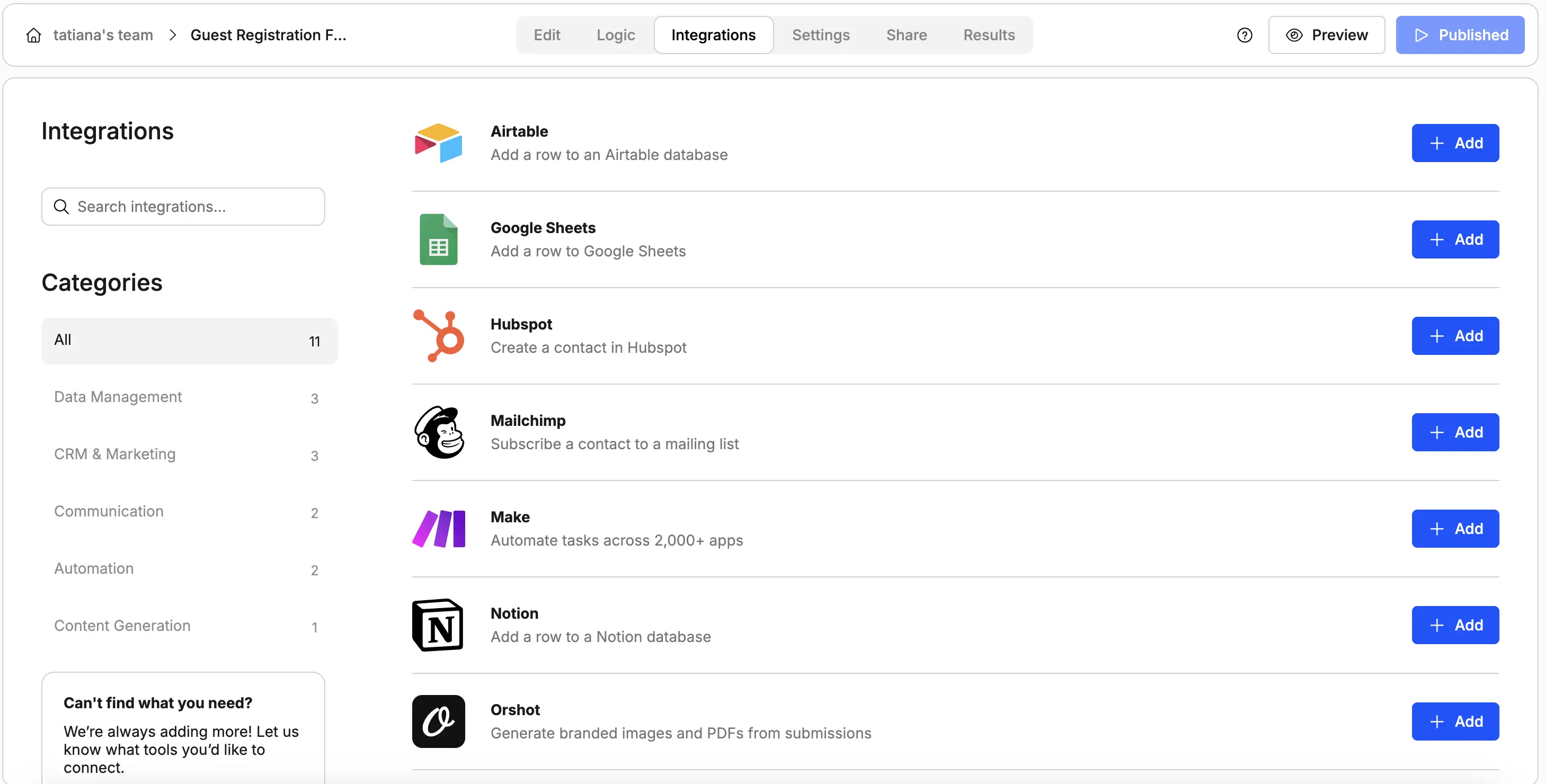
Manually transferring guest informations into a spreadsheet or CRM is time-consuming and error-prone. Connecting your form directly to Google Sheets, Notion, Airtable, or HubSpot means every submission lands automatically in your planning system. You can then filter by, sort by accommodation type, or pull an add-on participant list without touching the raw submission data.
Weavely supports dozens integrations natively, and can connect to thousands of third-party tools via Zapier or Make. Also, everything can be configured with AI, so minimum manual set-up for you.
Segment for pre-event communication
Guests who selected different packages, add-ons, or room types often need different information before arrival. Clean, structured registration data makes this straightforward, so you can email relevant trip details to specific guest segments. Communication where you explain each step of the tour, trip, or retreat is crucial. Make sure your guests are up to speed on everything.
For a full view of how registration fits into the broader booking and management workflow, including inquiry forms, planning tools, and post-trip follow-up, see The Ultimate Guide to Retreat and Travel Management.
Building your online registration form
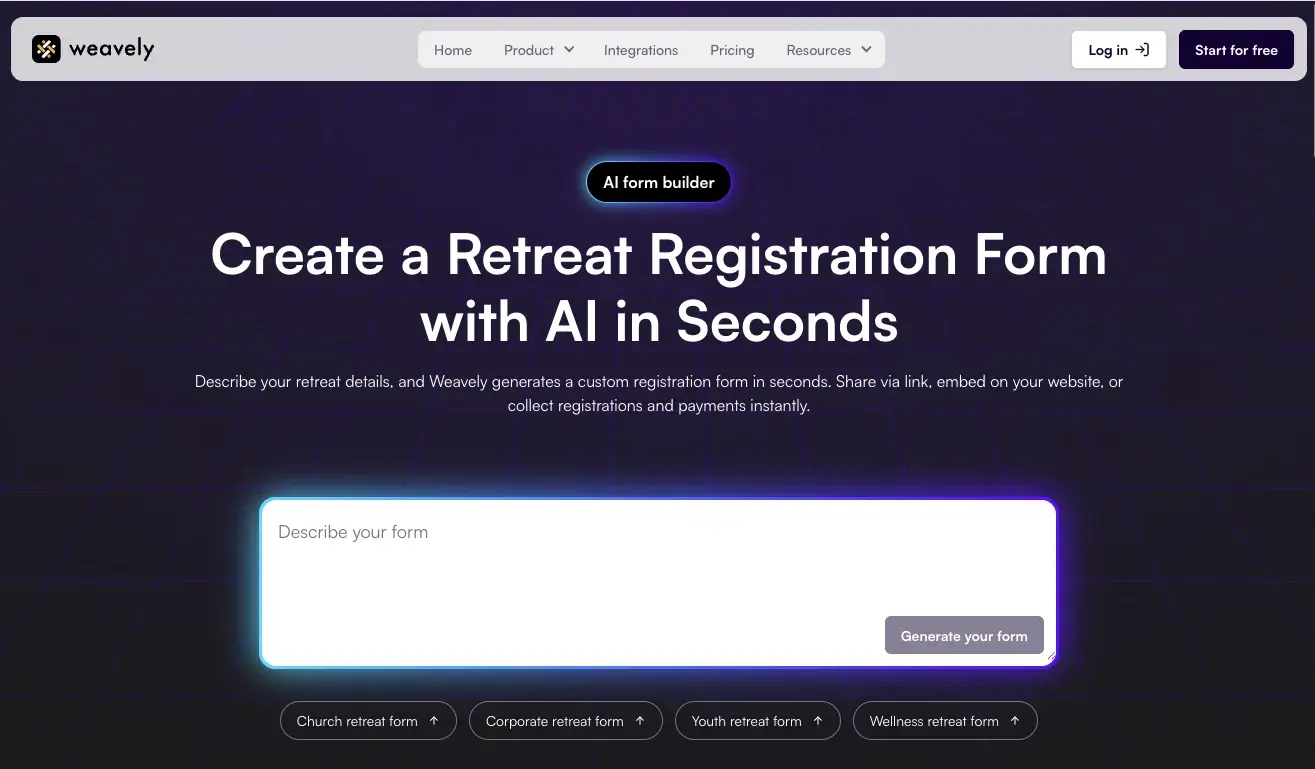
Forget drag and drop form builders. Weavely's retreat registration form generator lets you describe your event in plain language, or upload a document, and generates a complete, structured form, including conditional logic, multi-step layout, and branded design. You can customize every field and share via link, embed on your website, or generate a QR code for printed materials. Responses sync automatically to Google Sheets, HubSpot, Notion, Airtable, Salesforce, and more. And the best part is that Weavely is free to use - build unlimited forms and collect unlimited responses.
For a ready-made starting point, the retreat registration form template covers the core fields for most retreat types and can be adapted from there.

Tatiana is the Growth Marketing Manager at Weavely, where she's spent nearly four years running marketing end to end. From campaign strategy to the SEO content that brings new readers to the platform. Working day to day on a form builder gives her a front-row seat to what actually makes forms, surveys, and landing pages convert, and that's what she writes about here: practical, tested advice on lead generation and form design. Before Weavely, she led brand and SEO work at Digital Leap and cut her teeth on B2B and B2C content at Ruddy. She's based in Brussels.


