Top 5 form building tools that integrate with Airtable
Airtable sits somewhere between a spreadsheet and a relational database. Teams use it to manage everything from content pipelines and event registrations to client records and inventory. Airtable is where your data lives, therefore you want form submissions landing there automatically rather than being copied in row by row.
Airtable does have its own native form builder, but it comes with well-documented limitations: no conditional logic on lower plans, no multi-page flows, no payment collection, and minimal design flexibility. That's why most teams using Airtable for serious data management choose a third-party form builder that connects directly to their bases.
Why use a third-party form builder instead of Airtable's native forms?
Airtable's built-in forms handle basic data collection, but they weren't built for customer-facing use cases or complex form logic. You can't apply conditional logic on the free plan, there's no multi-step structure, no payment collection, and design options are minimal. Third-party form builders that integrate with Airtable give you far more flexibility on the form side while keeping all your data exactly where you need it.
Fillout

Fillout was built from the ground up with Airtable in mind, and it remains the most capable third-party form builder for Airtable users. Unlike most tools that only create new records, Fillout supports updating existing records, prefilling forms from live Airtable data, and working with linked records across tables. Airtable field changes sync back to Fillout automatically when you refresh the form.
Pros
- Intuitive drag-and-drop editor with AI form generation
- Good design customisation options including custom themes and branding
- Broad feature set: conditional logic, calculations, file uploads, payments via Stripe
Cons
- Analytics only available on paid plans
- Some advanced features locked behind higher tiers
Pricing
- Free plan: unlimited forms, 1,000 responses/month
- Starter plan: $19/month
- Pro plan: $49/month
- Business plan: $89/month
Fillout's Airtable integration
Fillout connects to Airtable via OAuth. Once connected, you select your base and table, and Fillout pulls in your field structure automatically. Changes in Airtable sync back to Fillout when you refresh the form. There's no need to rebuild the integration when you update your base.
Key capabilities:
- Create and update records: Fillout can find and update an existing record based on a matching field, not just append new rows
- Prefill from Airtable: pull live data from existing records into form fields, useful for edit or renewal flows
- Linked records: create entries in linked Airtable tables directly from a form submission
- Duplicate prevention: enforce unique field values to keep your base clean
Weavely
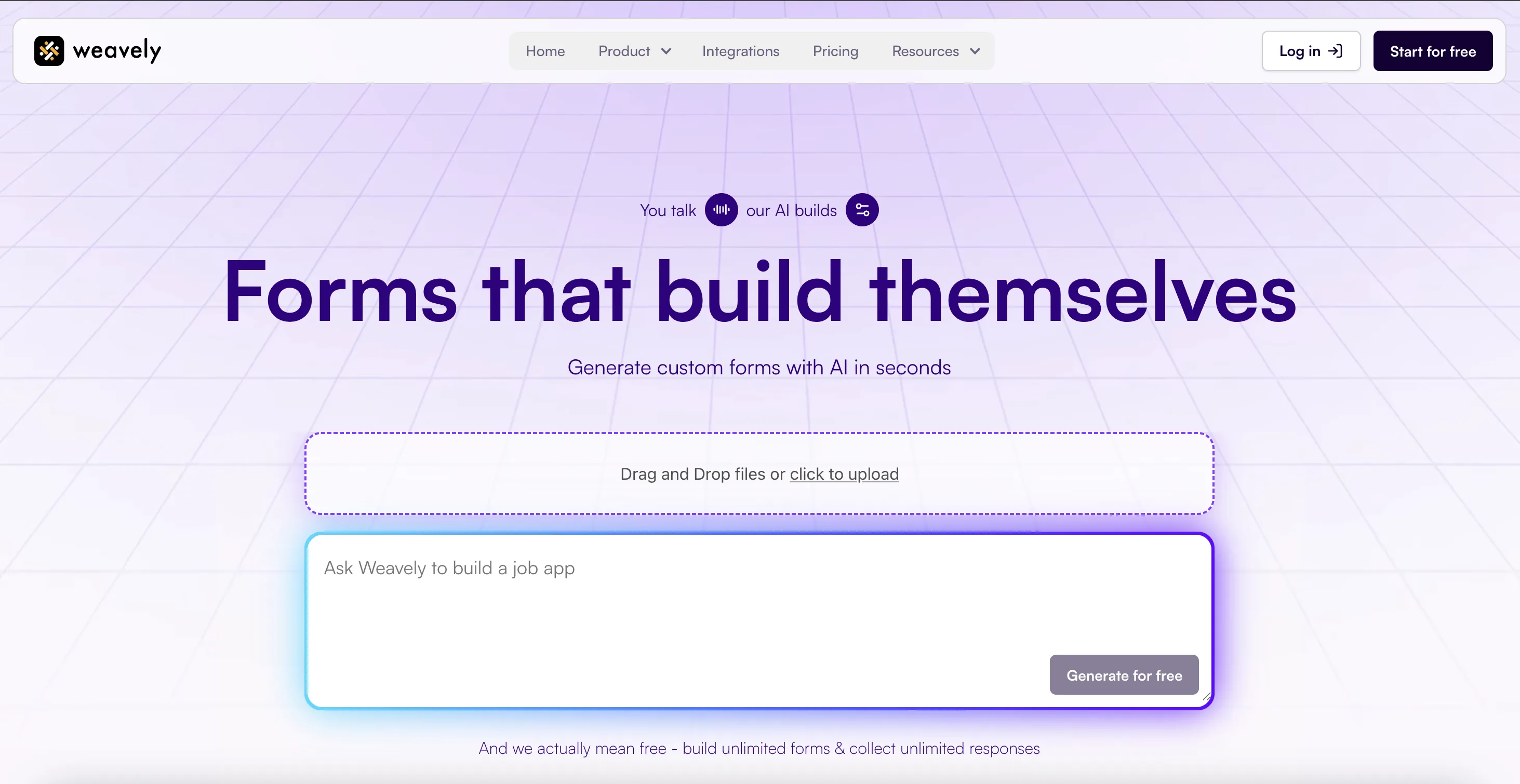
Weavely is an AI form builder that helps you generate forms simply by describing what you need, or uploading a document. It automatically creates fields, logic, and multi-step forms in seconds. In addition, Weavely offers a very user-friendly conversational interface, so if you're used to ChatGPT as an assistant, Weavely is a perfect form builder for you.
Pros
- Unlimited forms and responses on the free plan
- AI generates form content and design in seconds
- Full feature set: conditional logic, answer piping, multistep flows
Cons
- No updating existing records (yet)
Pricing
- Free plan: unlimited forms and responses
- Pro plan: €20/month
Weavely's Airtable integration
Weavely's Airtable integration is set up directly from the integrations tab in the form editor. You connect your Airtable account, then select your database and table from dropdowns. From there, each Airtable column appears as a mappable field, and you assign the relevant form field to each column using a searchable field picker. New submissions then appear as new rows in your selected table instantly.
Key capabilities:
- Dropdown-based setup: select your base and table from within the Weavely editor, no manual configuration needed
- Field mapping via picker: map each Airtable column to the corresponding form field using a searchable dropdown
- Real-time sync: responses appear in Airtable immediately after submission
- Free access: the integration is available on the free plan
Tally

Tally is a comprehensive form builder for tech-savvy users. One of its standout features is its interface, which closely mirrors Notion. So if you're already comfortable with Notion’s layout and style, the tool will feel instantly familiar. Tally offers a solid functionality base as well as a generous free plan.
Pros
- Unlimited forms and submissions on the free plan
- Lightweight Notion-style editor
- Stripe payments included on the free plan
Cons
- Complicated conditional logic set-up
- Lack of personalisation options
Pricing
- Free plan: unlimited forms and responses
- Pro plan: €29/month
- Business plan: €79/month
Tally's Airtable integration
Tally connects to Airtable directly from the integrations tab of any published form. You select your base and table, then map each Tally form block to the corresponding Airtable field. Tally's help documentation includes a mapping guide for specific field types, including how to map checkboxes to Airtable's multiple select or checkbox field types.
Key capabilities:
- Field mapping: match Tally form blocks to Airtable field types, with guidance on how specific types like checkboxes should be mapped
- Real-time sync: new records appear in Airtable immediately after submission
- Submission logs: you can view sync logs and their status directly from your form's integration settings
Typeform

Typeform is one of the largest and most famous form builders in the market. It is known for its beautiful form templates and intuitive user interface that makes filling out forms more enjoyable. Typeform offers lots of advanced functionality, robust integrations with third-party tools and provides detailed analytics to track responses. However, all the advanced features come at a high price tag.
Pros
- Airtable Extension lets you create a Typeform from existing base fields
- Conversational format tends to produce higher completion rates
- 300+ native integrations overall
Cons
- Free plan limited to 10 responses per month
Pricing
- Free plan: unlimited forms, 10 responses/month
- Basic plan: $25/month
- Plus plan: $50/month
- Business plan: $99/month
Typeform's Airtable integration
Typeform's Airtable integration is set up from the Connect panel. You authenticate your Airtable account, select a base and table, and map each Typeform question to the corresponding Airtable field. The integration is forward-looking only: it sends new responses to Airtable after activation, but does not backfill previous responses. To import existing responses, you can use the Typeform Extension inside Airtable.
Key capabilities:
- Question-to-field mapping: connect Typeform questions to Airtable fields, with specific pairing rules for field types
- Airtable Extension: generate a Typeform from your Airtable base fields, or import existing responses into a table
- New records only: the integration creates new rows for each submission; existing records are not updated
Jotform
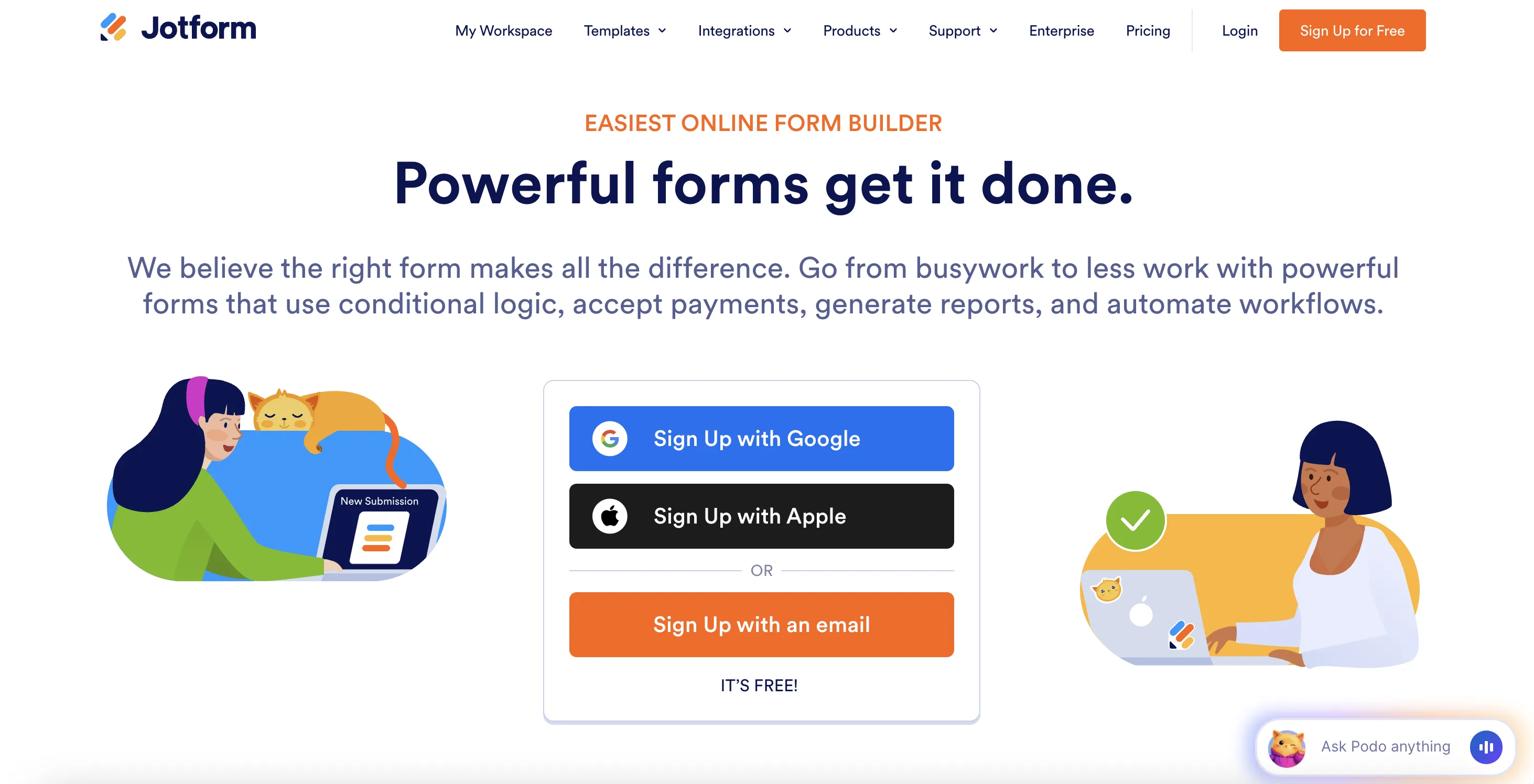
Jotform is a well-established form builder that offers an intuitive drag-and-drop builder and a wide range of third-party integrations. Although the UI of the platform as well as aesthetics of Jotform's forms might seem a bit outdated, it continues to grow its ecosystem with new tools (like document signature tool) and more advanced features. In addition, they have just release an AI assistant for building forms.
Pros
- Send submissions to multiple Airtable bases from a single form
- Option to create a new record when a submission is edited
- 200+ native integrations overall
- Wide range of templates and field types
Cons
- Free plan limited to 5 forms and 100 monthly submissions
- Pricing scales steeply with usage
- Despite a huge templates library, many JotForm templates lack in design and overall UX
Pricing
- Free plan: 5 forms, 100 submissions/month
- Bronze plan: $39/month
- Silver plan: $49/month
- Gold plan: $129/month
Jotform's Airtable integration
Jotform's Airtable integration is configured from the integrations tab in the form builder. You authenticate your Airtable account, select a base and table, and map each form field to the corresponding Airtable column. You can add multiple connections within the same integration to send submissions to different bases at once.
Key capabilities:
- Multiple base connections: a single form can send submissions to multiple Airtable bases simultaneously
- Field mapping: connect each form field to the corresponding Airtable column
- Update on edit: optionally create a new Airtable record when an existing Jotform submission is edited

Tatiana is the Growth Marketing Manager at Weavely, where she's spent nearly four years running marketing end to end. From campaign strategy to the SEO content that brings new readers to the platform. Working day to day on a form builder gives her a front-row seat to what actually makes forms, surveys, and landing pages convert, and that's what she writes about here: practical, tested advice on lead generation and form design. Before Weavely, she led brand and SEO work at Digital Leap and cut her teeth on B2B and B2C content at Ruddy. She's based in Brussels.


