Top 5 form builders that integrate with Zoho CRM
Zoho CRM is a widely used customer relationship management platform, popular with small and mid-sized businesses for its depth of features, competitive pricing, and tight integration with the broader Zoho suite. If your sales or marketing team manages leads and contacts in Zoho CRM, having new form submissions flow there automatically removes a slow manual step and ensures nothing falls through the gap.
Why connect your form builder to Zoho CRM?
When a form submission triggers a CRM record automatically, your sales team can follow up within minutes rather than hours. Without the integration, someone has to copy data manually. Not only is this a time-consuming boring work, but can also make you leads go "cold". A direct connection also means cleaner data: field mapping ensures each answer lands in exactly the right CRM property, without transcription errors.
The use cases are broad: lead generation forms on your website, demo request forms, event registration, and customer feedback forms can all feed into Zoho CRM without any manual handling.
Let's take a look at the top form builders that offer a native integration with Zoho CRM. We will highlight each form tool's key capabilities to help you choose the right form solution for your exact use case.
Zoho Forms
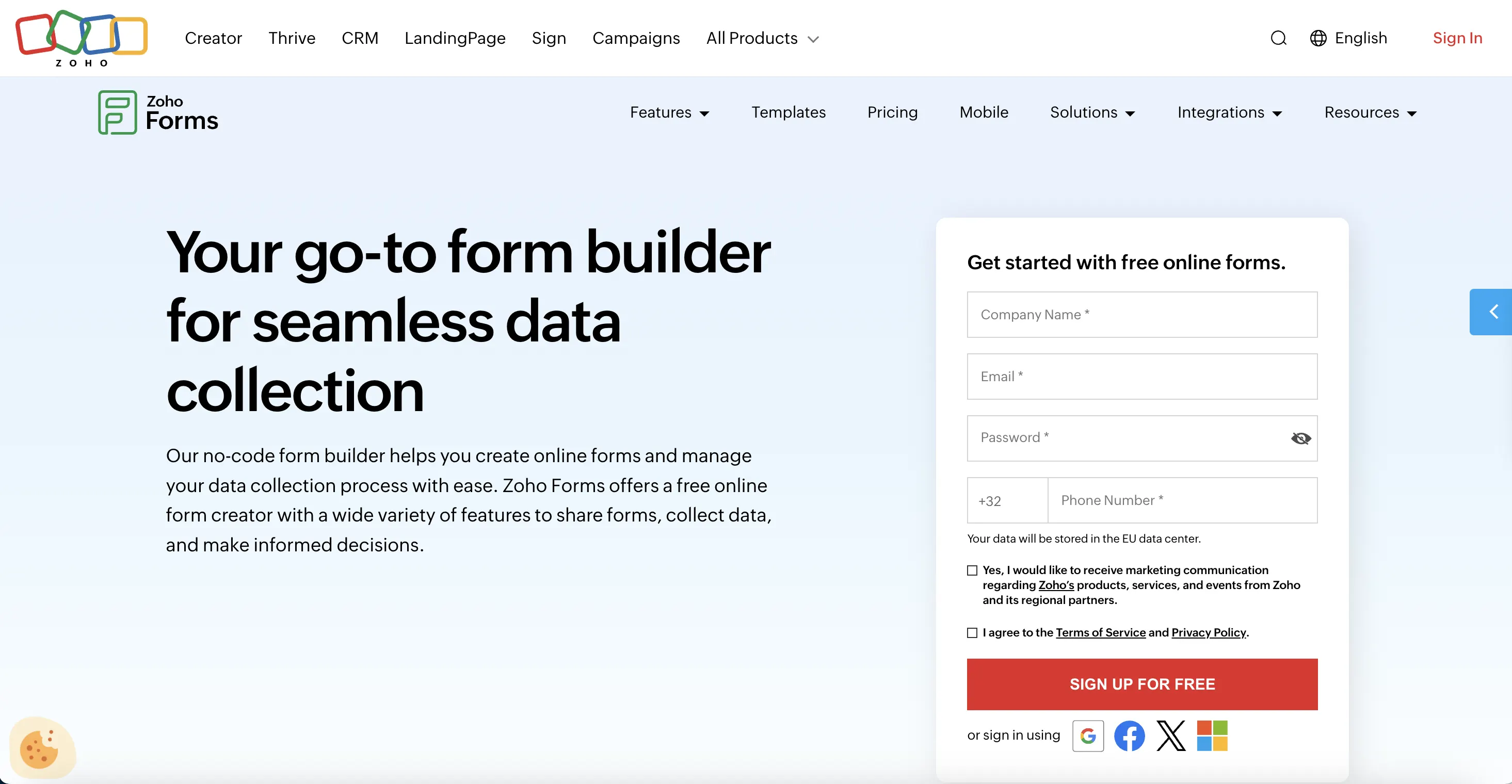
Zoho Forms is Zoho's own form builder, sitting inside the same product ecosystem as Zoho CRM. If you're already running Zoho CRM as your primary sales platform, Zoho Forms is the obvious starting point, as the integration between the two goes far deeper than anything a third-party tool can offer. However, it is worth noting that Zoho Forms is a separate product from Zoho CRM, with its own pricing. If you're on a standalone Zoho CRM subscription, you'll need to sign up for Zoho Forms independently
Key capabilities
- Deepest native Zoho CRM integration of any tool on this list
- Connects natively with the full Zoho suite: Desk, Campaigns, Sheet, Sign, Projects, SalesIQ, and more
- Supports prefilling forms with existing CRM data
- Offline form capture via iOS and Android apps, with sync to Zoho CRM when back online
- AI form generation from a text prompt or uploaded PDF
Although there are many obvious advantages to use Zoho Forms with Zoho CRM, there are also multiple limitations. Integrating Zoho Forms with non-Zoho tools can be more difficult than expected, and field mapping to Zoho CRM requires careful setup to avoid data duplication. Design flexibility is also limited compared to dedicated form builders — you can apply basic branding, but more customised layouts are hard to achieve. Advanced features like conditional logic and workflow automation have a steeper learning curve than most tools on this list.
Pricing
- Free plan: available (limited forms and submissions, 1 user)
- Basic plan: $12/month (1 user)
- Standard plan: $30/month (up to 10 users)
- Professional plan: $60/month (up to 25 users)
- Premium plan: $110/month (up to 100 users)
Weavely
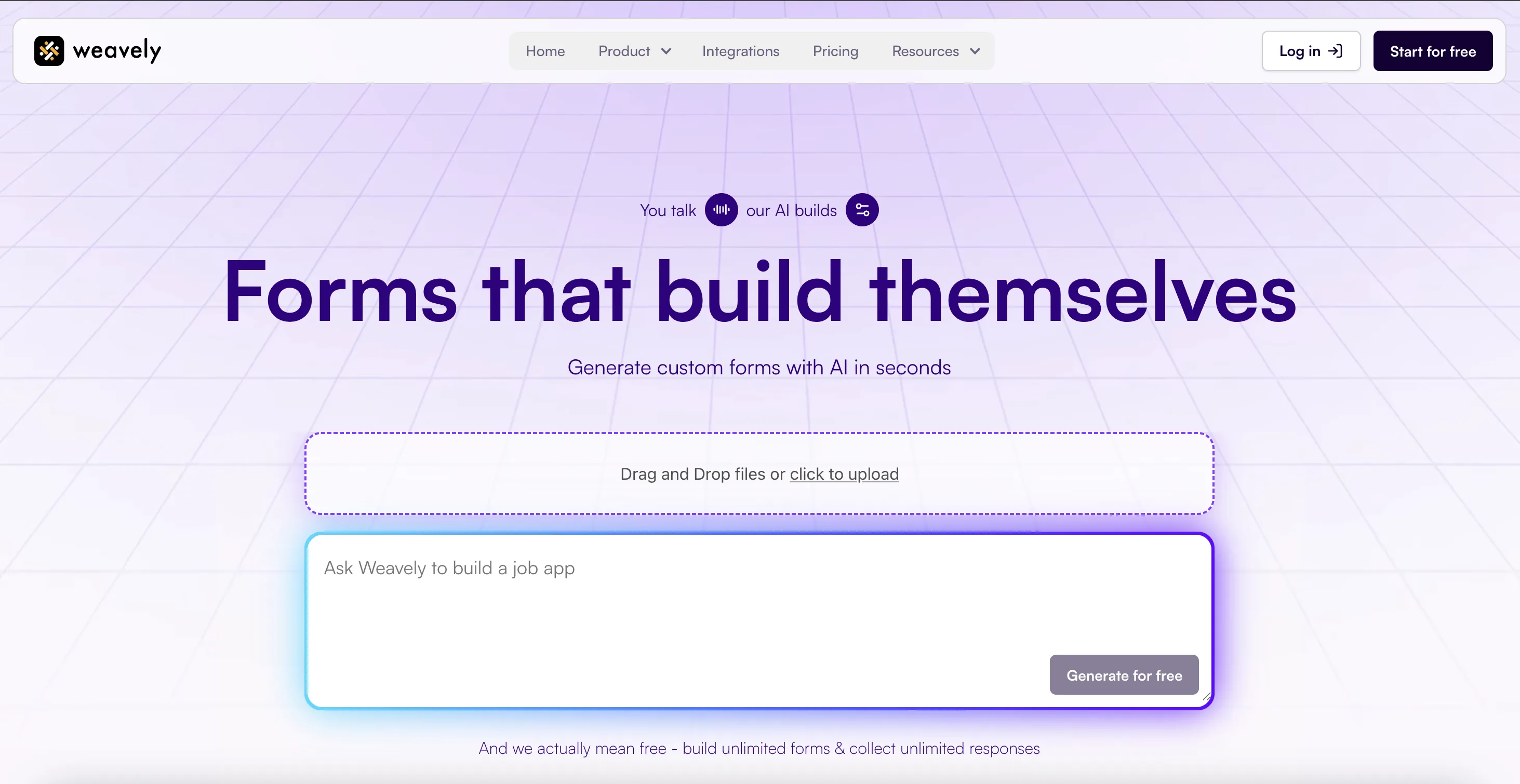
Weavely is an AI form builder that generates complete, well-structured forms from a text prompt, voice input, or uploaded document. The AI handles both form content, logic set-up and design, including layout, field types, and visual styling, making it one of the fastest ways to go from idea to a live, branded form. It has a native Zoho CRM integration that creates a new contact in Zoho for each form submission, available on the free plan.
Key capabilities
- Unlimited forms and responses on the free plan
- Native Zoho CRM integration included for free
- AI generates form content and design in seconds from prompt, voice, or file
- Full feature set: conditional logic, answer piping, multistep flows
- Free payment forms
Although Weavely is one of the most afforable and innovative form solutions out there, there are several limitations worth noting. Zoho CRM integration creates contacts only and does not support other Zoho CRM modules like Leads or Deals. Here's how to set up the Zoho integration in under five minutes.
Pricing
- Free plan: unlimited forms and responses, most functioanlity
- Pro plan: €20/month
Jotform
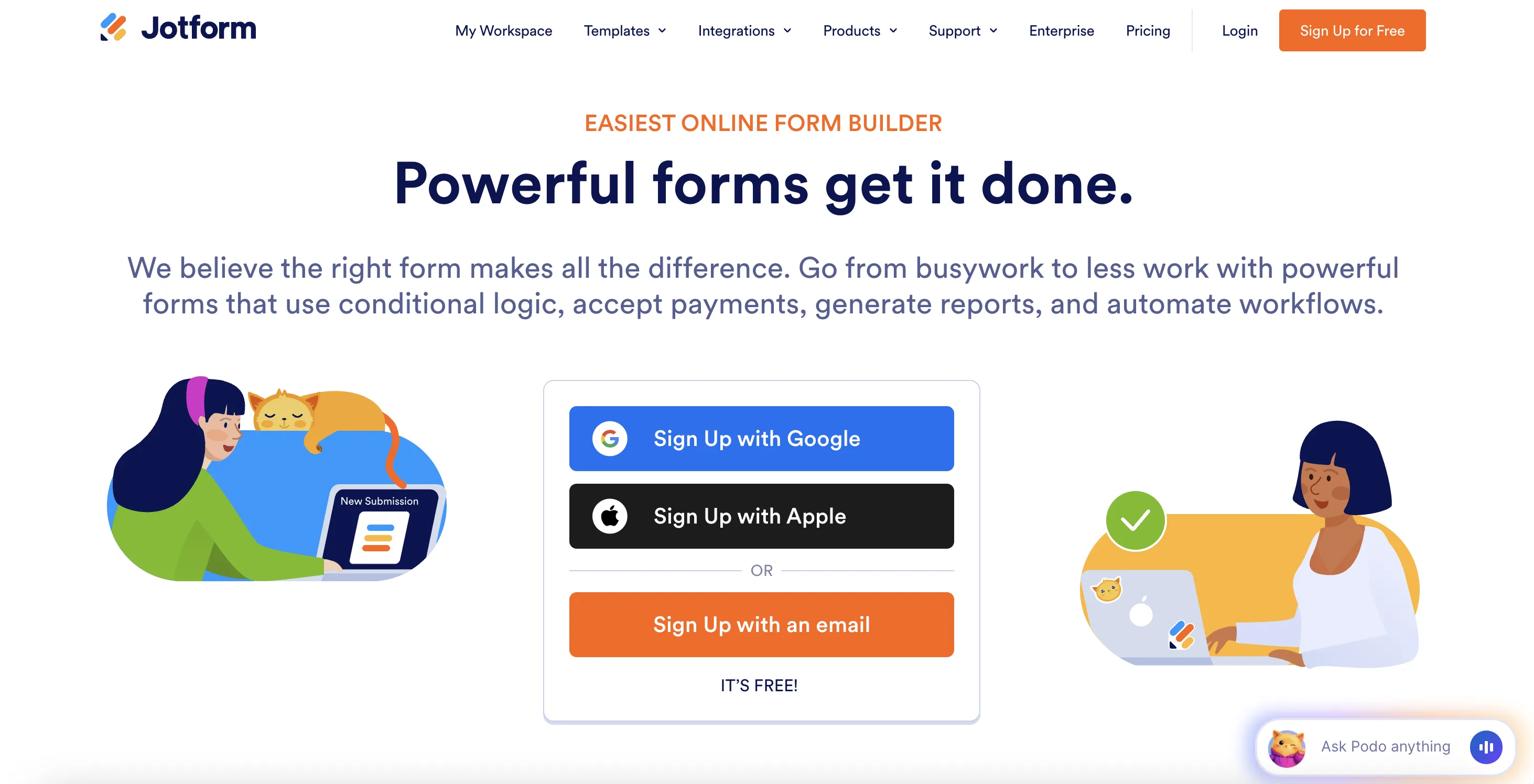
Jotform is one of the most widely used professional form builders, with over 200 native integrations and one of the most detailed Zoho CRM connections available from a third-party tool. It supports multiple Zoho CRM modules, handles duplicate management, can attach uploaded files to CRM records, and can trigger your existing Zoho workflows on submission.
Pros
- Multi-module support: send data to Leads, Contacts, or other supported modules
- Duplicate handling: choose to update, add, or keep an existing record when a match is found
- 200+ native integrations overall
- AI form creation assistance
Jotform's pricing is the most common friction point. The free plan is limited to 5 forms and 100 monthly submissions, which most businesses will outgrow quickly. Not all Zoho CRM modules are supported by the integration, so if you need to write to custom or less common modules, you may hit a wall. The interface also feels less modern than newer tools, which can slow down form creation.
Pricing
- Free plan: 5 forms, 100 submissions/month
- Bronze plan: €39/month
- Silver plan: €49/month
- Gold plan: €129/month
Typeform
.webp)
Typeform is a comprehensive form builder with the focus on lead generation. In addition to beautiful templates and effective lead scoring quizzeshas, it offers a native Zoho CRM integration accessible from its Connect panel. When someone completes a form, the integration sends their responses to Zoho CRM as a new lead or contact. It also supports updating existing records, making it useful for teams running ongoing campaigns where respondents may already exist in their CRM.
Pros
- Native Zoho CRM integration: create new contacts or update existing ones
- Conversational format tends to produce higher completion rates for lead generation forms
- 300+ native integrations overall
Typeform is great for established companies that are flexible on the budget. So, if you're not one of those companies, Typeform's response and feature limits make it expensive to scale. The free plan allows only 10 responses per month, and costs rise steeply from there. In addition, the Zoho integration also has a specific technical requirement: email, last name, and company name fields must all be set to required in your form for the Zoho CRM connection to work, which limits how you can structure your forms. Once set up, you also cannot edit the integration — you have to delete and recreate it if you change question types.
Pricing
- Free plan: unlimited forms, 10 responses/month
- Basic plan: €35/month
- Plus plan: €70/month
- Business plan: €120/month
Gravity Forms
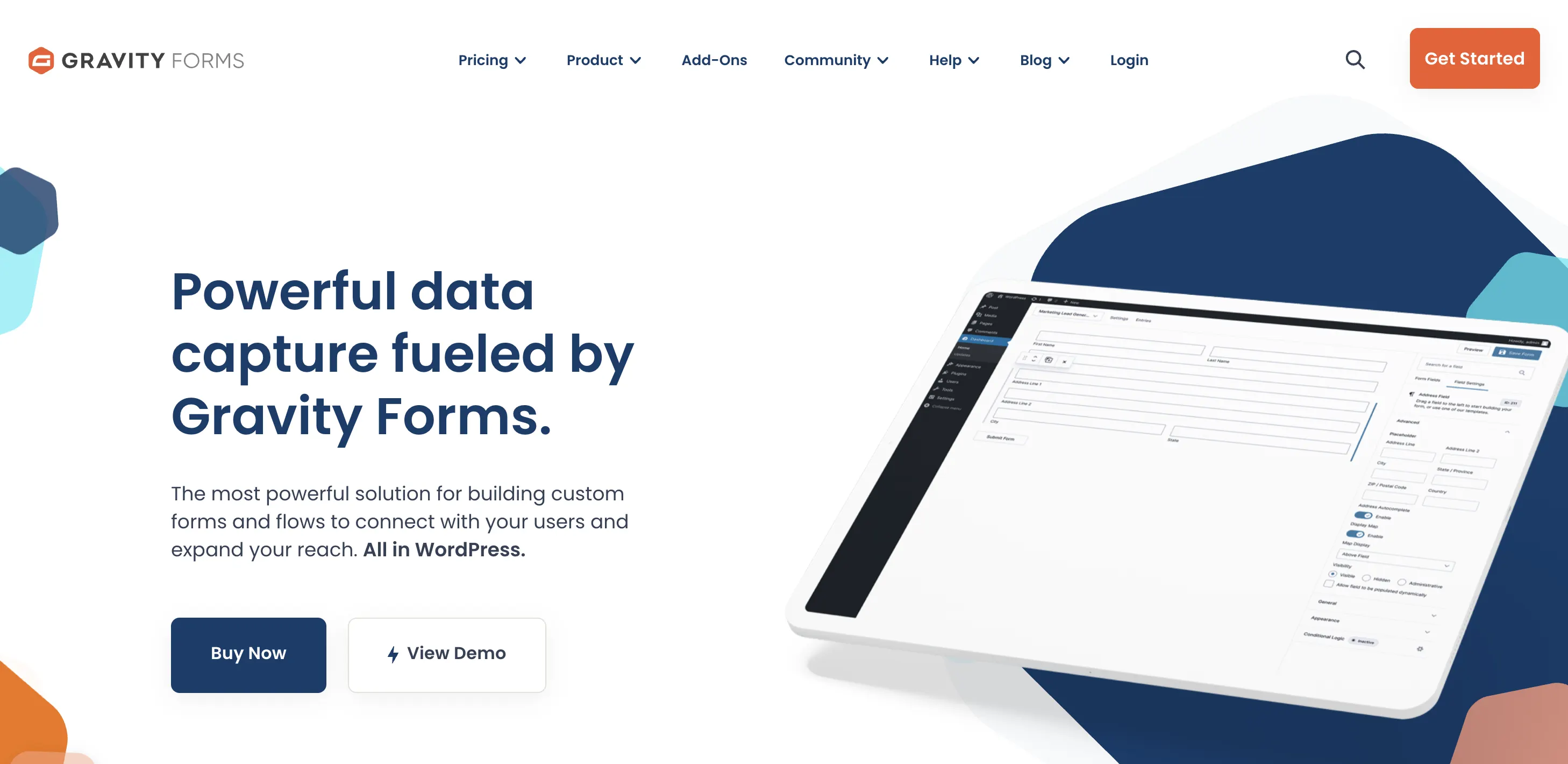
Gravity Forms is a different type of tool from the others on this list: it's a WordPress plugin rather than a standalone SaaS form builder. It's also the most widely used form plugin for WordPress, and it has a native Zoho CRM add-on. If your website runs on WordPress and your team uses Zoho CRM, this is the most natural pairing available.
Pros
- Supports creating contacts, updating existing contacts, and creating sales leads
- Conditional logic controls which entries get sent to Zoho CRM
- Deeply integrated with WordPress: works alongside your existing theme, plugins, and content
The most obvious limitation is that Gravity Forms is WordPress-only, so it's irrelevant if your website runs on a different platform. The Zoho CRM add-on also requires at least a Pro license at $159/year, as the Basic plan at $59/year does not include it. There is no free plan or trial, which means you're committing upfront before you can test the full integration in your environment.
Pricing
- Basic plan: $59/year (1 site — does not include Zoho CRM add-on)
- Pro plan: $159/year (up to 3 sites — includes Zoho CRM add-on)
- Elite plan: $259/year (unlimited sites — includes all add-ons)

Tatiana is the Growth Marketing Manager at Weavely, where she's spent nearly four years running marketing end to end. From campaign strategy to the SEO content that brings new readers to the platform. Working day to day on a form builder gives her a front-row seat to what actually makes forms, surveys, and landing pages convert, and that's what she writes about here: practical, tested advice on lead generation and form design. Before Weavely, she led brand and SEO work at Digital Leap and cut her teeth on B2B and B2C content at Ruddy. She's based in Brussels.


