Form automation with n8n: top form builders with native integrations
n8n is an open-source workflow automation tool that connects apps and automates tasks. It’s similar to Zapier or Make, but more flexible. You can build workflows that include custom logic, use APIs, and even run code if needed.
It supports over 700 services and includes a vast library of nodes - prebuilt integrations for apps, databases, and AI models. It’s built for users who want more control and complexity in their automations.
n8n can open doors to some elaborate automations, but you do need certain technical skills to use the tool. While automation platforms like Zapier are straightforward and can be used by almost anyone, n8n is more complicated and has a learning curve.
n8n vs Zapier vs Make: what’s the difference?
If Zapier is the polished, user-friendly tool for basic automations, n8n is the one that lets you build complex, truly custom workflows.
A brief comparison:
- Zapier: aasy to use, good for simple workflows, but limited logic unless on higher-tier plans.
- Make: visual and more flexible than Zapier, supports branching logic, but still hosted and limited in some ways.
- n8n: self-hosted or cloud-based, supports advanced logic, custom scripts, and detailed control over workflow structure.
If you’ve ever hit a limitation with Zapier or Make, n8n gives you more room to build what you actually need.
How can you use n8n for data collection?
Building forms with n8n
n8n offers a native form node, but it is pretty basic in functionality. You can only use n8n forms for simple use cases, as the node includes basic input fields and lacks advanced field types and customisaition options. For example, if you want to add robust conditional logic to your form, you'll need to use a professional form builder instead of n8n.
Form automation with n8n
Form automation with n8n starts with using trigger nodes like Webhook or the built-in Form trigger to capture data from web forms. These could be tools like Google Forms or even custom HTML forms.
Once the data is received, n8n’s library of nodes lets you trigger actions like sending emails, updating spreadsheets, or connecting with thousands of apps.
For example, whenever someone submits a form, you can use an n8n integration to:
- Send the data to a CRM
- Log the submission in Google Sheets or Airtable
- Send notifications to your team on Slack
- Trigger follow-up emails or messages
- Use AI tools to process or enrich the data
You can set up conditions, delays, and filters to make your automations work exactly how you want.
How to connect your form builder to n8n
Most form builders that integrate with n8n let you send form submissions to a webhook URL.
- If your form builder doesn’t offer a native integration, you can still connect it to n8n using webhooks. First, create a webhook trigger node in your n8n workflow.
- Copy the webhook URL it generates. Paste that URL into your form builder’s webhook and submit a test entry through your form.
Some form builders like Formstack or Weavely directly integrate with n8n, which takes much less effort to connect the tools than using webhooks.
- To connect your form builder with n8n directly, start by creating a new workflow. Search for the form tool’s trigger node and add it as the first step. Next, you’ll need to connect your account. This usually involves creating a new credential and pasting in your form builder's API key or access token.
- Once connected, select the form you want to use from the dropdown menu. Then, execute the trigger step to confirm it's set up correctly.
- Finally, submit a test form to pull sample data into n8n. This allows you to preview the structure and use it in the next steps of your automation workflow.
Form builders that integrate with n8n
Weavely
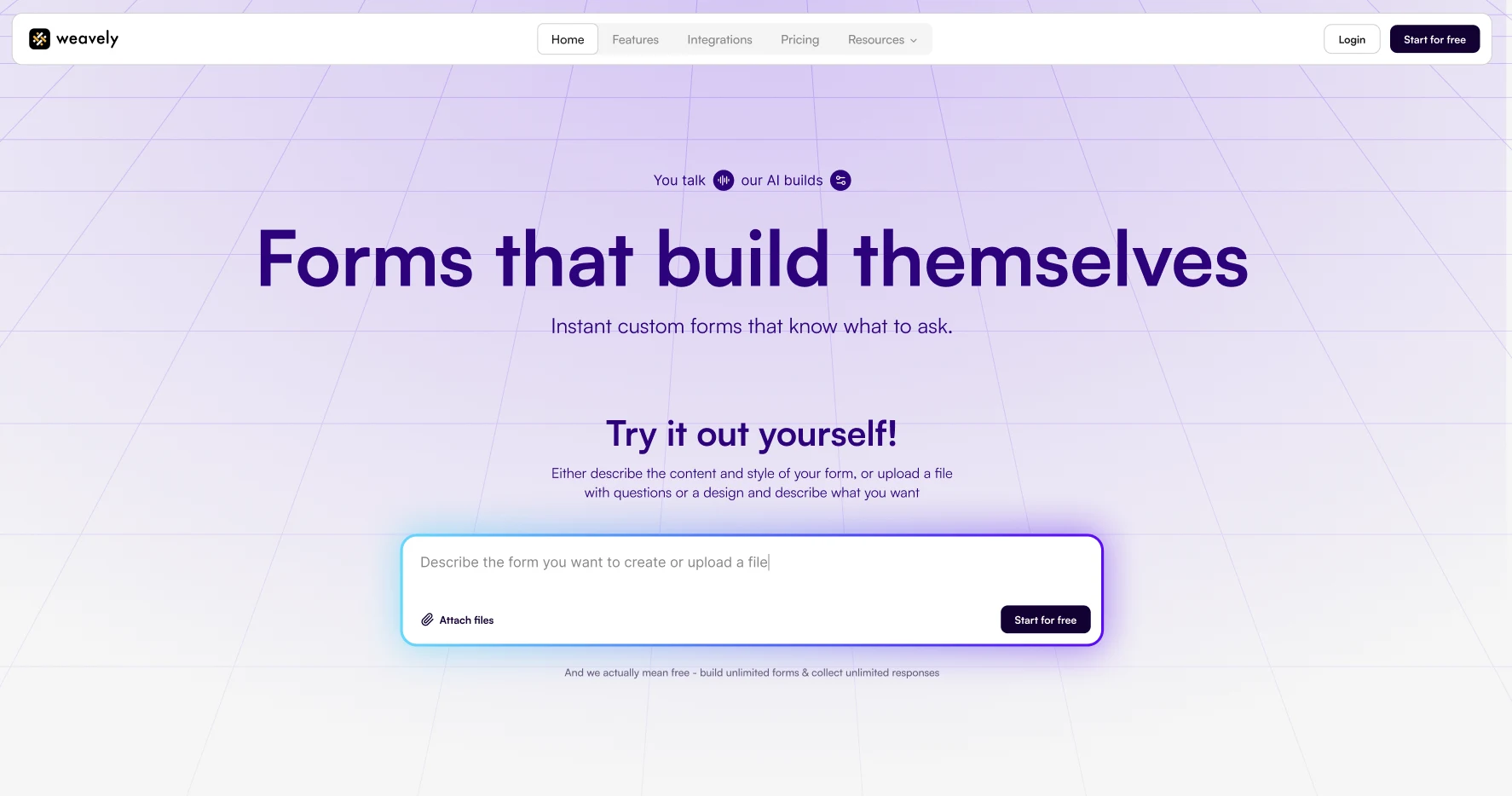
Weavely is an AI form builder that offers a perfect balance between advanced functionality and design customisation. It allows users to generate forms from simple prompts or even documents, like PDF files or Word docs. Thanks to its AI-driven approach and user-friendly interface, the tool significantly reduces the time and effort required to create forms.
Weavely includes advanced form logic, hidden fields, popular form elements like file upload, signature, HTML embed, and much more. And you can do the whole set-up with AI, without any manual effort.
With Weavely's new native n8n integration, you can plug form submissions straight into your workflows. Just select Weavely in the n8n node list, authenticate, and choose your form.
In addition, Weavely offers a (very!) generous free version, as well as affordable pricing plans (in fact, it's just one tier)
Tally
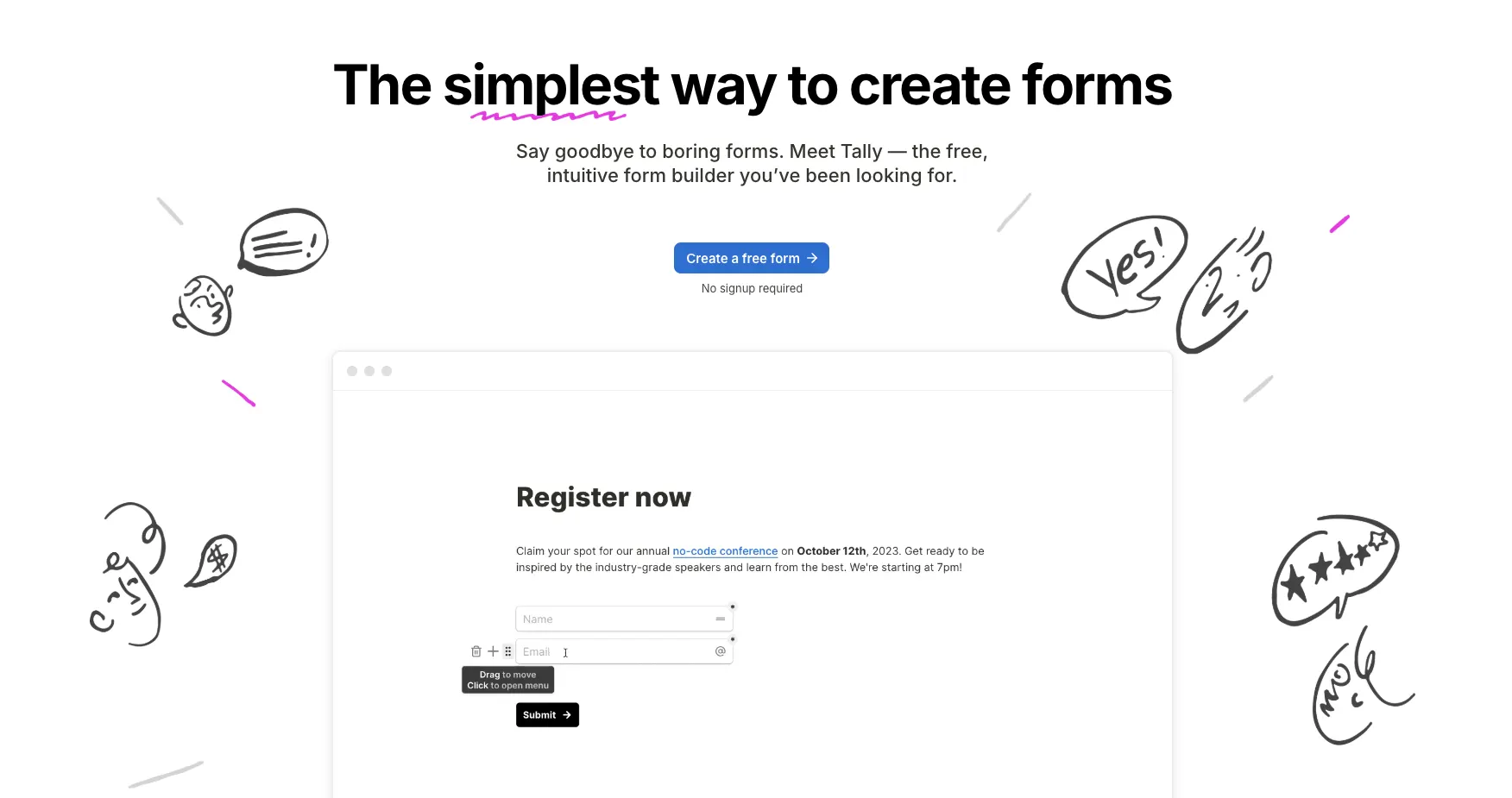
Tally is a user-friendly form builder designed for simplicity, clean aesthetics, and cost-effective form creation. One of its standout features is its interface, which closely mirrors Notion. So if you're already comfortable with Notion’s layout and style, the tool will feel instantly familiar. Tally offers a solid functionality base as well as a generous free plan.
At this point in time, Tally still hasn't rolled out its AI functionality to all users, so the form building process still remains mostly manual.
The tool has a large selection of form elements, templates and integrations, as well as a decent free plan.
Google Forms
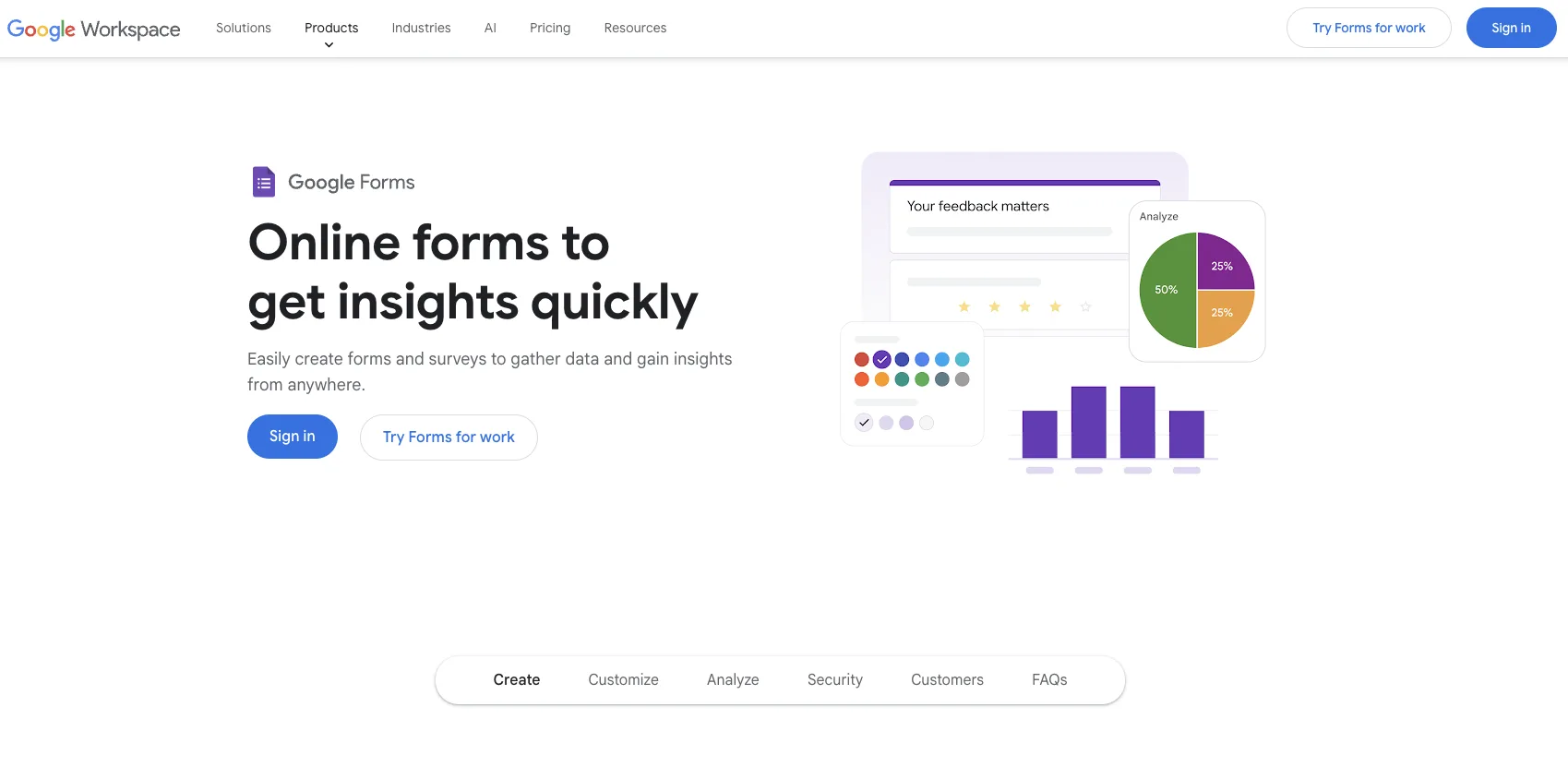
Google Formsis a free and user-friendly form builder. It has a good range of features for a free tool. You get all standard form elements, basic conditional logic and even simple AI form generation. However, this functionality is often too limited for professional use.
Google Forms doesn't natively integrate with any other tools but Google Sheets, making an n8n integration highly valuable for automating your data with more third-party tools.
Formstack
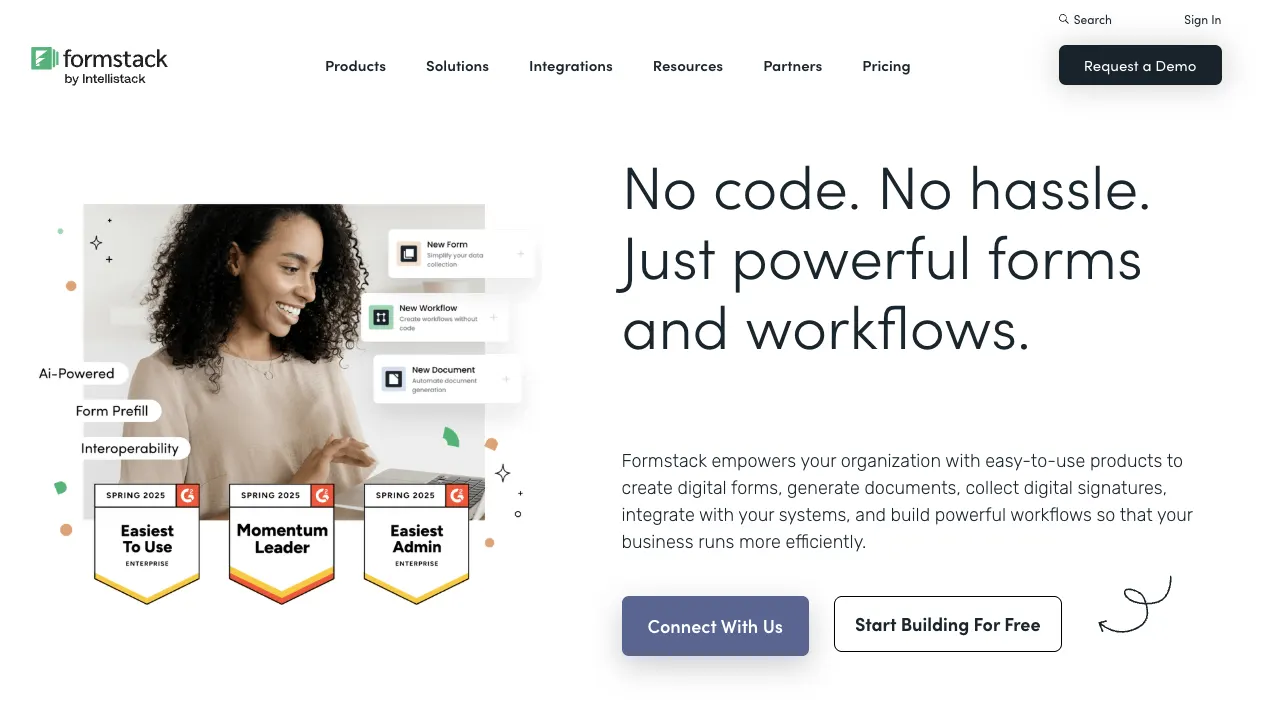
Formstack is a platform that tackles automation of business processes, offering a powerful web form builder as one of their data management tools. Although it doesn't stand out in terms of design customisation, Formstack is known for its powerful analytics and reporting features. It is best suitable for complex forms that require various integrations and security compliance.
However, the tool doesn't offer a free version and most of its advanced features are hidden behind paid tiers with high pricing.
Gravity Forms
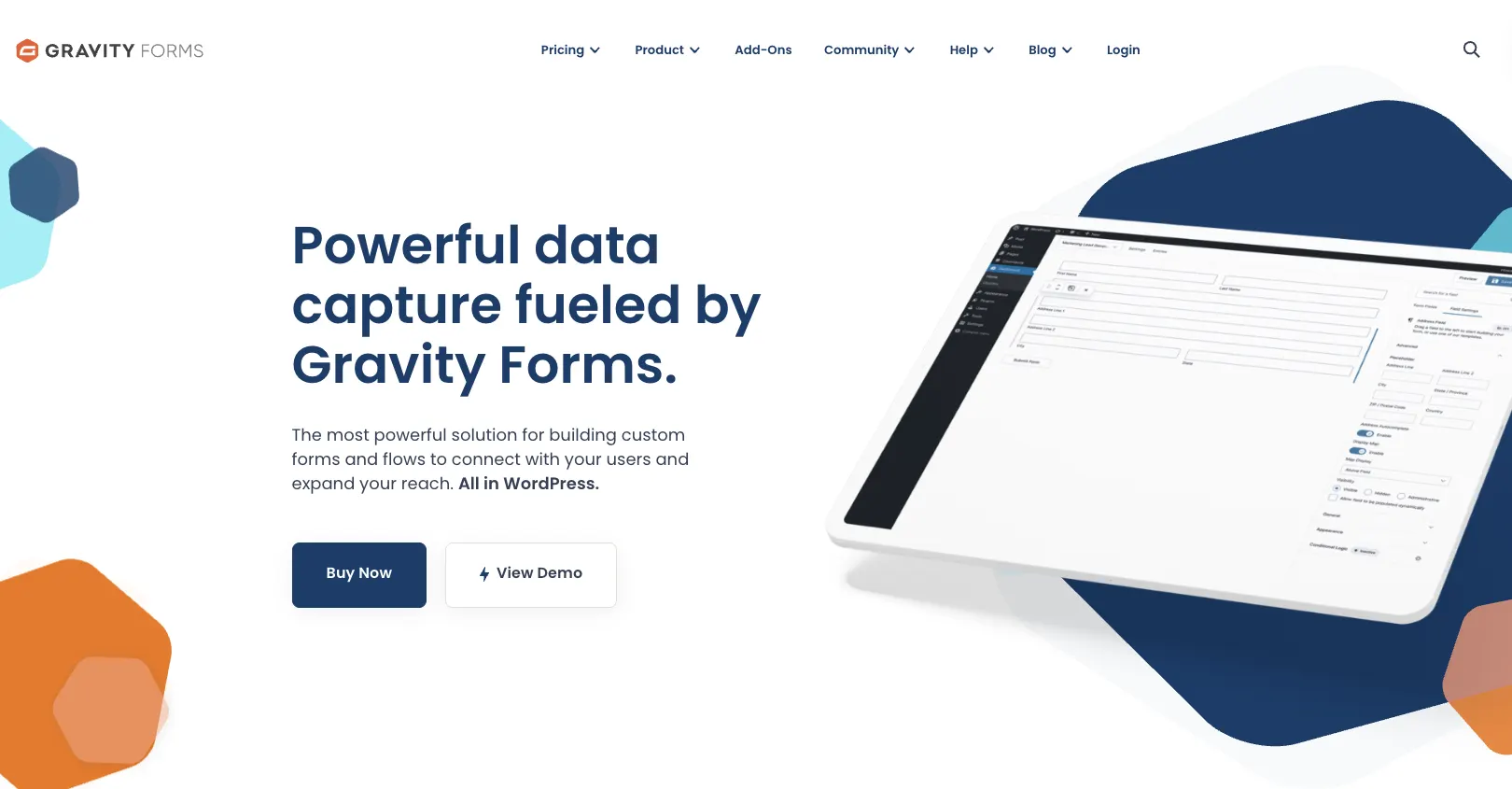
Gravity Forms is a robust WordPress plugin suitable for handling complex form logic and offering a wide range of integrations. It’s often the go-to choice for building advanced forms in the WordPress ecosystem.
However, it lacks flexibility in design customisation, and it doesn’t offer a free version. Therefore, if you only need to create a contact form, Gravity forms may be an overkill for such simple needs. It also offers fewer built-in templates compared to other WordPress form tools.
Frequently asked questions
What is n8n used for in form automation?
n8n helps you automate what happens after someone submits a form, like sending emails, updating spreadsheets, logging CRM entries, or notifying your team
Do I need to host n8n myself?
You can either host n8n on your own server (for full control and privacy) or use their cloud-hosted version at n8n.io.
Which form builders work best with n8n?
Tools like Weavely, Tally, or Gravity forms offer an easy integration with n8n.
Can I filter or route form responses based on answers?
Absolutely, n8n lets you add conditions, filters, and branching paths to route form submissions based on any input field.
Do Typeform or Jotform integrate with n8n?
No, form builders like Typeform or Jotform
Can I trigger AI actions from form submissions in n8n?
Yes, n8n supports integrations with tools like OpenAI, so you can generate summaries, auto-replies, or lead scores based on form data.
Is n8n free?
n8n offers a free version if you choose to self-host. There’s also a cloud version with usage-based pricing.

Tatiana is the Growth Marketing Manager at Weavely, where she's spent nearly four years running marketing end to end. From campaign strategy to the SEO content that brings new readers to the platform. Working day to day on a form builder gives her a front-row seat to what actually makes forms, surveys, and landing pages convert, and that's what she writes about here: practical, tested advice on lead generation and form design. Before Weavely, she led brand and SEO work at Digital Leap and cut her teeth on B2B and B2C content at Ruddy. She's based in Brussels.


