Top 5 form and survey tools that integrate with Zapier
Zapier is one of the most widely used workflow automation platforms in the world, connecting thousands of apps through no-code automations called Zaps. With the help of Zaps, you can automate your form responses and make them trigger actions like a CRM update, a Slack alert, creation of a Google Sheets row, an email sequence.
If your team already runs on Zapier, your form builder needs to fit into that ecosystem by offering a native Zapier integration. Good news - most online form builders integrate with Zapier, and many include this integration for free.
This list covers five best form builders suited for Zapier-based workflows, based on their form building features and the depth of the integration.
Why connect your form builder to Zapier?
Zapier's value is in its breadth. A single form submission can trigger a chain of automated actions across multiple tools simultaneously. For teams that don't want to build custom integrations or rely on a developer, Zapier is the connective layer that keeps everything in sync without any code.
Most form builders come with a set of native integrations. These are direct connections to tools like Google Sheets, HubSpot, or Airtable that you can set up in a few clicks. These work well for straightforward, one-to-one workflows: a form submission creates a row, adds a contact, or sends a notification.
Zapier becomes useful when your needs go beyond that. It connects to over 7,000 apps, which means if a tool doesn't appear in your form builder's native integration list, it's very likely available through Zapier. It also lets you build multi-step workflows that native integrations typically can't handle on their own. For example, a single form submission can simultaneously add a lead to your CRM, send a personalised follow-up email, post a notification to a Slack channel, and create a task in your project management tool, all in one automated sequence.
Let's look at some practical examples of what teams use this for. A recruitment team routes job applications from a form into an ATS, notifies the hiring manager in Slack, and logs the applicant in a tracking spreadsheet, without anyone touching the data manually. An event organiser collects registrations through a form, adds attendees to a Mailchimp audience, and creates a corresponding record in their CRM. A SaaS company captures a demo request, creates a deal in their sales pipeline, and assigns a follow-up task to a sales rep.
Weavely
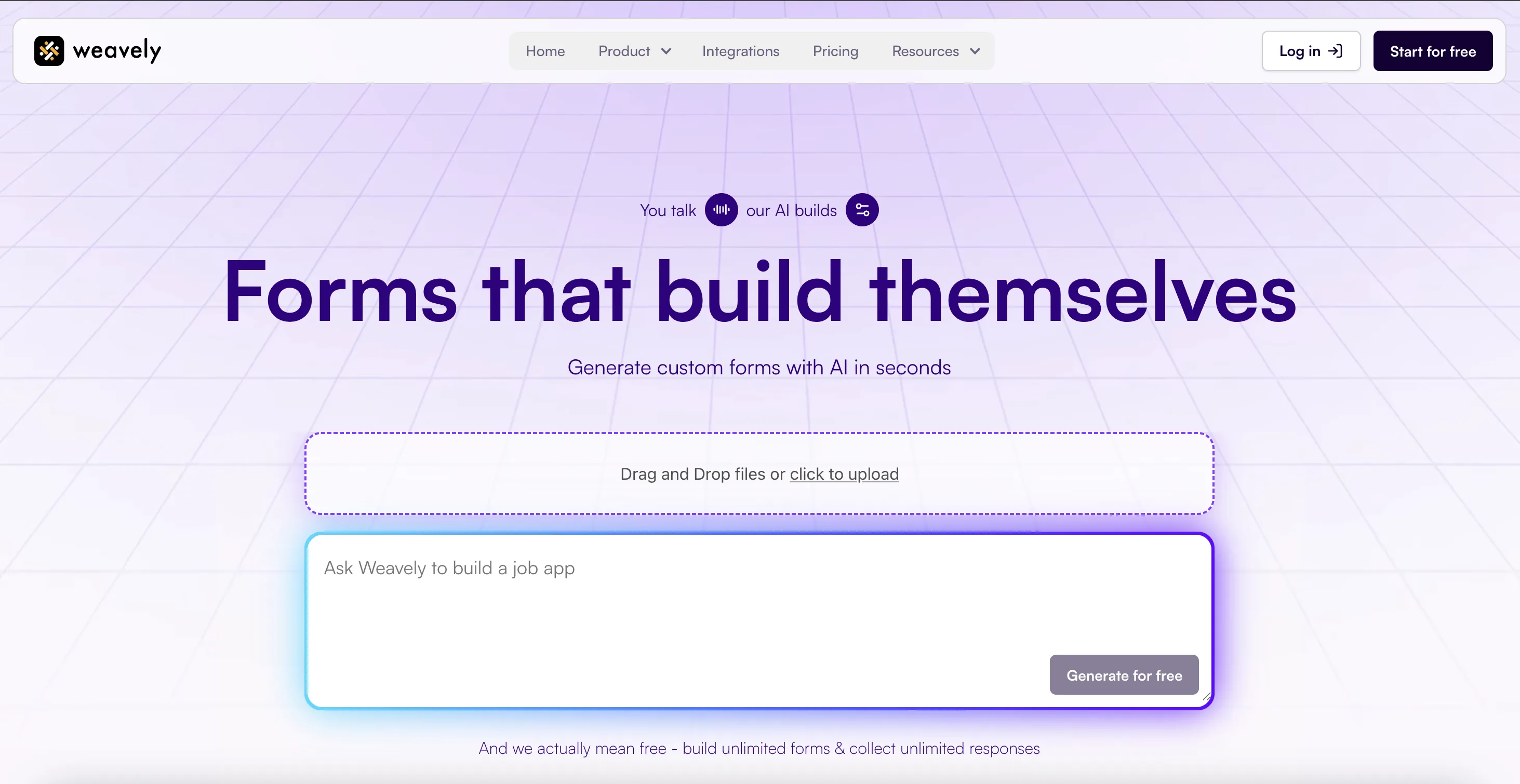
Weavely is an AI form builder that generates fully structured forms from a text prompt, voice input, or uploaded document. The AI handles both content, logic and design, making it one of the fastest ways to go from idea to live form. It has a native Zapier integration that lets you connect any Weavely form to thousands of other tools.
Pros
- Unlimited forms and responses on the free plan
- Full AI form generation
- Advanced feature set: conditional logic, answer piping, multistep flows, reCAPTCHA, and more
- Generates forms from PDF, Google Doc and Google Sheets
Cons
- Not HIPAA compliant
Pricing
- Free plan: unlimited forms and responses
- Pro plan: €20/month
Weavely's Zapier integration
Weavely's Zapier integration is set up directly from the form's integrations tab, which automatically creates a Zapier trigger for that form. You can also start the setup from within Zapier by searching for Weavely and selecting the form you want to connect via a dropdown.
The trigger fires every time a new submission is received. In subsequent Zap steps, you can use individual form field answers as variables, mapping them to whatever action app you're connecting to, whether that's adding a row to Google Sheets, creating a CRM contact, or sending a Slack message.
Key capabilities:
- New submission trigger: fires a Zap for every new form response
- Field-level mapping: individual form field answers are available as variables in all subsequent Zap steps
- Flexible actions: once connected, any app supported by Zapier can be used as an action, including multi-step workflows
Typeform

Typeform is one of the most recognised form builders on the market, known for its conversational one-question-at-a-time format. TyIt has over 300 native integrations, including a well-established Zapier connector available even on its free plan.
Pros
- Conversational format tends to improve completion rates
- Detailed response analytics with drop-off tracking (available for 120 euros/month)
- Offers basic AI form generation
Cons
- Free plan allows only 10 responses per month
- Pricing scales steeply
- Limited design customisation
Pricing
- Free plan: unlimited forms, 10 responses/month
- Basic plan: €35/month (100 responses/month)
- Plus plan: €70/month (remove Typeform branding; 1,000 responses/month)
- Business plan: €120/month (10,000 responses/month)
Typeform's Zapier integration
Typeform has a mature, native Zapier integration. Each time a form is submitted, Typeform fires a Zap with access to all response data. The integration is available on free and paid plans.
Key capabilities:
- New submission trigger: fires a Zap for every completed response
- Field-level mapping: all form fields pass through as individual variables in subsequent Zap steps
- Ready-made Zap templates: Typeform maintains a library of pre-built templates on Zapier for common workflows
Jotform
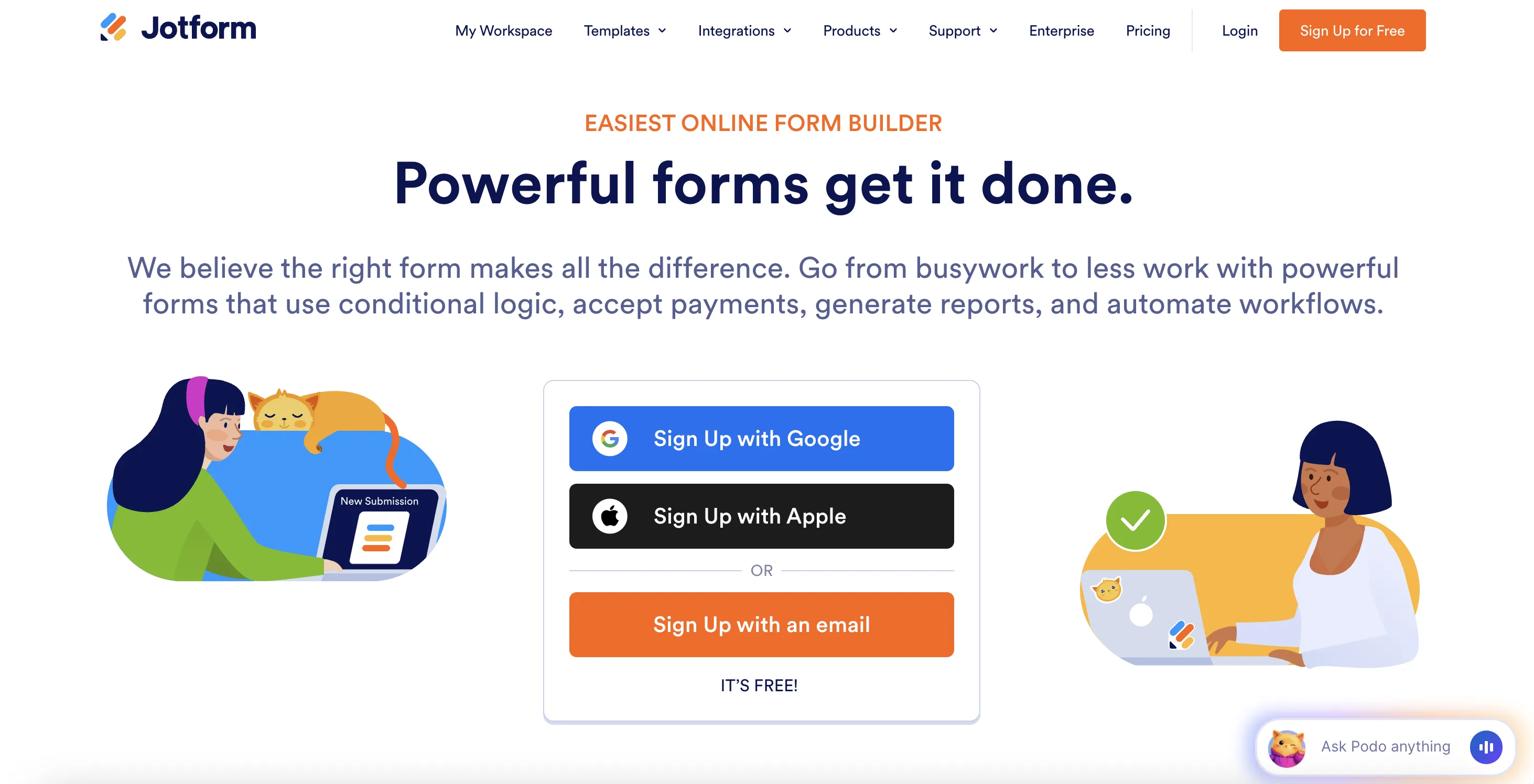
Jotform is one of the earliest online form builders still in wide use today, and a leader in integration breadth with over 200 native connections. It has a detailed Zapier integration with multiple trigger types and a large library of pre-built Zap templates.
Pros
- Large library of pre-built Zap templates
- 200+ other native integrations
- Supports e-signatures and document workflows
Cons
- Free plan limited to 5 forms and 100 monthly submissions
- Pricing scales steeply with usage
- Interface feels less modern and more confusing than newer tools
Pricing
- Free plan: 5 forms, 100 submissions/month
- Bronze plan: $39/month
- Silver plan: $49/month
- Gold plan: $129/month
Jotform's Zapier integration
Jotform's Zapier integration supports multiple trigger types beyond just new submissions, and includes a large library of ready-made Zap templates for common workflows.
Key capabilities:
- New submission trigger: fires a Zap for every new form response
- Updated submission trigger: can also fire when an existing submission is edited, useful for approval or review workflows
- Pre-built Zap templates: a large library of ready-made templates for popular workflows so you can get up and running without building from scratch
Cognito Forms
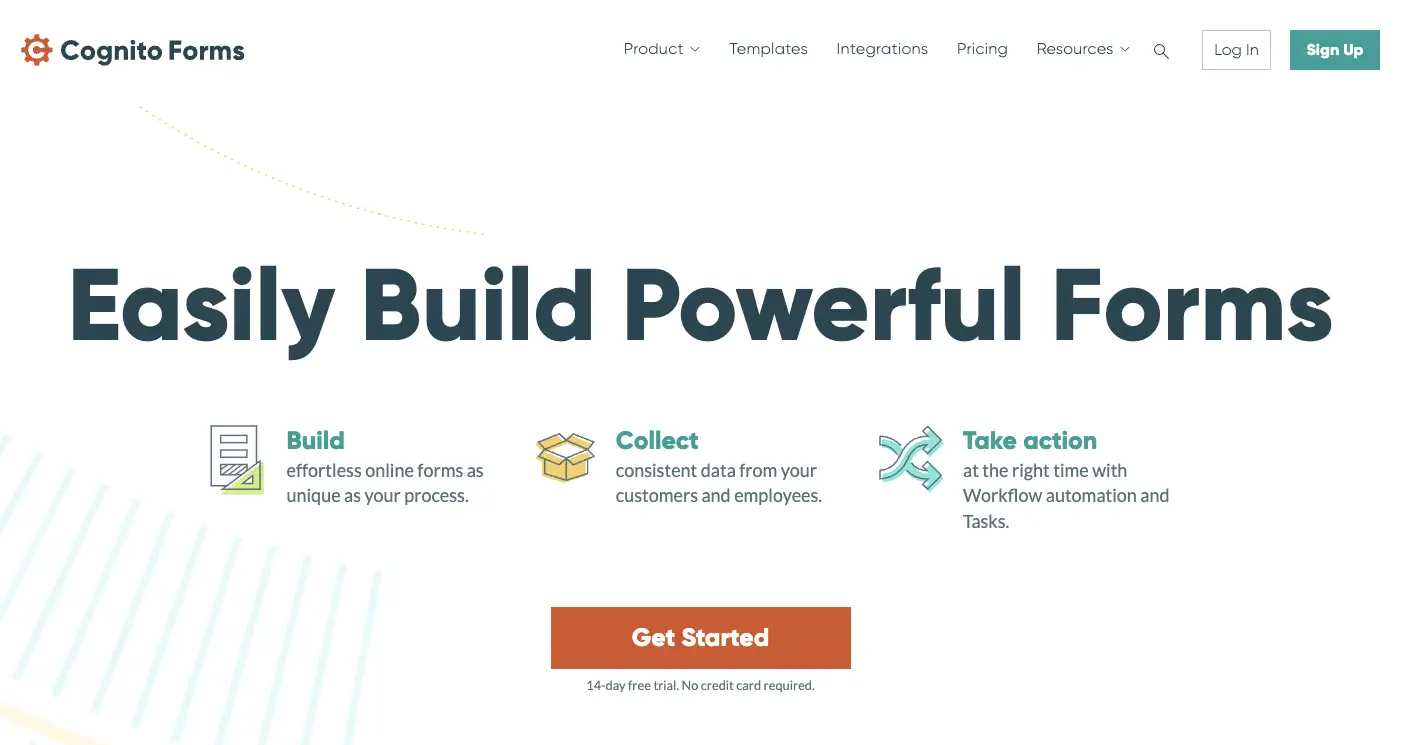
Cognito Forms is a no-code form builder known for its strong support for complex forms: calculated fields, payment processing, and e-signatures. Its Zapier integration is notably detailed and includes payment-specific triggers that go beyond the standard new-submission event. However unlike other tools, Cognito requires a paid subscription to unlock integration with Zapier.
Pros
- Native Zapier integration with multiple trigger types including payment events
- Strong calculated fields, conditional logic, and repeating sections
- Offers work process automation with Workflow feature
Cons
- Interface feels less modern than newer competitors
- No AI form generation
- Zapier integration requires a paid plan
Pricing
- Free plan: unlimited forms, limited entries/month
- Pro plan: $19/month
- Team plan: $39/month
- Enterprise plan: $129/month
Cognito Forms' Zapier integration
Cognito Forms offers a paid, bi-directional Zapier integration: Zapier can both react to Cognito Forms events and push data back into Cognito Forms to create new entries from other apps.
Key capabilities:
- New entry trigger: fires a Zap when someone completes a form
- Payment triggers: separate triggers for new orders, payments, and refunds, useful for e-commerce or event ticketing workflows
- Create entry action: Zapier can push data into Cognito Forms to create new entries from other apps, not just receive data outbound
Fillout

Fillout is a modern form builder with strong functionality and native database integrations, particularly for Airtable and Notion. It supports Zapier natively and works well for teams who want form data flowing to multiple destinations simultaneously.
Pros
- Strong native integrations with Airtable, Notion, and Google Sheets
- Intuitive drag-and-drop builder with AI form generation
- Good design customisation options
Cons
- Analytics gated behind paid plans
- Some advanced features only on higher tiers
Pricing
- Free plan: unlimited forms, 1,000 responses/month
- Starter plan: $19/month
- Pro plan: $49/month
- Business plan: $89/month
Fillout's Zapier integration
Fillout supports native Zapier integration, making it straightforward to route submission data to any of Zapier's connected apps. Because Fillout also has direct native integrations with Airtable and Notion, it can write to those databases and trigger a Zap for additional actions from the same submission.
Key capabilities:
- New submission trigger: routes response data downstream in real time
- Field-level variables: individual form fields are available as variables in subsequent Zap steps
Frequently Asked Questions
Is Zapier free to use?
Zapier has a free plan that covers basic automations where you can create Zaps with a single trigger and a single action step, and run up to 100 tasks per month. This is enough for simple workflows like sending a new form submission to Google Sheets or adding a contact to a CRM. Multi-step Zaps, which chain several actions from one trigger, require a paid Zapier plan. Paid plans start at $19.99/month and increase based on the number of tasks and features you need.
Which form builders have a native Zapier integration?
Weavely, Typeform, Jotform, Tally, Cognito Forms, and Fillout all offer native Zapier integrations.
Is Zapier integration available on free plans?
Weavely, Typeform, Tally, and Jotform include Zapier on their free plans. Cognito Forms requires a paid plan to use Zapier. Always check current plan details on each provider's pricing page.
Do I need technical skills to set up a form-to-Zapier workflow?
No. All the native Zapier integrations are designed for non-technical users. You authenticate your form builder account in Zapier, select a trigger event, and add your desired actions. No code required.

Tatiana is the Growth Marketing Manager at Weavely, where she's spent nearly four years running marketing end to end. From campaign strategy to the SEO content that brings new readers to the platform. Working day to day on a form builder gives her a front-row seat to what actually makes forms, surveys, and landing pages convert, and that's what she writes about here: practical, tested advice on lead generation and form design. Before Weavely, she led brand and SEO work at Digital Leap and cut her teeth on B2B and B2C content at Ruddy. She's based in Brussels.


