How to capture high‑intent leads with smart lead generation forms
High‑intent leads operate differently from casual browsers. They have urgency, specific problems to solve, and often a clear timeline. Yet, the mistake most businesses make is treating all inquiries the same: a generic contact form that collects names and emails but misses buying signals.
To build a sustainable booking pipeline, you must distinguish between “information seekers” and high‑intent buyers. In this article, we will focus on lead generation forms and show three ways to collect quality lead data that will help you prioritize accounts with the highest intent signals.
Need a lead gen form? - Weavely offers a dedicated lead form generator.
How to spot high‑intent buyers
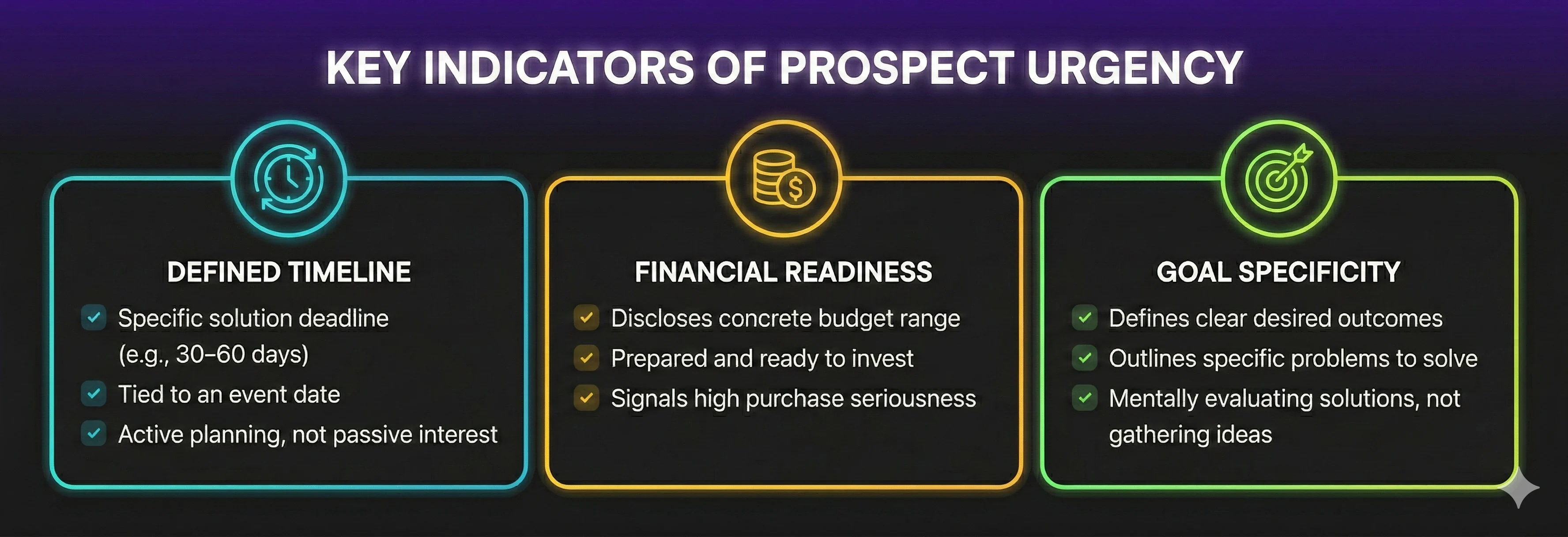
High-intent leads reveal themselves through urgency and readiness, and you can capture this with the right form questions. Research shows that behavioral signals and specific answers correlate strongly with conversion readiness and urgency.
Typically, prospects reveal urgency in the following areas:
- Defined timeline: prospects who can articulate when they need a solution (for instance within 30–60 days or by a specific event date) are far more likely to convert than those who give vague timing. Clear timelines reliably indicate active planning rather than passive interest.
- Financial readiness: when someone expresses a budget range or shows they’re prepared to invest, it’s one of the strongest indicators of buying seriousness. Sales and marketing teams routinely prioritize budget clarity as a core element of qualification because it separates casual inquiry from a sales‑ready lead.
- Goal specificity: prospects who provide concrete outcomes or problems they need solved, rather than vague descriptions. In lead qualification systems, these kinds of specific answers are tied to higher engagement and faster progression through pipelines because the buyer is mentally evaluating the solution, not just gathering ideas.
Why traditional short lead generation forms can hurt you
Common marketing advice says “keep forms short.” In reality, it is not always true for high‑ticket services.
For a $2000 wedding DJ, a luxury retreat, or bespoke consulting services, prospects expect to provide detailed information. A form that’s too short can signal that the service is cheap or superficial, and fail to collect the insights you need to qualify someone effectively. HubSpot notes that although you might get fewer submissions in total with more detailed, multi-step forms, the leads you do receive are typically more qualified and ready to take action.
3 ways to improve high-intent lead capture with lead generation forms
1. Ask the right questions
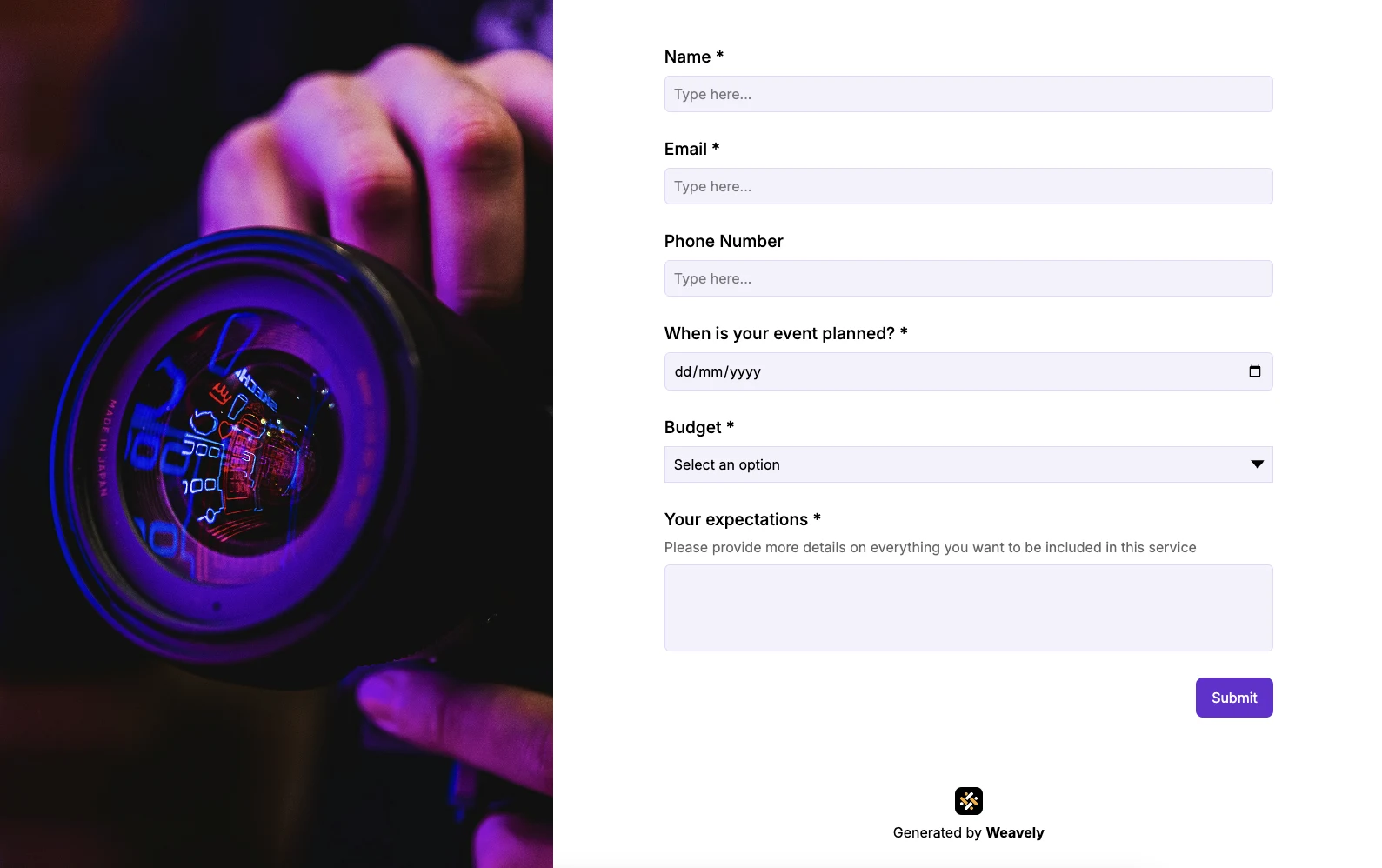
If your form only asks for a name, email, and phone number, it is impossible to differentiate your leads by intent. As we said before, prospects with a real problem that needs solving are willing to share more information. In this case, you will not scare people away with a longer inquiry form. So, let’s cover the questions that capture enough data to qualify leads without causing form abandonment.
To qualify high-intent leads, focus on questions that reveal urgency, readiness, and fit.
Start with timeline to see how soon they need a solution, using the input type that suits your service, from drop-down ranges for quick segmentation to date pickers for precise, event-based commitments.
Next, explore budget to ensure the prospect can invest appropriately, as financial clarity is one of the strongest signals of seriousness. Scope and scale questions, like guest count or project size, show how developed their need is and help tailor your response.
Finally, ask about desired outcomes to understand what success looks like for them, and demonstrate that you’re attentive to their goals.
2. Use multi‑step forms
Now when you know what questions to ask, you need to structure them thoughtfully, ideally in a multi-step flow. This way, the form will feel more like a guided experience. Early questions can be simple and low-friction, building momentum before moving into deeper qualification.
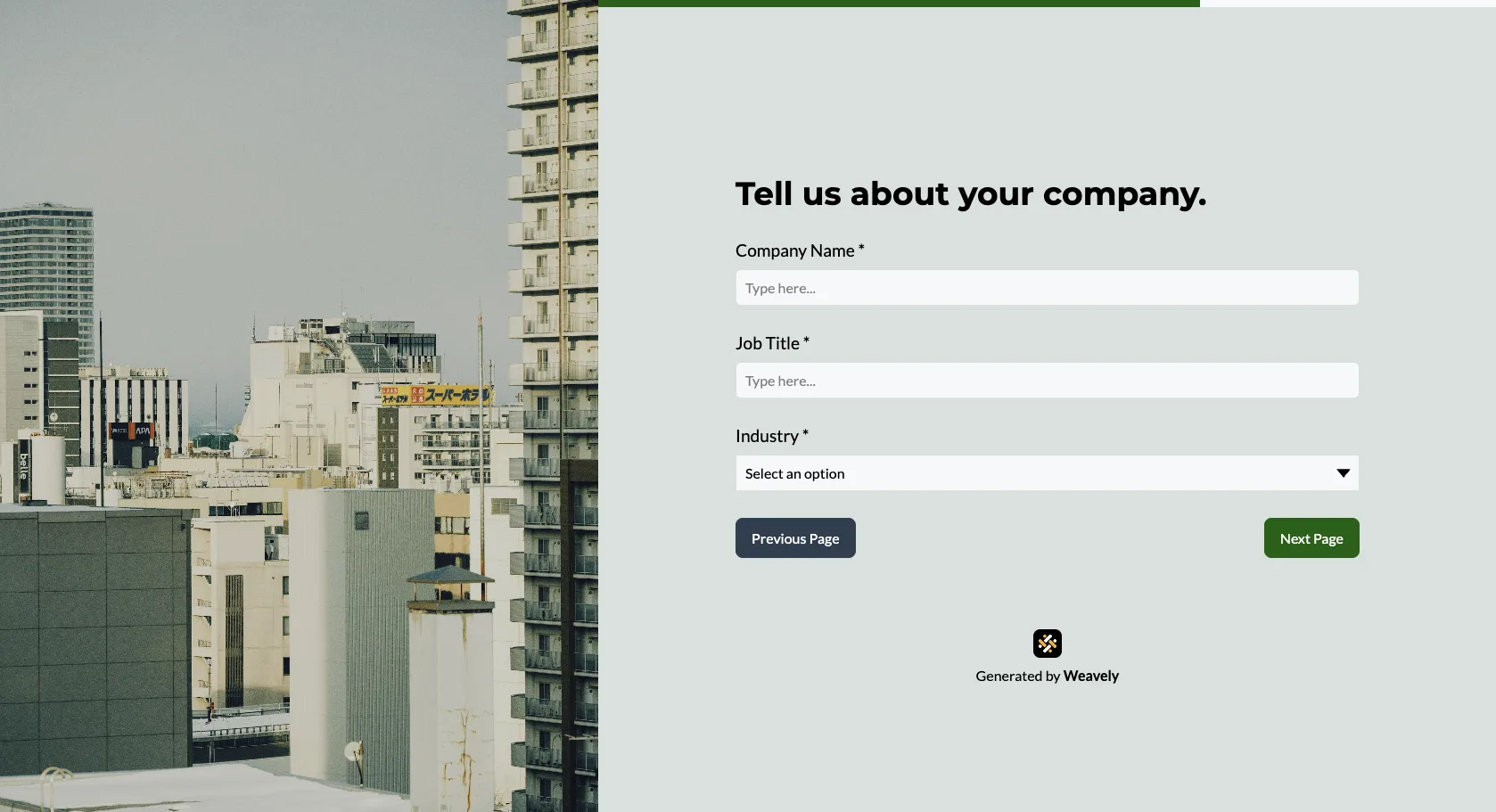
Industry research shows that changes in form structure dramatically impact conversion and lead quality. For example, multi-step forms have an average completion rate of 13.85%, compared with just 4.53% for single-step forms.
Sometimes lack of leads filling out your form can be simply because of your form's structure. One case study shows that a consulting firm went from 0.96% to 8.1% completion just by restructuring into a multi‑step format.
Breaking long forms into progressive steps reduces visual intimidation. When creating a form with multiple pages, make sure to include a progress bar to keeps users engaged as they move through each step.
3. Apply conditional logic
Conditional logic allows the form to adapt in real time based on how someone answers earlier questions, showing only relevant follow‑ups and skipping irrelevant ones. Tailored form experiences increase the likelihood that users provide accurate data because they feel the process is personalized and respectful of their time.
Example in practice
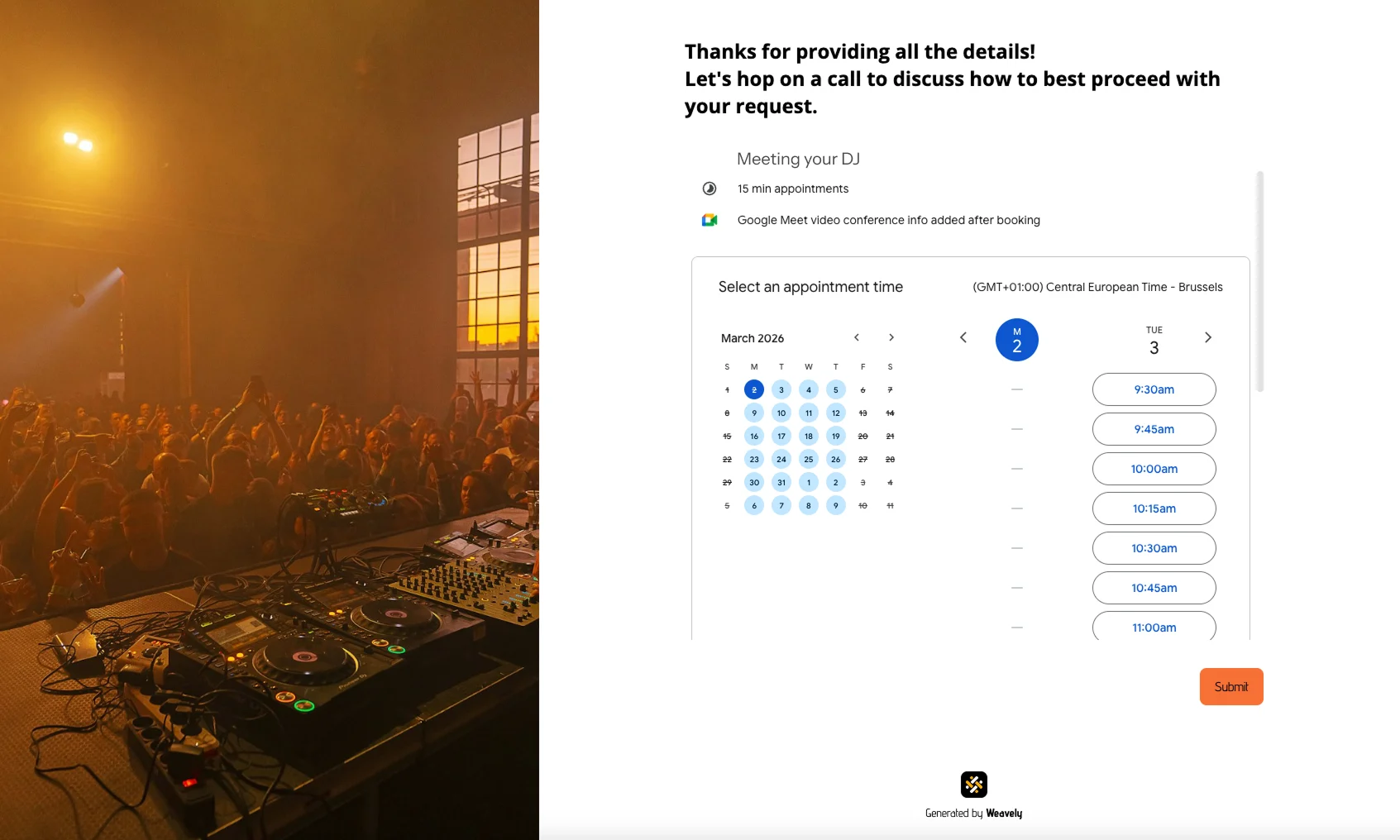
There are numerous possibilities to apply conditional logic in lead and inquiry forms, as it all depends on your exact use case.
For example, most forms kill momentum with a vague thank‑you page at the end. But high‑intent buyers want next steps now. Embedded scheduling (booking a call within the form itself) closes the gap between showing interest and commitment. In such case, you can first ask a prospect all the necessary questions like budget and timeline, andd then route them to a different last page of the form:
- A lead who provides a date, budget, and clear goal is instantly offered a consultation booking.
- A lead who leaves the date open is routed to helpful planning content instead.
By the way, Weavely lets you easily embed a calendar into your lead form thanks to an HTML embed element.
Another example could be using conditional logic to create a personalized journey for each prospect if your business offers multiple services. Start by asking which service they’re interested in, then tailor the rest of the form to that choice.
Pro tip: with Weavely, you can ask the AI to handle the conditional logic set-up for you right in the chat. The platform interprets your needs and instantly applies the logic rules.
How Weavely helps with generating leads
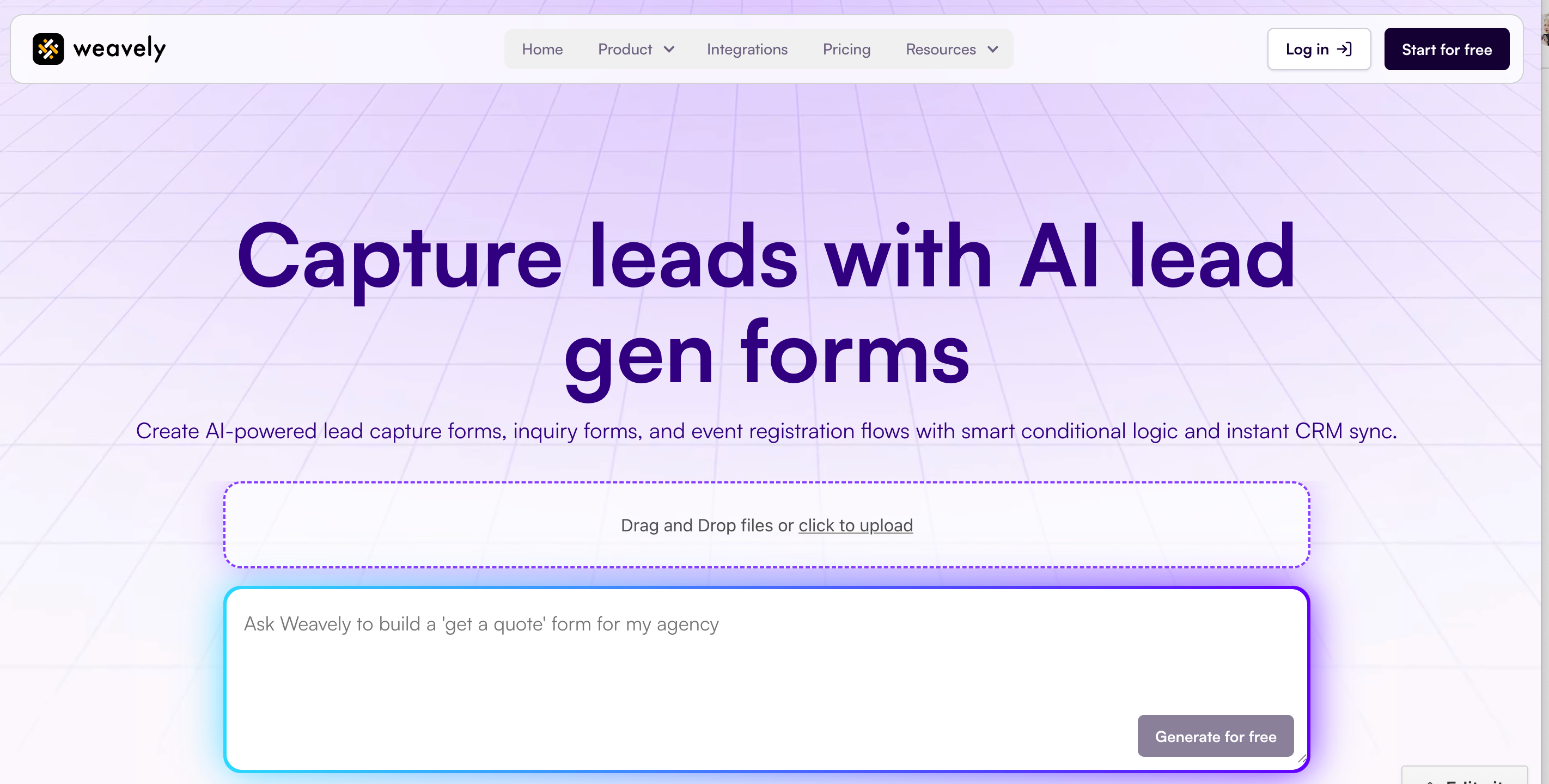
Weavely is an AI-powered form builder that generates and styles your entire form in seconds. You can simply describe your needs in a text prompt, or upload a document to get started. For users looking to collect prospect data and qualify leads, Weavely offers a dedicated lead generation builder, along with multiple generators tailored per a specific lead gen use case.
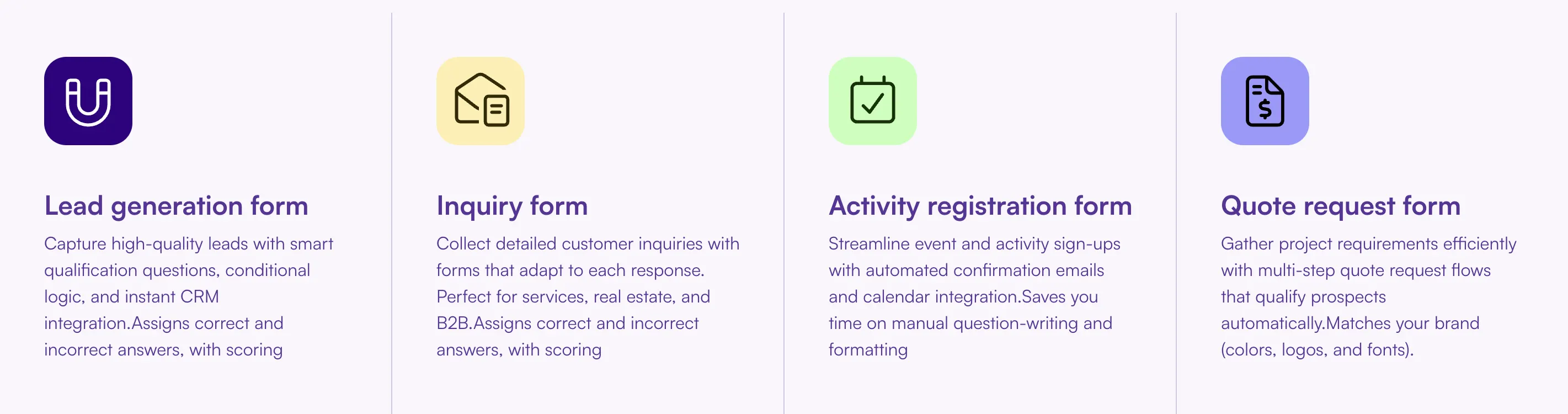
Instead of static forms that dump every question at once, Weavely lets you build:
- Multi‑step form flows that feel consultative
- Conditional logic paths that adapt to user responses
- Embedded scheduling so qualified leads can book directly
- Custom segmentation that feeds your CRM with high‑value insights

Tatiana is the Growth Marketing Manager at Weavely, where she's spent nearly four years running marketing end to end. From campaign strategy to the SEO content that brings new readers to the platform. Working day to day on a form builder gives her a front-row seat to what actually makes forms, surveys, and landing pages convert, and that's what she writes about here: practical, tested advice on lead generation and form design. Before Weavely, she led brand and SEO work at Digital Leap and cut her teeth on B2B and B2C content at Ruddy. She's based in Brussels.


