Free Typeform alternative for product recommendation quizzes: Weavely vs Typeform
If you're looking to build a product recommendation quiz, Typeform is probably the first name that comes up. It's been around for over a decade, it has strong brand recognition, and it has a dedicated product recommendation quiz feature. Weavely is newer, built around AI-first form creation, and has recently launched a match quiz mode specifically for product and service recommendations.
This post compares both tools on four things that matter most when choosing a quiz builder:
- Ease of setup: how long it actually takes to go from idea to published quiz
- Customisation options: what you can change about how the quiz looks and behaves
- Pricing: what you'll pay, and what you get for it
Ease of set-up
Typeform
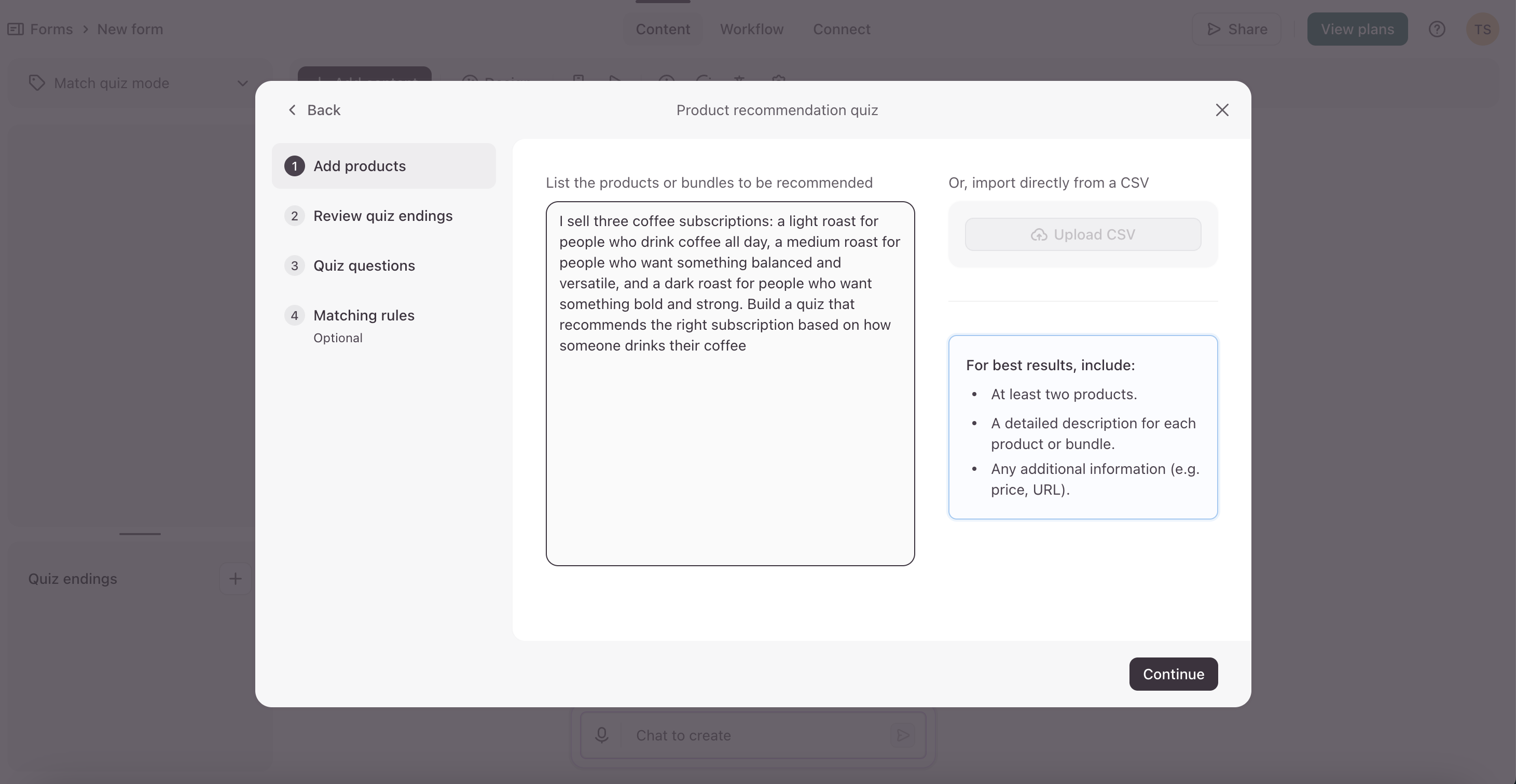
Typeform keeps its quiz builder separate from its general form builder. To create a product recommendation quiz, you need to find your way into quiz mode specifically, as it's not the default when you open the editor. Once you're there, Typeform's AI walks you through a step-by-step setup: it asks about your preferred questions, then your endings, building the quiz incrementally.
Recently Typeform has upgraded their AI, and now it does most of the heavy lifting. It generates questions and matching rules, but the process is structured and sequential. If your initial prompt is detailed enough, you can get through it without providing much additional input. After generation, you can edit everything manually.
The matching rules themselves work by tagging answers to outcomes: each answer choice points toward one or more product endings, and the ending with the most points at the end wins. It's logical and transparent once you understand it, but the interface for setting it up, and finding it in the first place, isn't particularly intuitive.
Weavely
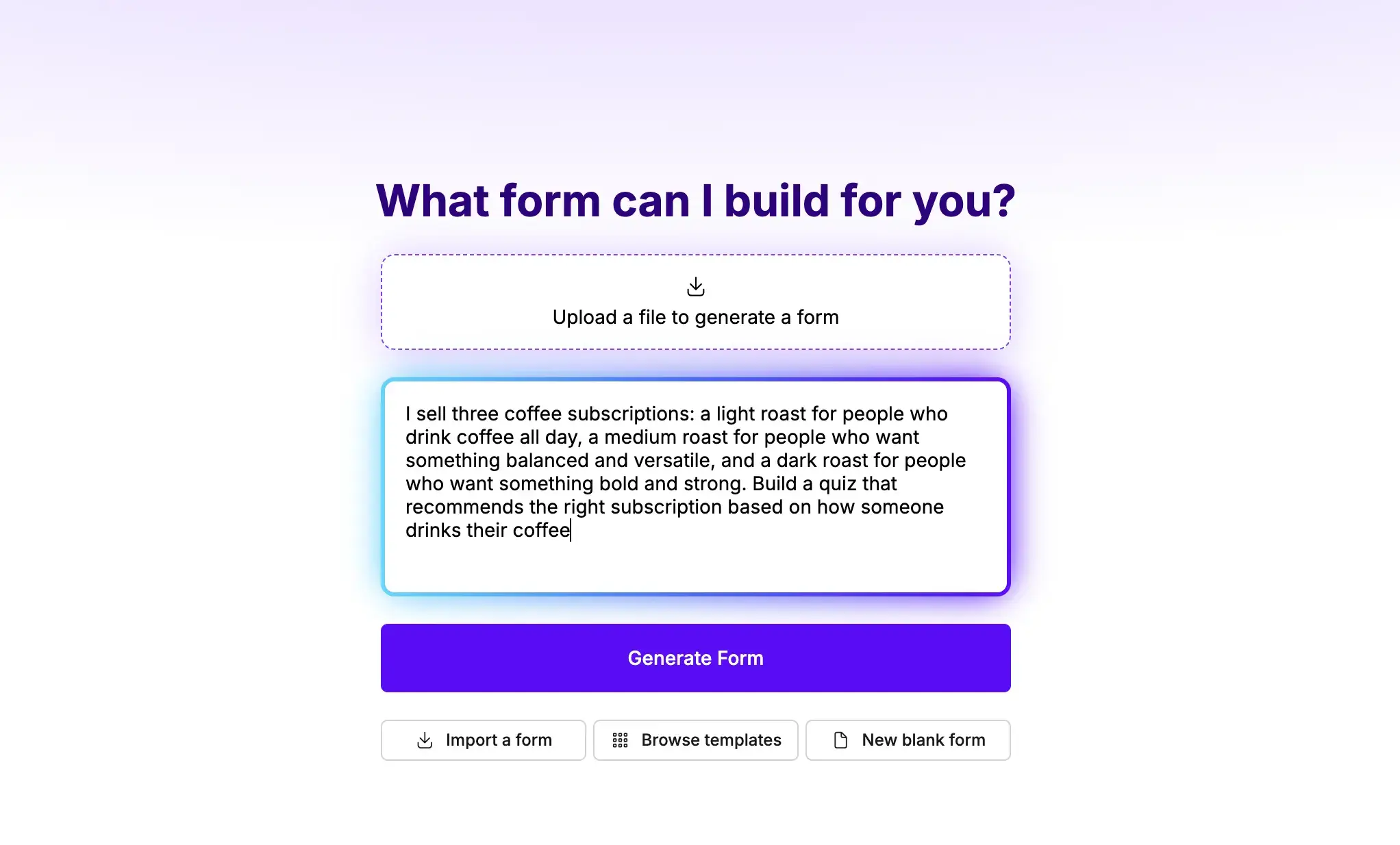
Weavely doesn't separate quiz creation from the rest of the builder - it's all in the same place. You write a prompt describing your products (or paste a link, or upload a document), and Weavely generates the full quiz in one go: questions, answer options, weighted scores, and outcome matching. No step-by-step approach, no mode-switching. The output lands in front of you and you review it.
The scoring mechanic is different too. Rather than tagging answers to specific outcomes, Weavely assigns weighted scores across outcomes automatically - the AI decides how strongly each answer signals each product. You can adjust the weights if something doesn't look right, but the default output is usually sensible if your prompt was specific.
Verdict: both tools use AI to generate the quiz. Typeform's process is more guided and structured; Weavely's is faster and more hands-off. Typeform requires more navigation to get started, whereas Weavely's interface is easier to navigate.
Customisation options
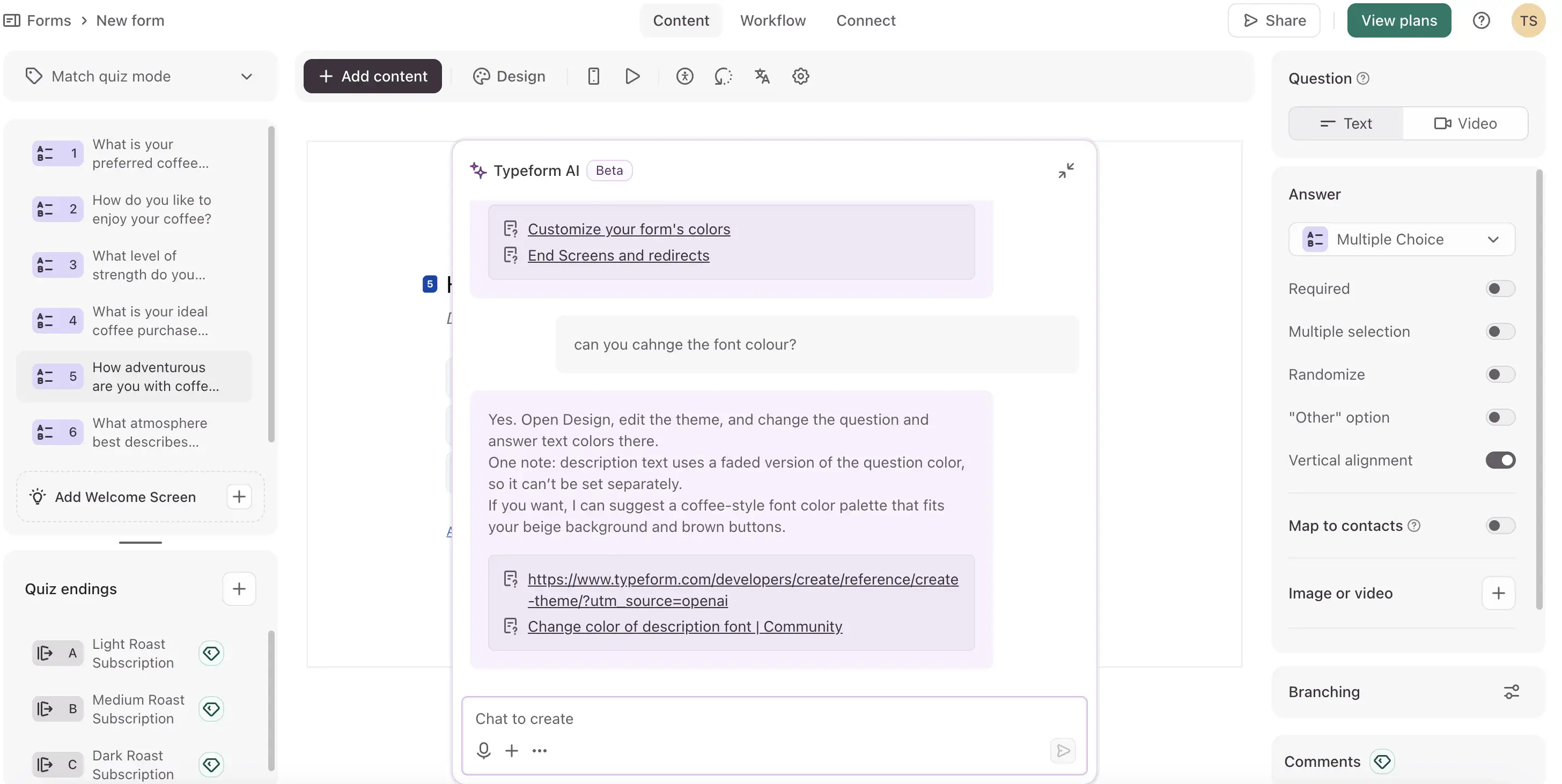
Typeform has a mature design editor with full manual control over the look of your quiz — fonts, colours, backgrounds, button styles. You can build a custom theme or choose from a gallery of pre-made themes and modify from there. What it doesn't do is let the AI help with design. Even though there's a chat window in the editor, Typeform's AI is separate from the design builder, and you can't ask it to match your brand colours or apply a style. Design is a fully manual job.
One of the advantages however is the outcome screens cusmozation. You can add images, rich text, and direct links to product pages. Redirecting respondents to a specific product URL from the result screen is possible, but it's a paywalled feature (requires the Plus plan at around €65/month).
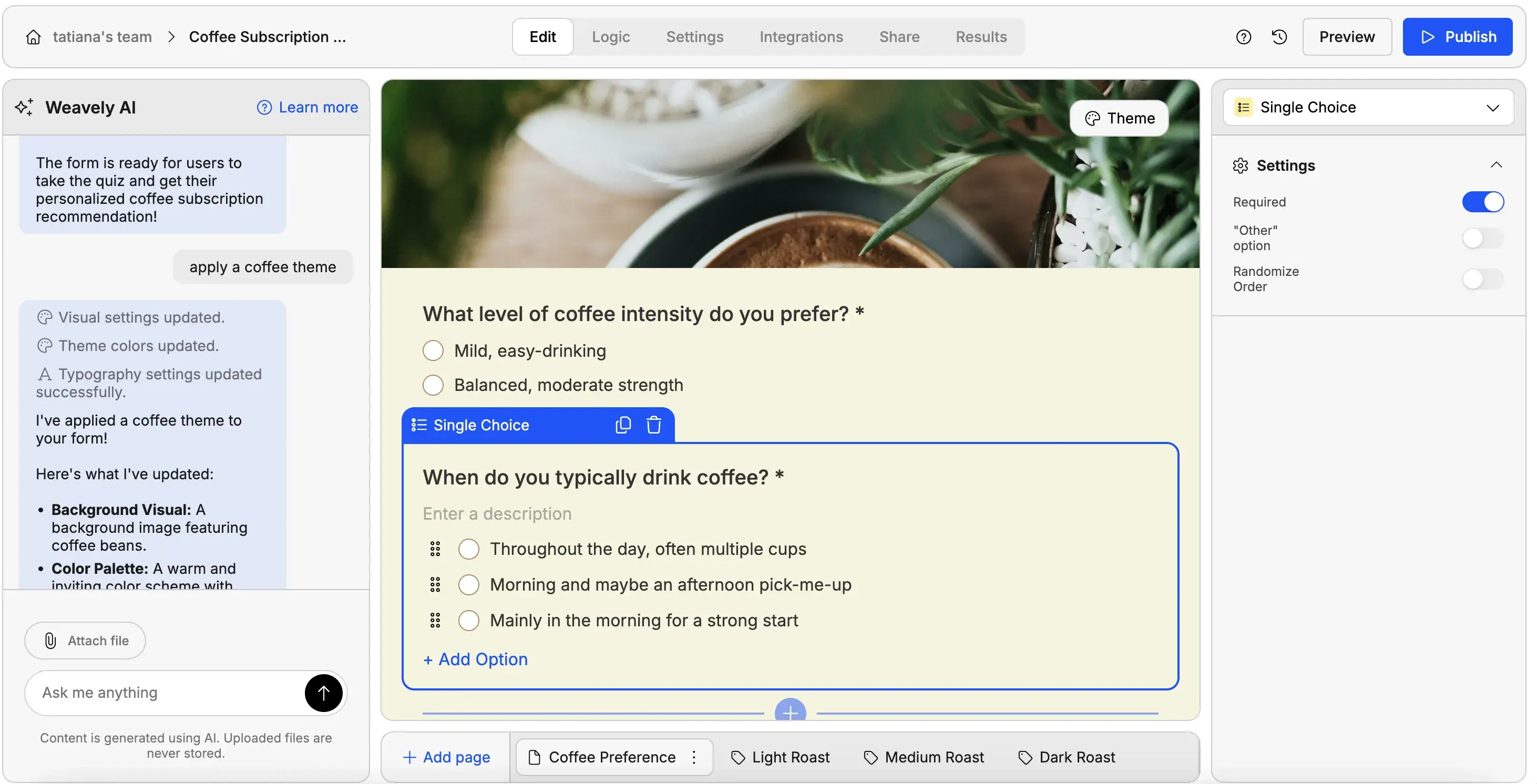
Weavely lets you customise your quiz much faster and easier, as its AI can handle both functioanlity and design requests. You can ask it to apply a colour scheme, adjust the style, or even match the look to your existing website if you provide a link. That's a meaningful difference for teams without a designer.
Where Weavely has a notable limitation: outcome pages don't support native clickable buttons. If you want to send respondents directly to a product page from their result screen, there's no button element you can add natively. The workaround is embedding custom HTML, which works but adds friction.
Pricing
Typeform uses response-based and feature-based pricing. The free plan allows 10 responses/month, which is enough for testing, but not for running a live quiz. Paid Core plans start at around $25/month (Basic, billed annually) for 100 responses/month, $50/month (Plus) for 1,000 responses/month, and $83/month (Business) for 10,000 responses/month. The redirect-from-outcome feature requires at least the Plus plan (~€65/month). For a product recommendation quiz running as an ongoing top-of-funnel tool, response caps add up fast.
Weavely offers unlimited responses on its free plan. Pro is €180/year (€20/month). For teams using a product recommendation quiz as a permanent lead tool on a landing page or in campaigns, the pricing model alone is a meaningful difference.
When Typeform makes sense
Typeform suits teams that want structured, guided quiz creation. The step-by-step setup is good if you prefer to review and approve each piece as it's built. The outcome screens are polished and highly customisable. If the visual presentation of the result matters a lot, or if you need to redirect to product pages (and are willing to pay for Plus), Typeform handles that well.
When Weavely makes sense
Weavely is ideal for a fully hand-off quiz creation, when you want to go from prompt to published quiz as quickly as possible. It's particularly strong if you already have product descriptions in a document - paste it in, get a quiz out.
The AI design assistance is also a big plus. And the unlimited response model means the tool is suitable not just for big players, but also for smaller teams without wirrying about hitting a cap as your quiz gets traffic.
Lead generation forms and quizzes for free
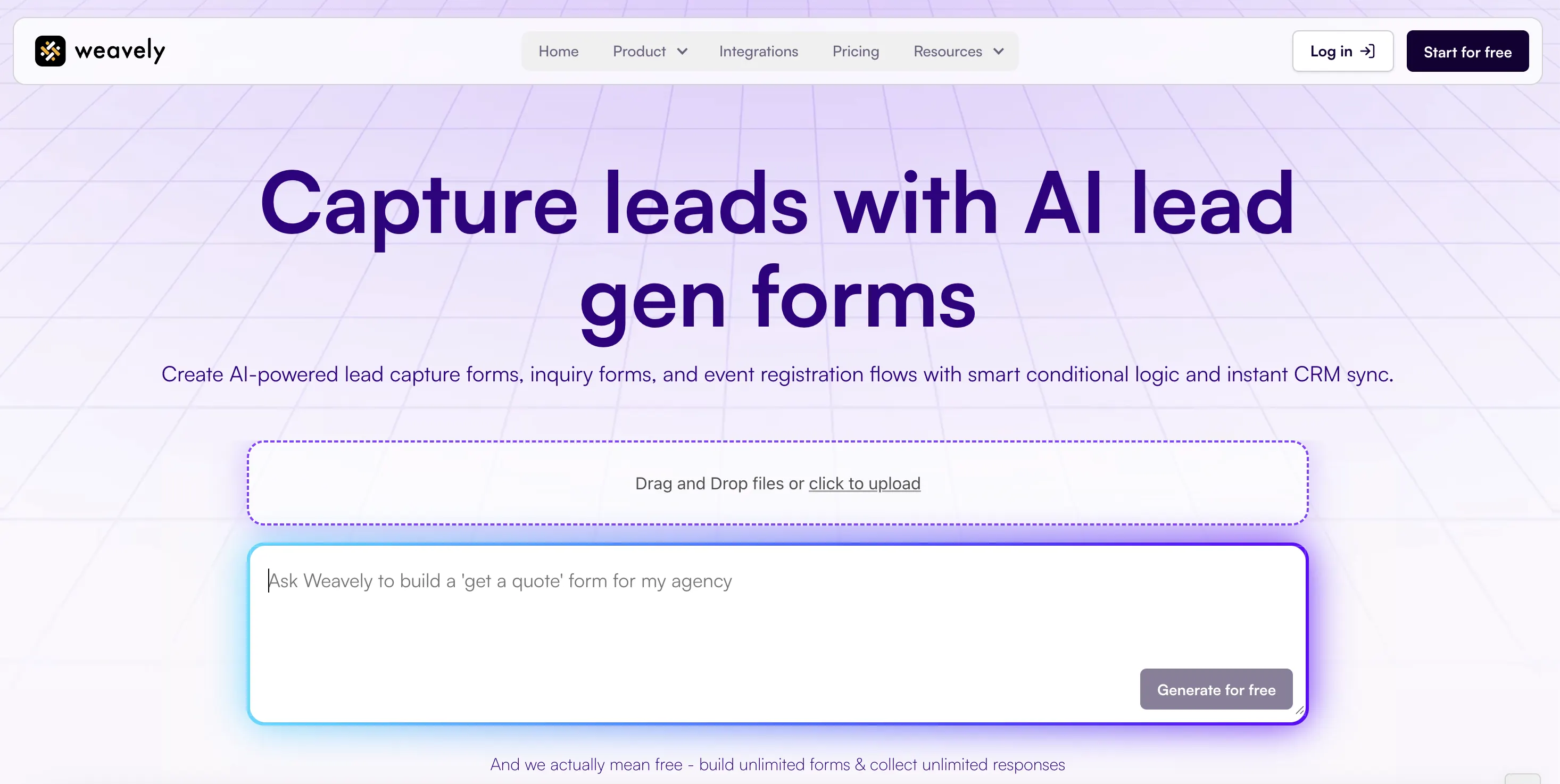
Looking to create more forms and surveys that can capture or qualify leads? Weavely offers free AI lead generation tools that can help you build lead generation, inquiry, and registration forms, as well as lead qualification and match quizzes in seconds. Just drop a prompt, click generate, make adjustments if needed, publish and share your form or quiz. It's easy and free.

Tatiana is the Growth Marketing Manager at Weavely, where she's spent nearly four years running marketing end to end. From campaign strategy to the SEO content that brings new readers to the platform. Working day to day on a form builder gives her a front-row seat to what actually makes forms, surveys, and landing pages convert, and that's what she writes about here: practical, tested advice on lead generation and form design. Before Weavely, she led brand and SEO work at Digital Leap and cut her teeth on B2B and B2C content at Ruddy. She's based in Brussels.


