Best form building tools that integrate with Mailchimp
Mailchimp is one of the most widely used email marketing platforms in the world, trusted by businesses of all sizes for growing subscriber lists, running campaigns, and setting up automated sequences. The sooner a new contact lands in Mailchimp after filling in a form, the sooner your marketing can kick in.
Manual imports break this loop. A native integration between your form builder and Mailchimp closes it: someone submits your form and they're added to the right audience automatically, with tags already applied and field data mapped to the right properties.
Why connect your form builder to Mailchimp?
When the integration is set up correctly, a new form submission can subscribe a contact to a Mailchimp audience, apply tags for segmentation, trigger a welcome automation, and update existing contact records — all without anyone touching a spreadsheet. For teams running lead generation campaigns, newsletter signups, or event registrations at any volume, this is the difference between a form that collects data and one that actively feeds your marketing pipeline.
Tags and audience segmentation are where the real value lies. The best integrations let you apply different Mailchimp tags based on how someone answers your form, so a respondent who selects "I'm interested in product demos" can be tagged and routed into a different email sequence than one who selects "just browsing." Getting that level of segmentation without a native integration requires significantly more manual work.
Weavely
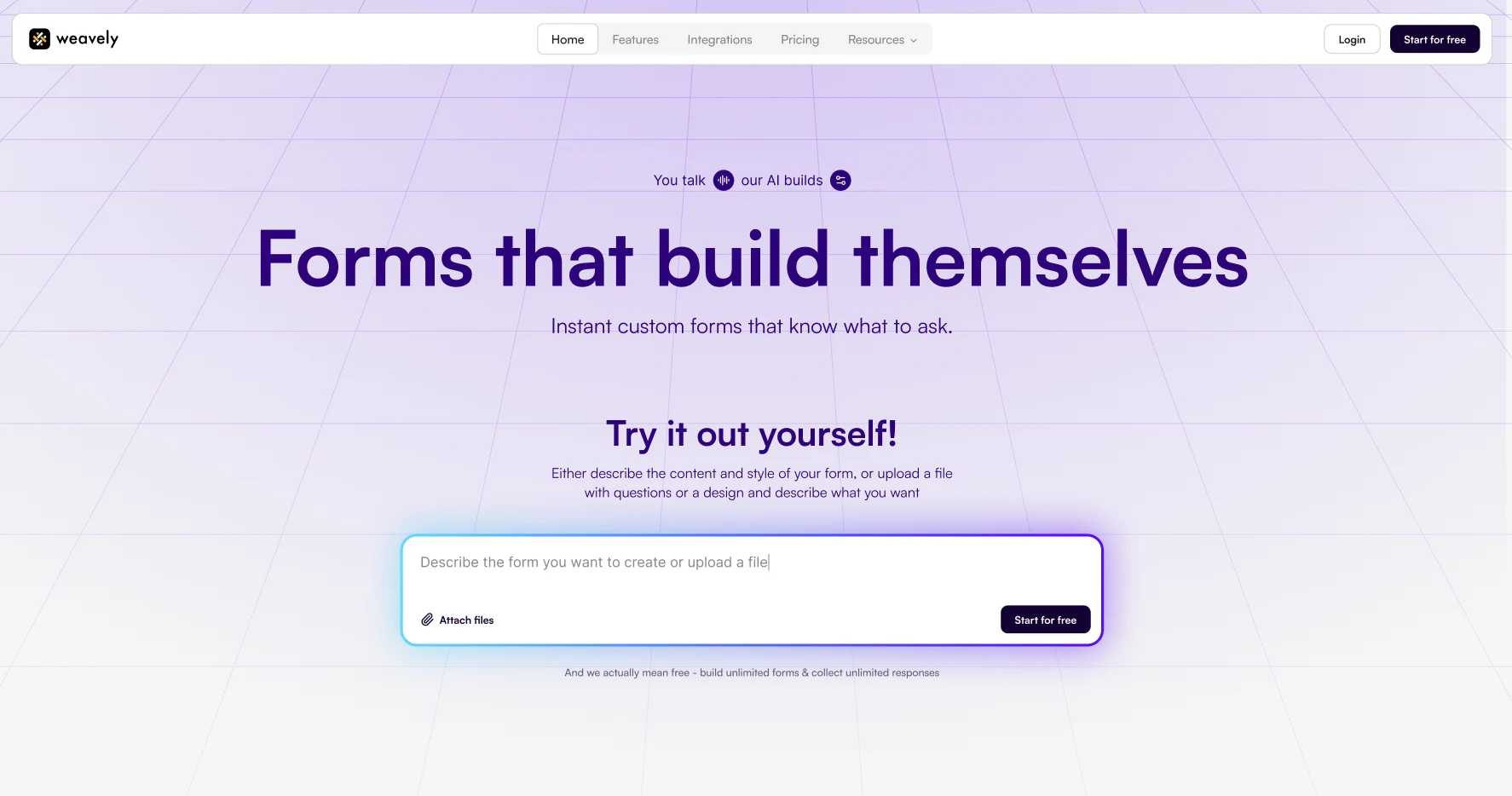
Weavely is an AI form builder that creates beautiful forms with advanced functionality from a text prompt, voice input, or uploaded document. It includes a native Mailchimp integration that connects directly to your Mailchimp audience and is available on the free plan.
Pros
- Unlimited forms and responses on the free plan
- Highly customisable form design
- Native Mailchimp integration available at no extra cost
- AI generates form content and design in seconds
- Full feature set: conditional logic, multistep flows, answer piping
Weavely's main limitation for Mailchimp users is that it currently subscribes contacts to a single audience list per form. If your Mailchimp setup is more complex, such as multiple audiences, detailed tag-based routing, you may need to supplement with Zapier for advanced workflows.
Pricing
- Free plan: unlimited forms and responses
- Pro plan: €20/month
Weavely's Mailchimp integration
Weavely's Mailchimp integration subscribes a contact to your chosen audience list on every form submission, with field mapping to ensure the right data lands in the right Mailchimp properties.
Key capabilities:
- Audience selection: choose which Mailchimp list each form feeds into on a per-form basis
- Field mapping: map form fields to Mailchimp contact properties including name, email, and custom attributes
- Real-time subscription: contacts are added to Mailchimp immediately after the form is submitted
- Free access: available on the free plan
For a step-by-step on how to connect Weavely and Mailchimp, see our Mailchimp integration guide.
123FormBuilder
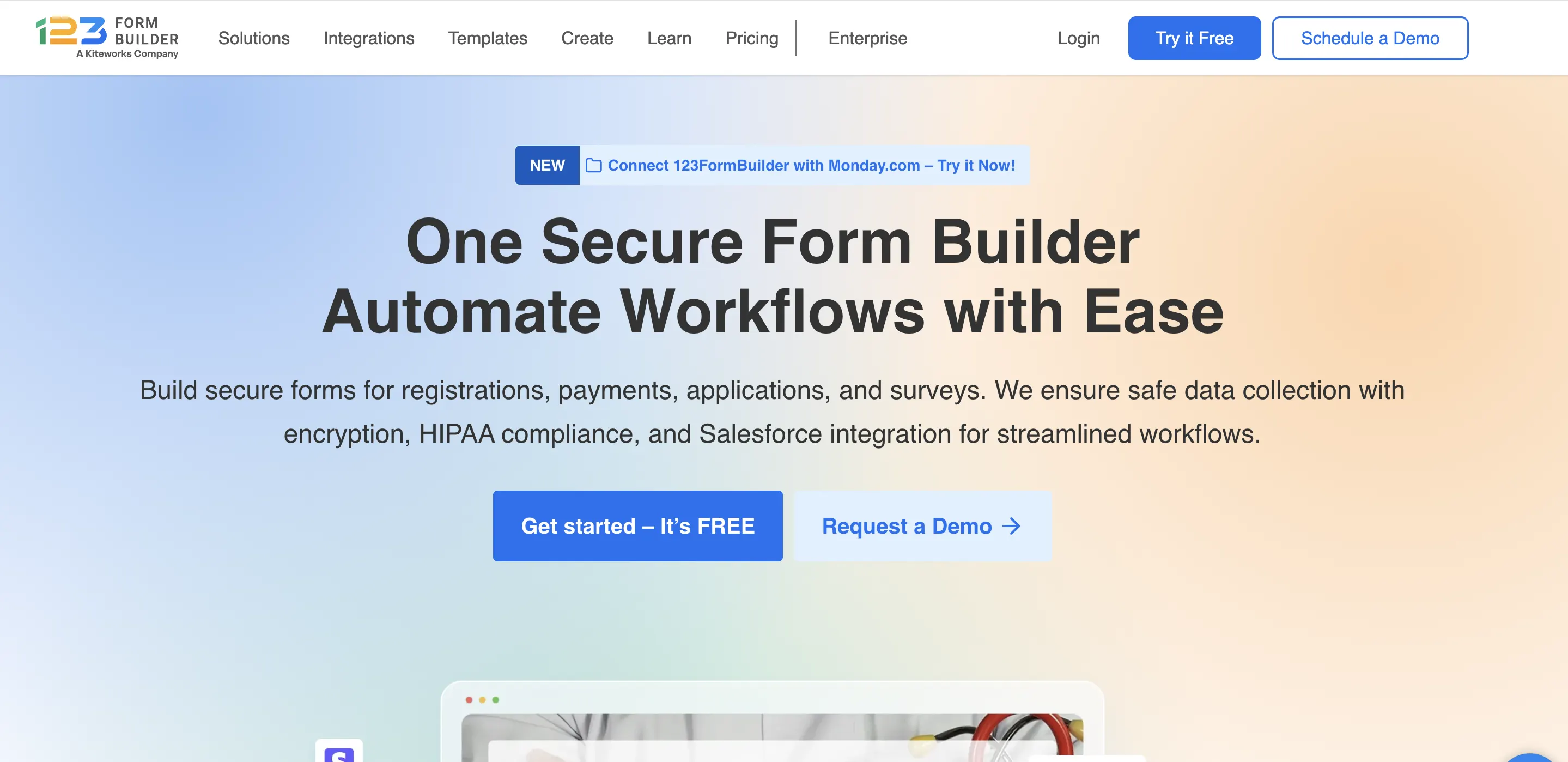
123FormBuilder is a well-established form builder with a strong track record in enterprise, healthcare, and regulated industries. It connects natively with tools like Salesforce, Google Sheets, Zendesk, and Mailchimp, and has been built with security and compliance requirements in mind from the ground up.
Pros
- Broad feature set: conditional logic, digital signatures, file uploads, calculation fields, multi-page forms
- Update existing subscribers or enable double opt-in
- Multiple Mailchimp integrations can be active on the same form simultaneously
- Strong compliance credentials: GDPR, ISO compliant, HIPAA available on Enterprise
The Mailchimp integration is not available on the free plan. You'll need at least the Gold plan at $37/month (or $18.50/month billed annually). The interface is less modern than newer tools and some users find the UI dated in places. The free plan is also fairly restricted at 5 forms and 100 submissions per month.
Pricing
- Free plan: 5 forms, 100 submissions/month (Mailchimp not included)
- Gold plan: $37/month
- Platinum plan: $49/month
- Diamond plan: $99/month
123FormBuilder's Mailchimp integration
One notable feature is the ability to run multiple Mailchimp integrations on the same form simultaneously. This is useful for teams that need to route submissions to different lists or audiences depending on form conditions.
Key capabilities:
- Subscriber management: choose to add a new subscriber or unsubscribe an email address on each submission; update existing contact information if the email already exists in your list
- Double opt-in: send a confirmation email before adding someone to your list, keeping it clean and compliant
- Interest groups: route contacts into specific Mailchimp interest groups directly from the form
- Multiple integrations per form: run more than one Mailchimp connection on the same form for advanced audience routing
- Error handling: set an email address to receive alerts whenever a submission fails to sync to Mailchimp
Jotform
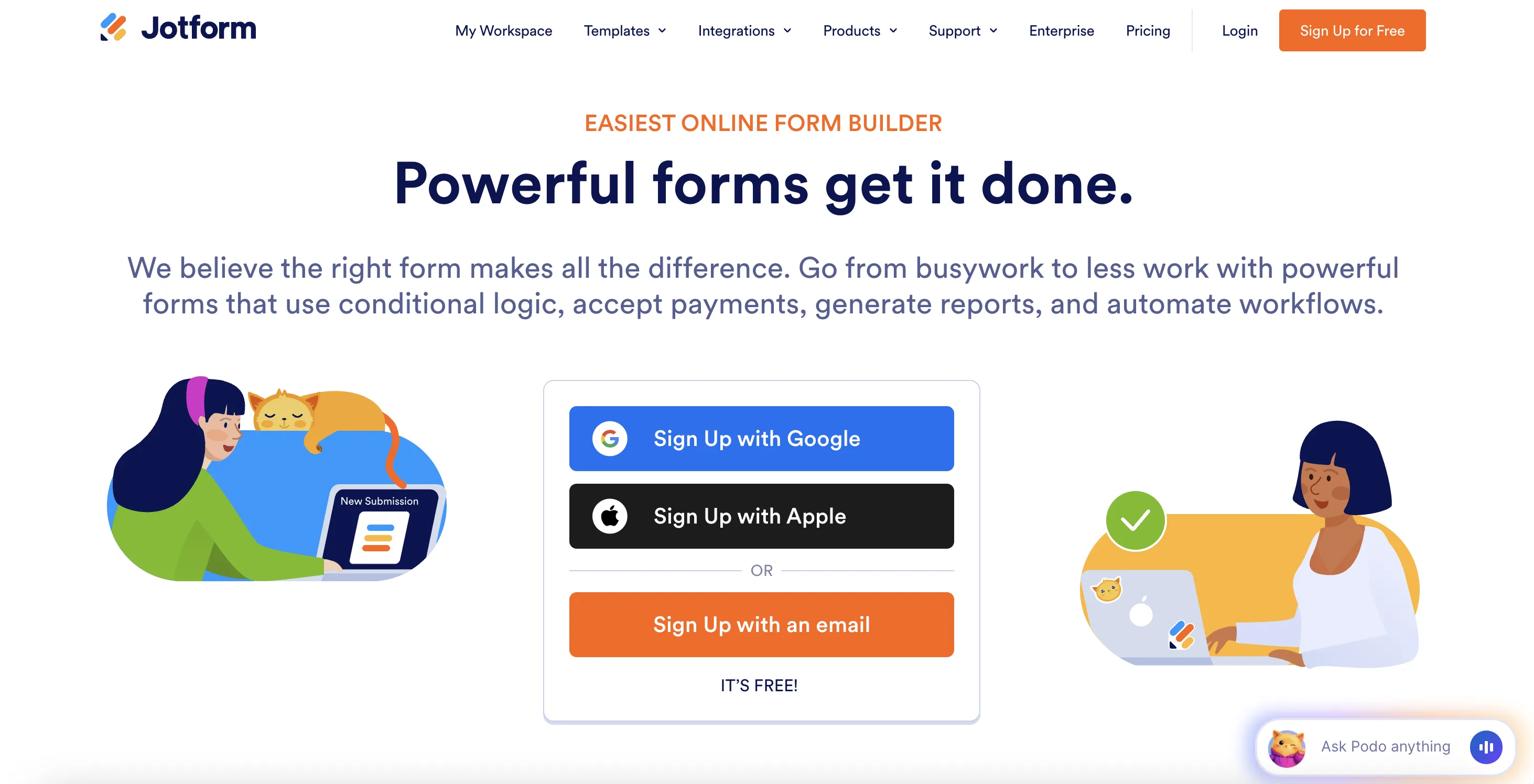
Jotform is a well-established form builder that offers an intuitive drag-and-drop builder and a wide range of third-party integrations. It has one of the most detailed Mailchimp integrations,as it goes well beyond basic subscriber creation, supporting tag assignment based on specific form answers, updating existing contact records rather than creating duplicates, interest group routing, GDPR consent fields, and double opt-in.
Pros
- Native Mailchimp integration with tag assignment, interest groups, and GDPR options
- Can update existing Mailchimp contacts rather than always creating new ones
- Wide range of templates and field types
- 200+ native integrations overall
Jotform's free plan caps at 5 forms and 100 monthly submissions, which most businesses outgrow quickly. Pricing scales steeply, and the interface feels less modern than newer tools. The integration is available on the free plan but form and submission limits are the real constraint.
Pricing
- Free plan: 5 forms, 100 submissions/month
- Bronze plan: $39/month
- Silver plan: $49/month
- Gold plan: $129/month
Jotform's Mailchimp integration
Jotform's Mailchimp integration is among the most configurable of any form builder, with detailed options for how contacts are handled and segmented.
Key capabilities:
- Audience list selection: choose which Mailchimp audience receives new contacts
- Tag assignment: automatically apply Mailchimp tags based on specific form responses, enabling segmentation at the point of capture
- Interest groups: route contacts to specific Mailchimp interest groups based on their answers
- Update existing contacts: if a matching email already exists in Mailchimp, Jotform updates the record rather than creating a duplicate
- Double opt-in: optionally send a confirmation email before adding someone to your list
- GDPR consent field: link a form field to Mailchimp's marketing permissions for GDPR compliance
Typeform
.webp)
Typeform is a high-end conversational form builder that integrates natively with Mailchimp. It supports full field mapping, tag assignment based on form answers, and updating existing contacts. Typeform's conversational format tends to produce higher completion rates for forms used in audience-building campaigns, which makes this a natural pairing for teams running lead generation or survey-based list growth.
Pros
- A big library with pretty templates
- Can create new subscribers or update existing contact records
- All field types now supported in the integration
- Conversational format tends to improve completion rates
Typeform's free plan allows only 10 responses per month, which makes it effectively unusable for active campaigns without upgrading. The native Mailchimp integration also requires an email address field to be set to required. If your form doesn't collect email, the integration won't work. Each form can only connect to one Mailchimp account at a time.
Pricing
- Free plan: unlimited forms, 10 responses/month
- Basic plan: $35/month
- Plus plan: $70/month
- Business plan: $120/month
Typeform's Mailchimp integration
Typeform's Mailchimp integration is set up from the Connect panel. You authenticate your Mailchimp account, select an audience, and map your form questions to the corresponding Mailchimp fields. Tag routing can be set up to apply different Mailchimp tags based on how respondents answer specific questions.
Key capabilities:
- Audience selection: connect each form to a specific Mailchimp audience
- Field mapping: map Typeform questions to Mailchimp contact properties, with support for all field types
- Tag routing: apply different Mailchimp tags based on respondents' answers to dropdown, multiple choice, or picture choice questions
- Create or update contacts: the integration can create new contacts or update existing ones based on email address
- GDPR compliance: add a GDPR opt-in question and link it to Mailchimp's marketing permissions
Fillout

Fillout has a native Mailchimp integration listed in the Mailchimp Marketplace, with support for field mapping, tag assignment, and conditional tag logic. It's a good fit for teams that need Mailchimp alongside Fillout's strong database integrations with Airtable and Notion — since Fillout can send data to all three simultaneously from a single form submission.
Pros
- Conditional tag logic: apply different tags based on form responses
- Intuitive drag-and-drop editor with AI generation
- Good design customisation options including custom themes
Fillout's analytics are gated behind paid plans, which limits visibility into form performance on the free tier. Some advanced features are also only available on higher-priced plans.
Pricing
- Free plan: unlimited forms, 1,000 responses/month
- Starter plan: $19/month
- Pro plan: $49/month
- Business plan: $89/month
Fillout's Mailchimp integration
Fillout connects to Mailchimp and adds new contacts to your chosen audience list on each form submission. Tags can be applied unconditionally or conditionally based on specific form field values.
Key capabilities:
- Audience selection: choose which Mailchimp audience list receives contacts from each form
- Field mapping: link form fields to Mailchimp audience properties, including custom fields
- Conditional tags: apply Mailchimp tags based on specific form responses to segment your audience automatically
- Works alongside other integrations: Fillout can write to Airtable or Notion and subscribe to Mailchimp simultaneously from a single submission

Tatiana is the Growth Marketing Manager at Weavely, where she's spent nearly four years running marketing end to end. From campaign strategy to the SEO content that brings new readers to the platform. Working day to day on a form builder gives her a front-row seat to what actually makes forms, surveys, and landing pages convert, and that's what she writes about here: practical, tested advice on lead generation and form design. Before Weavely, she led brand and SEO work at Digital Leap and cut her teeth on B2B and B2C content at Ruddy. She's based in Brussels.


