Work order form template
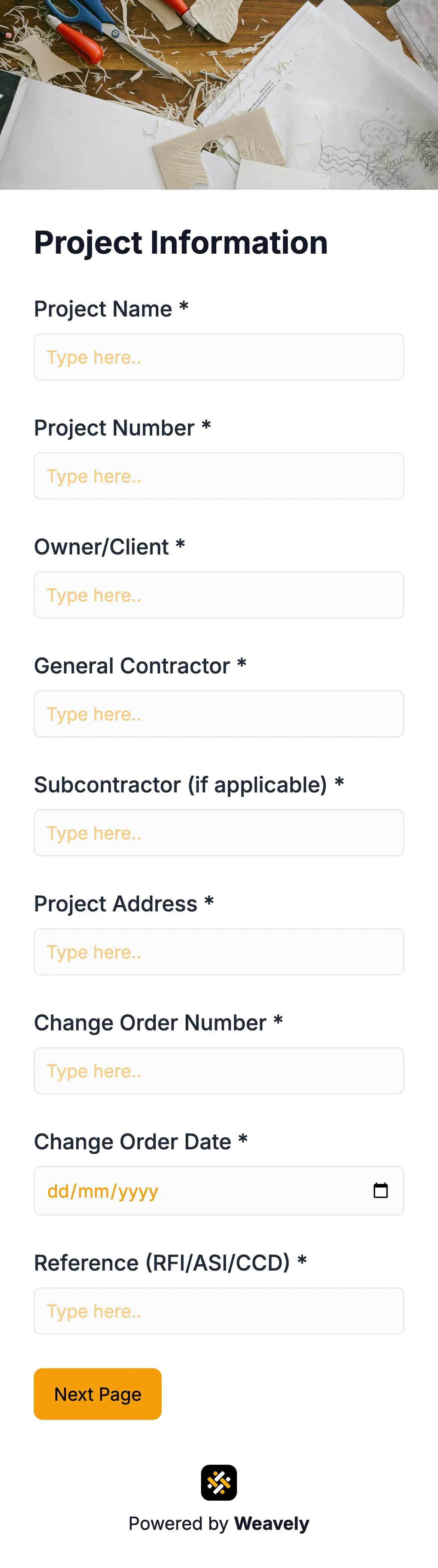
Work order form template: streamline service requests and job management for maintenance, field service, and operations teams. This editable form captures job details, assigns tasks, tracks status and priority, and logs labor and materials to boost accountability and turnaround times. Use it to speed work intake and enhance service delivery.

Who is this work order form template for?
FAQ
A work order form is a structured document used to request, authorize, and track maintenance or service tasks. It typically captures the job description, location, priority level, assigned personnel, materials needed, and approval signatures. Organizations use work order forms to standardize service requests, improve accountability, and maintain a clear audit trail for every completed job.
A comprehensive work order form should include requester details, job category, priority level, a detailed description of the work, site location, target dates, estimated labor and material costs, safety considerations, and approval signatures. A multi-step layout helps organize these sections so requesters provide complete information without feeling overwhelmed by a single long page.
Yes. You can add, remove, or reorder any field to match your workflow. Customize labels, placeholder text, dropdown options, priority levels, and job categories. Adjust colors, fonts, and layout to reflect your brand. You can also add conditional logic to show or hide sections based on answers — for example, displaying safety fields only when hazardous work is selected.
Yes, this work order form template is completely free to use — no credit card required. You get unlimited form submissions and can connect responses to tools like Google Sheets, HubSpot, Slack, or Zapier. Start with the template as-is or customize every detail to fit your maintenance, facilities, or field service workflow.
Related templates