Top AI form building tools to create feedback surveys in 2026
Collecting feedback usually takes a massive amount of time right at the start. You have to figure out exactly what to ask to get valuable insights, make sure you haven't forgotten a crucial angle, and pick the right question types so you don’t end up with a mess of unusable data. It's also important to not overwhelm respondents with a wall of text or too many open-ended questions that lead to survey fatigue.
Often, these forms require complex conditional logic just to keep the experience relevant for each respondent, and creating feedback forms turns into a chore. But in 2026 it shouldn't be like this anymore. AI has finally caught up and should do all the heavy lifting, turning hours of setup into seconds of automation.
In this article we are listing top 5 AI tools that can help you create a feedback survey much faster and easier.
What to look for in a form builder to create effective feedback forms in 2026
- Intelligent conversational UI: Modern builders should move beyond simple drag-and-drop. The best tools now use conversational interfaces that let you build, style, and edit forms simply by chatting with an AI.
- Dynamic logic and personalization: To avoid survey fatigue, your form builder must support advanced conditional logic and answer piping. This ensures respondents only see questions relevant to them, making the experience feel more like a personalized conversation and you collect more relevant data.
- Automatic branding and design: Good feedback forms should look like an extension of your brand. Look for tools that can automatically extract your brand colors and fonts from a logo or an image, ensuring a professional look with zero manual effort.
- Integrated AI analytics: Collecting data is only half the battle. Your builder should ideally include built-in AI to analyze open-ended responses, detect sentiment, and identify recurring themes automatically.
- Native integrations: integrating with tools like Salesforce, HubSpot, Notion, and Airtable are essential for making sure your data flows directly into your existing workflows.
Weavely
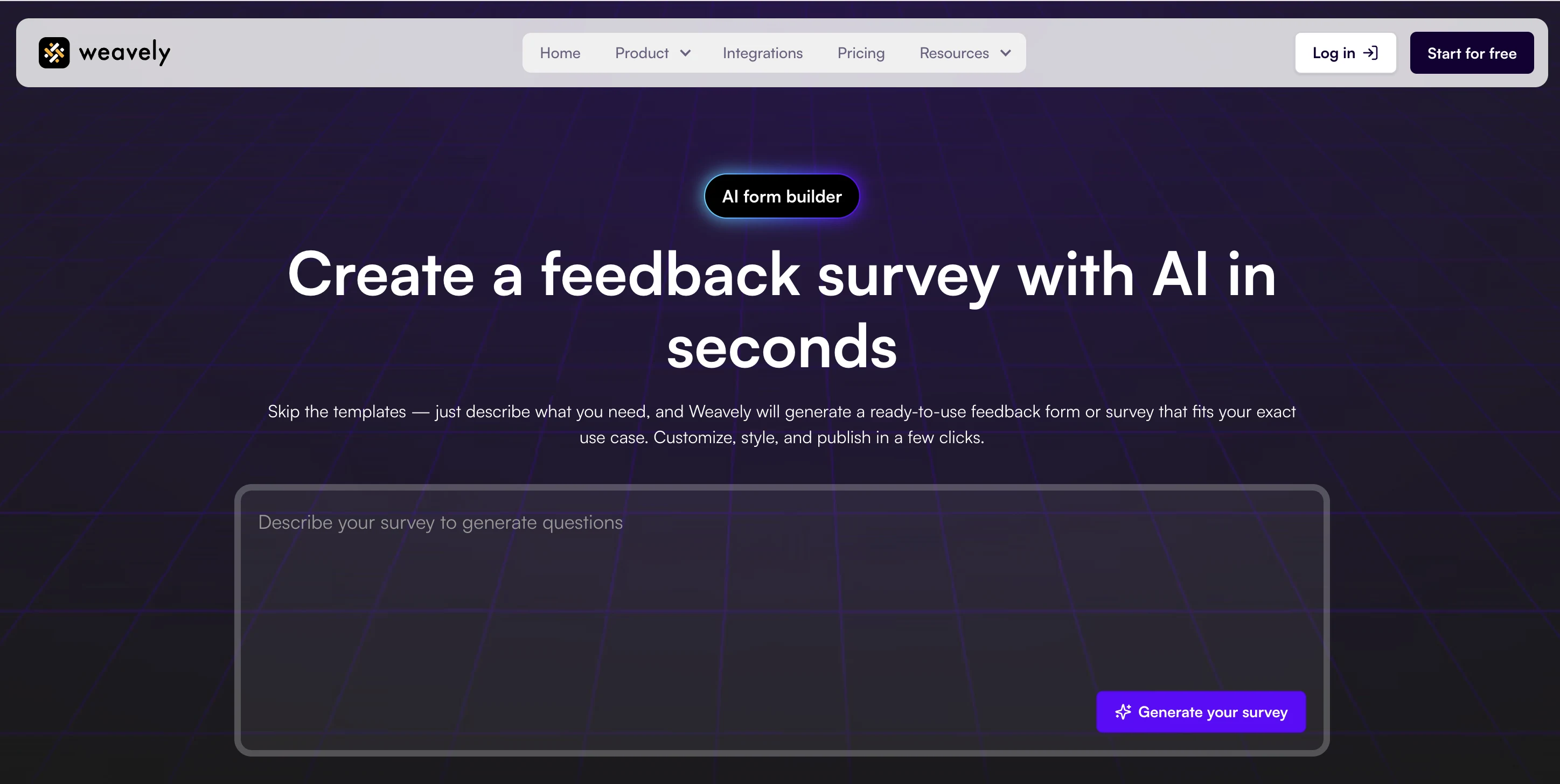
Weavely is currently the only tool on the market that automates the entire process through a single conversational interface. While other builders use AI for specific tasks, for Weavely AI generation is at its core. You simply give a prompt, and the platform does everything from question phrasing to logic setup. In addition to AI generation, the tool offers feedback form templates that you can easily customize.
Weavely is great for collecting feedback, as it allows you to set-up advanced logic rules, personalise your forms with answer piping, and let respondents provide feedback through file uploads.
You also get AI-powered data analytics, which is perfect if you need to analyse large batches of customer feedback. You can then push that response data into Google Sheets, Notion, Airtable, or CRMs like HubSpot and Salesforce, and even those integrations can be set up automatically with AI.
If you're looking to collect more specific types of feedback, Weavely also offers free NPS and CSAT survey generators.
Key features:
- AI-powered feedback form creation
- Conditional logic and answer piping applied automatically
- Built-in analytics to track response rates and satisfaction trends
- Allows partial form submissions
- Forms and surveys that look like your brand (extract colors from your website or logo)
- Generates feedback forms from PDFs, Google Docs and Google Sheets
- Includes sharing via QR code
Pricing
Another massive bonus is that Weavely is completely free to use - you can create as many feedback forms as you need and collect unlimited responses.
- Free plan: all features, unlimited forms and responses
- Pro plan: $20/month for custom domain and to remove branding
SurveyMonkey
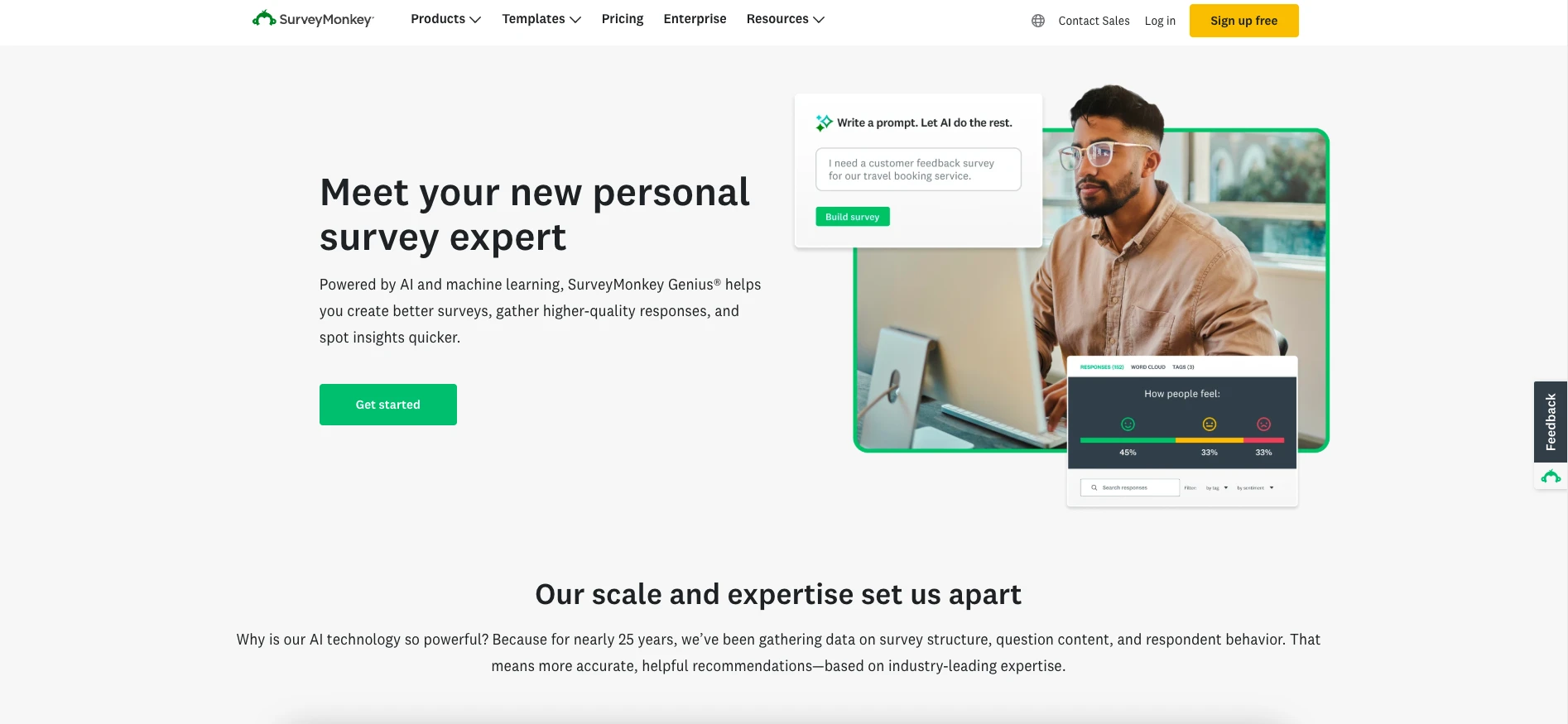
SurveyMonkey is a very comprehensive survey platform with all the features necessary for deep feedback collection. It offers AI functionality, but it is limited to question generation only. Once you provide a prompt and a feedback survey is generated, you will have to do all the set-up manually. But you can upload an image or your company logo, and SurveyMonkey will generate an on-brand survey theme based on that file. Alternatively, you can choose a survey template from Surveymonkey's template library.
The tool's most unique advantage is definitely in the area of data analysis. Not only does SurveyMonkey analyse open-ended questions, it also filters out poor-quality responses and even spots market trends within your response data.
Key features:
- Automatically creates surveys based on a brief description in seconds
- Suggests optimal question types and balanced answer choices
- Can generate an on-brand theme if you upload a logo or image
- AI feedback analysis: Categorizes open-ended responses as Positive, Neutral, or Negative
- Detects and filters out low-quality or unreliable responses
Pricing
Unfortunately you won't be able to use a free tier here, you'll need to opt for one of the following paid plans:
- Team Advantage: €30/user/month
- Team Premier: €75/user/month
- Enterprise: custom pricing
Zonka Feedback
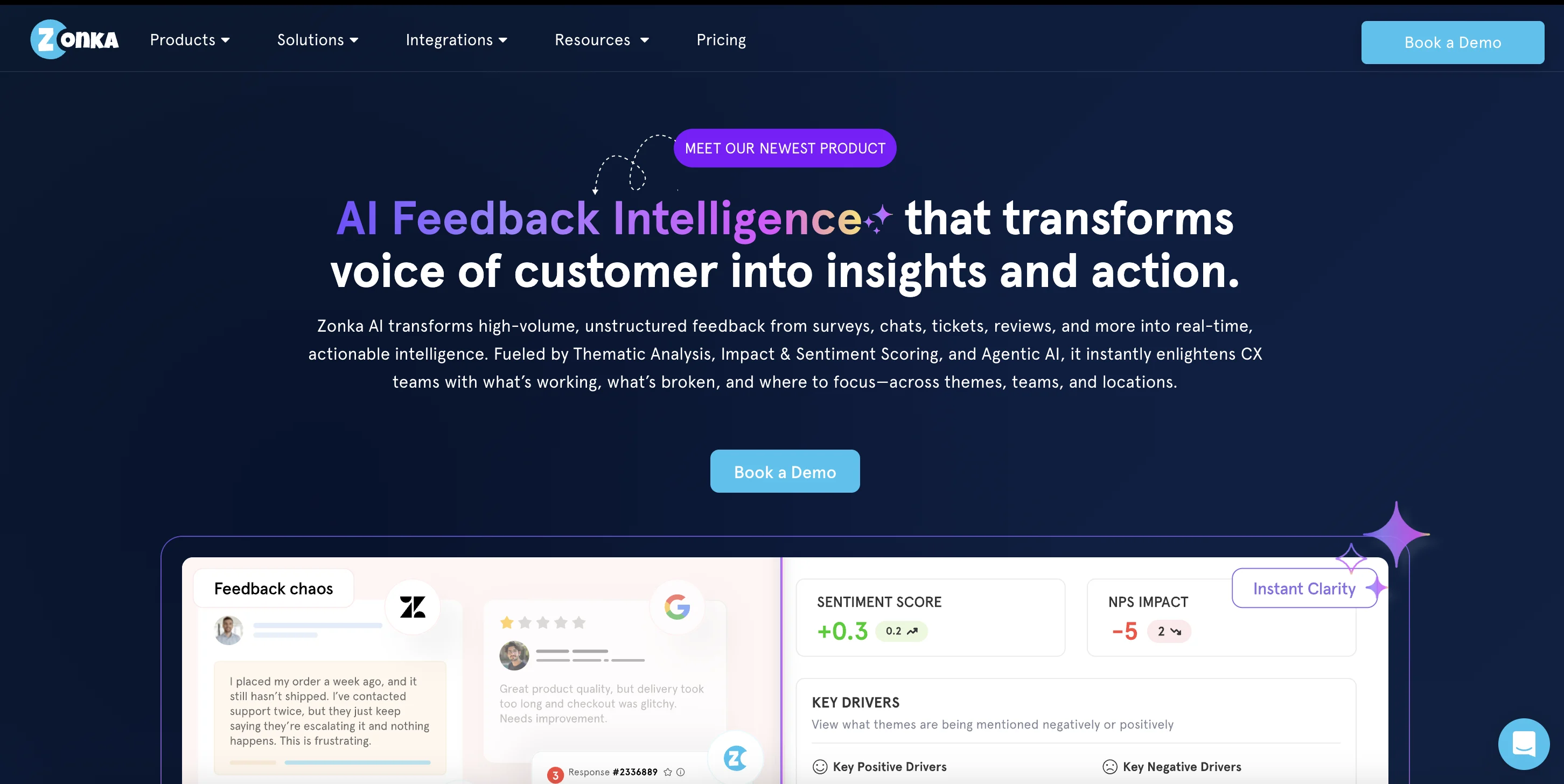
Zonka Feedback is an AI-powered platform designed to help businesses collect, analyze, and act on customer input across multiple channels. It moves beyond basic survey creation by combining omnichannel collection with advanced AI analysis. This makes it easier to turn raw feedback into clear, actionable insights in real time, helping teams bridge the gap between gathering data and actually making improvements.
Zonka feedback offers extensive functionality you need for a complex feedback survey, including dynamic logic, question and answer piping. It also has an AI survey generator, but as most tools it doesn't go beyond generating content of the survey. In addition, you'll find hundreds of templates for customer satisfaction forms, net promoter score, and more.
Key features:
- AI feedback analysis with sentiment detection, impact analysis, and entity recognition
- Real-time dashboards, alerts, and reports to monitor CX metrics and trends.
- Centralized response inbox with workflows and automation to close the feedback loop faster
- Integrations with CRM and collaboration tools to sync feedback with operations
Pricing
Pricing available on request.
Fillout

Fillout is a powerful form builder that includes an option to create forms and surveys with AI. It goes beyond just question generation, allows users to influence the visual design of their forms right from the start. You can upload images or describe the desired look, and the AI will generate a tailored theme. It also allows you to choose specific layouts and define how many questions appear per page.
Fillout offers a high level of customization and branching possibilities and even a visual logic map to help structure your feedback flow. However, the set up requires some learning curve to figure out manually.
The tool integrates with an extensive list of third-party tools, such as Slack, Monday.com, Airtable, and more. Thanks to these native integrations, you can easily send feedback data to your favorite workspaces and automate the next steps in your feedback loop.
Key features:
- AI survey questions generation
- Visual customization using your website’s logo and colors
- Generates forms from PDFs
- Allows partial form submissions
Pricing
- Free plan: Unlimited forms & 1000 responses a month, limited question types
- Starter plan: $19/month
- Pro Plan: $49/month
- Business plan: $89/month
- Enterprise plan: $250/month
Google Forms
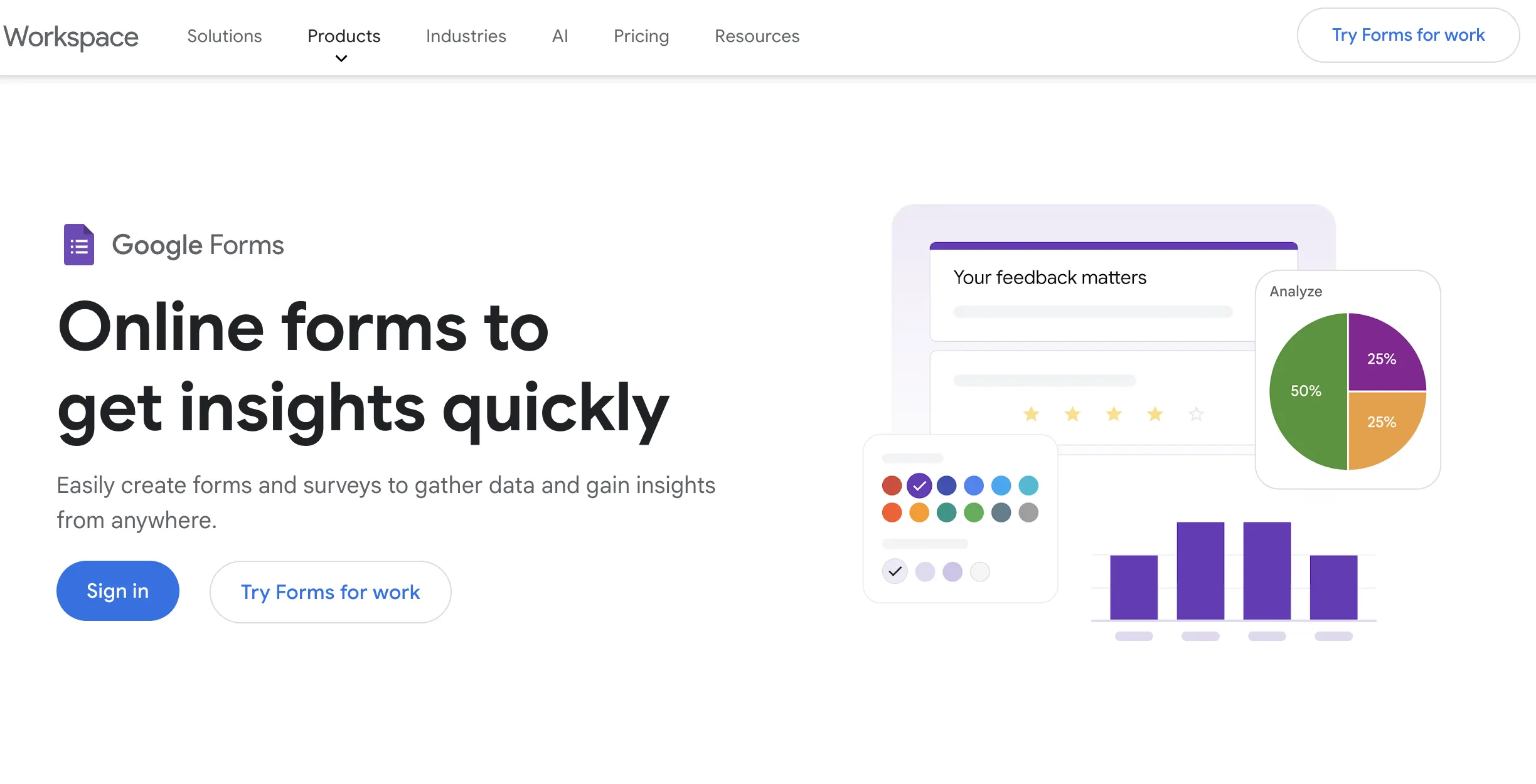
Google Forms remains the most popular tool to collect feedback. It is free and very easy to use. With the recent integration of Gemini AI, you can now move from a blank page to a structured survey using prompts like "Create a customer feedback survey for an online store". So far, it only generates questions with corresponding form elements, and cannot handle more advanced features.
The tool offers a wide range of standard form elements like image choices, drop-downs, star rating, and more. However, you can only get basic conditional logic in Google forms that works at the section level, meaning you can't show or hide a single question instantly on the same page.
This way, if you want to gather more detailed insights with follow-up questions based on specific answers, looking toward professional AI form platforms like Weavely is often the next step.
Key features:
- AI question generation
- Basic conditional logic
- Easily connects with Google Sheets
- Limited design options
- Minimal branding customization
Pricing
Free

Tatiana is the Growth Marketing Manager at Weavely, where she's spent nearly four years running marketing end to end. From campaign strategy to the SEO content that brings new readers to the platform. Working day to day on a form builder gives her a front-row seat to what actually makes forms, surveys, and landing pages convert, and that's what she writes about here: practical, tested advice on lead generation and form design. Before Weavely, she led brand and SEO work at Digital Leap and cut her teeth on B2B and B2C content at Ruddy. She's based in Brussels.


