The best online quiz makers for teachers
Online quizzes have become essential tools in modern classrooms. Quizzes are great for engaging students and can actually improve learning outcomes. But with so many tools available, it can be challenging to choose the right one.
In this article, we’ll explore some of the most effective online quiz makers for teachers.
What makes a great quiz tool for educators?
Before we look at specific platforms, here are a few quiz maker features that might be particularly important for educators:
- Ease of use: Quick setup with minimal training required
- Automatic grading: Saves time and provides instant feedback
- Customization: Ability to tailor quizzes by topic, difficulty, and format
- Data insights: Access to student performance and results
- Engagement: Interactive elements that make assessments more dynamic
Top quiz makers for teachers
1. Weavely
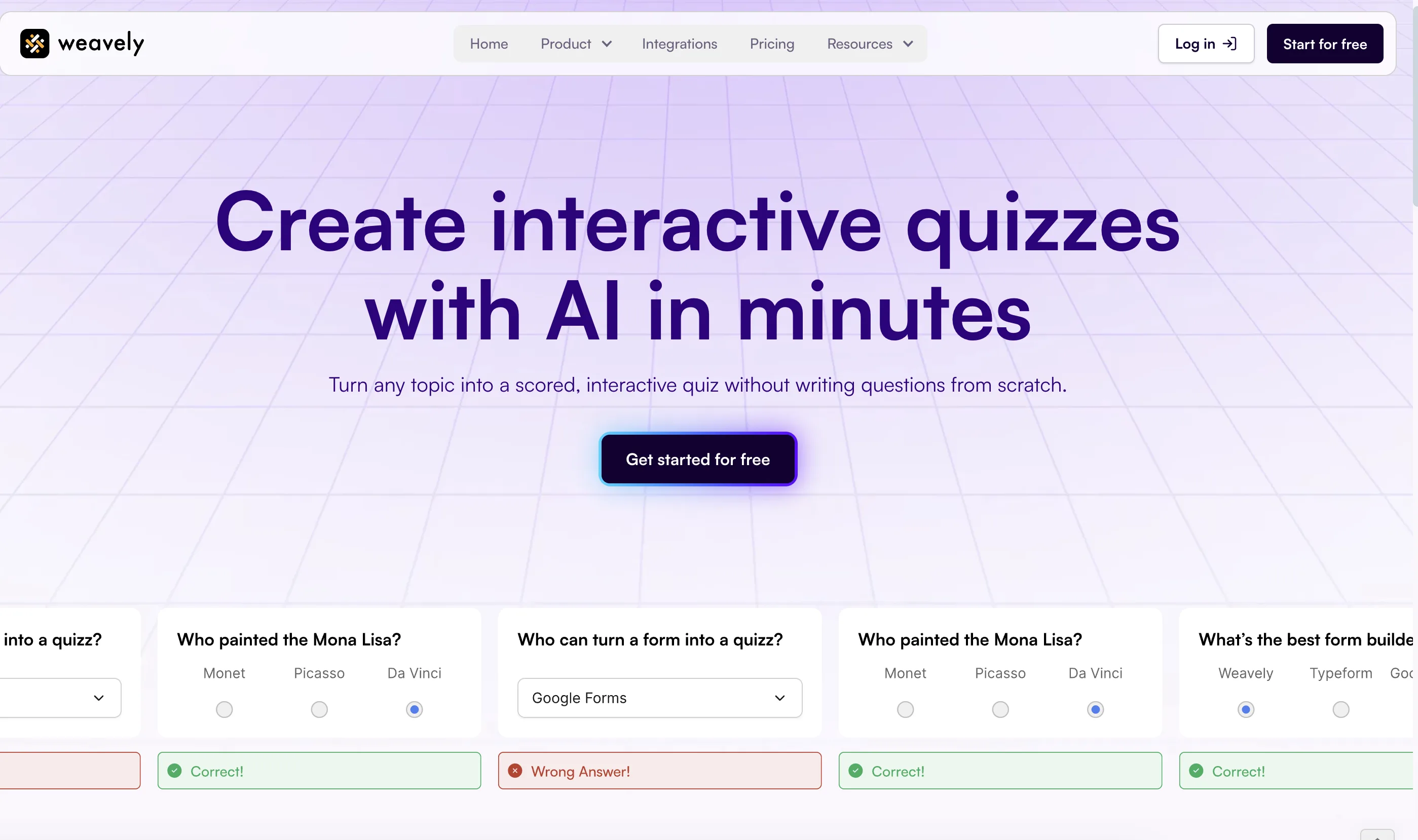
Weavely is free quiz maker designed for speed and simplicity. With the help of AI, teachers can generate entire quizzes from a short prompt or a chapter of a book, PDF, and more. Weavely also assigns scores and defines correct answers automatically. Once the quiz is created, you can edit the content inside the Weavely editor if needed. This includes modifying questions, adding images, changing the layout, and adjusting the design to match your style (which can all be done with AI as well).
- AI quiz generator assigns scores, marks right answers, and enables grading
- Flexible publishing as a standalone page, embedded quiz, or popup form
- AI reporting analyses the results, so you can immediately spot patterns in answers, identify knowledge gaps, and more
- Integrations like Google Sheets help you automatically collect and organize results
Weavely is perfect for teachers who are looking for fast, flexible ways to create quizzes and assignments. It also offers a generous free version, so you don’t need to worry about hitting a paywall. And since Weavely is a comprehensive form builder, you can use it for much more than quizzes, from collecting feedback to building class surveys..
2. Kahoot
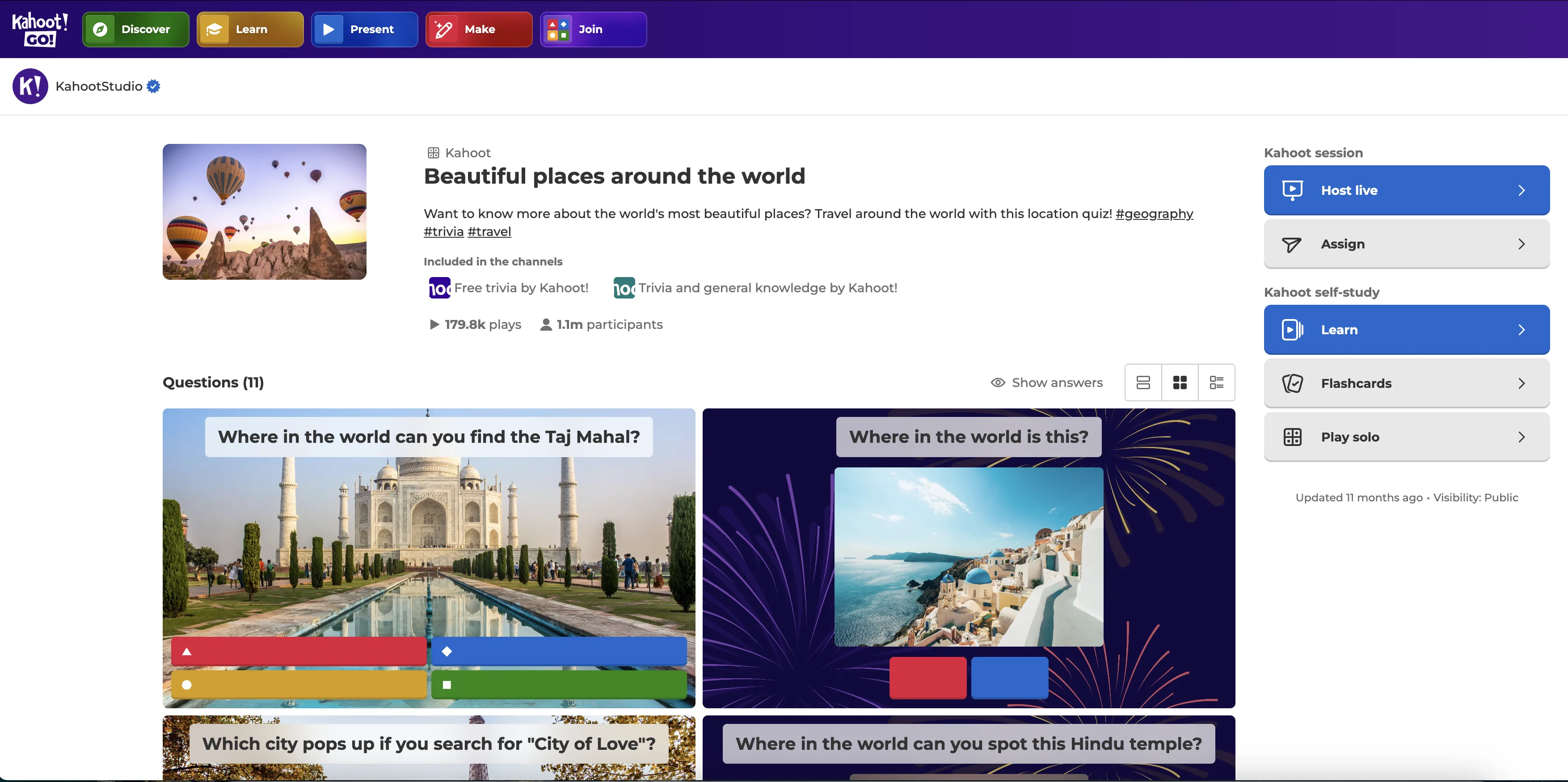
Kahoot! is one of the most popular quiz tools to engage students in classrooms. Thanks to its dynamic nature, it transforms assessments into fast-paced, game-show-style experiences where students answer questions on their own devices.
- Encourages participation with leaderboards, time limits and time-based scoring
- Great for reviewing material in live settings
- Works well with projectors or screens in classroom environments
It’s fun, interactive, and helps turn even a quick review into something students look forward to. However, many useful features, like advanced question types, enhanced reporting, and collaboration tools, are only available on paid plans.
3. Wayground (formerly Quizizz)
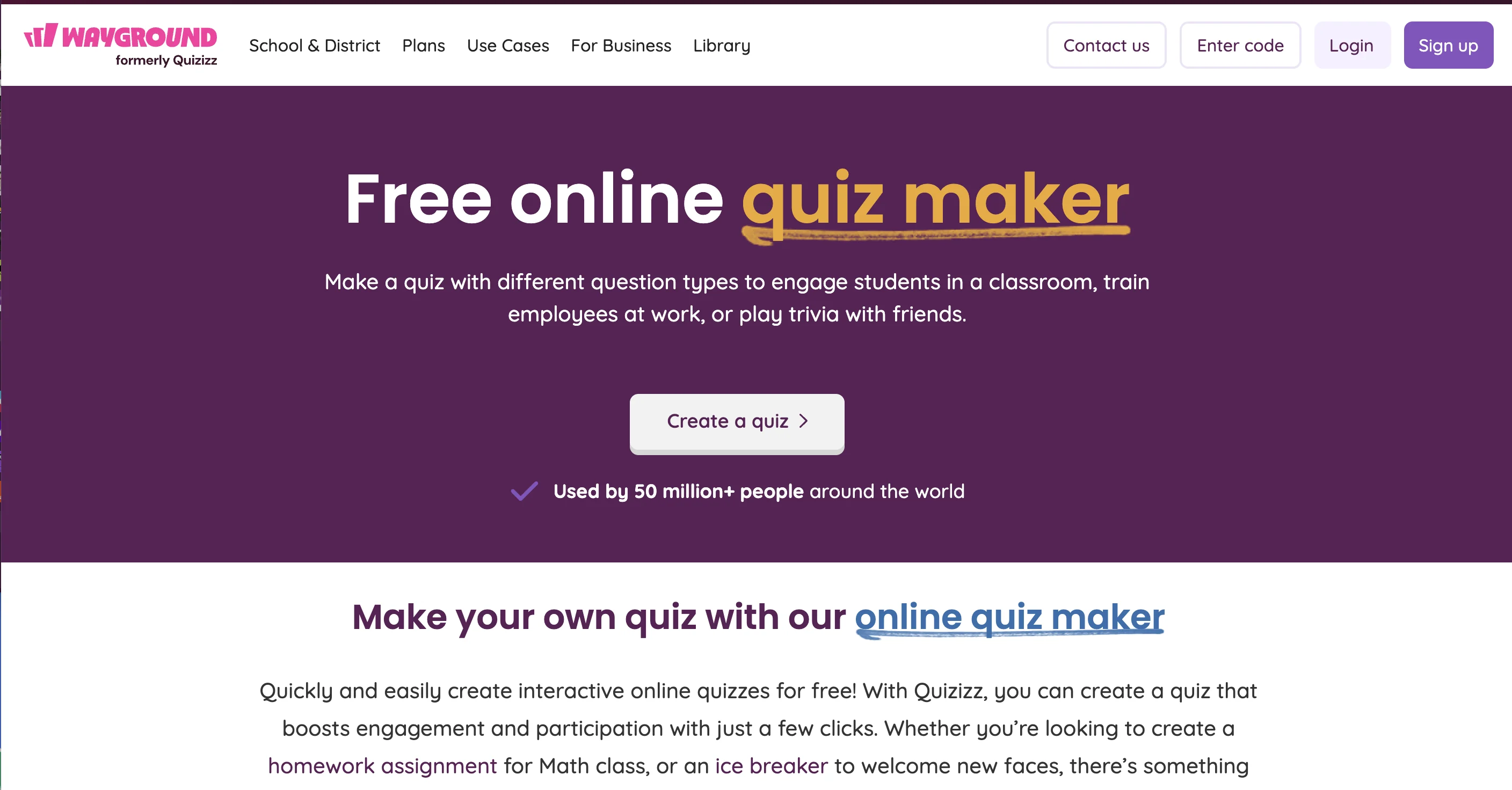
Wayground was created specifically for teachers and tutors. It is similar to Kahoot but it allows students to complete quizzes at their own pace. Wayground includes a large library of templates and supports homework-style assignments. You can also create a quiz from scratch, by either leaving a text prompt or uploading a book/document.
- Real-time feedback and reports
- Gamified elements like memes and avatars
- Integration with Google Classroom and other platforms
Wayground is a comprehensive platform for educators. Apart from quizzes, you can also create flashcards, videos and presentations. However, the platform's pricing is not publicly disclosed, you have to get a quote.
4. Google Forms
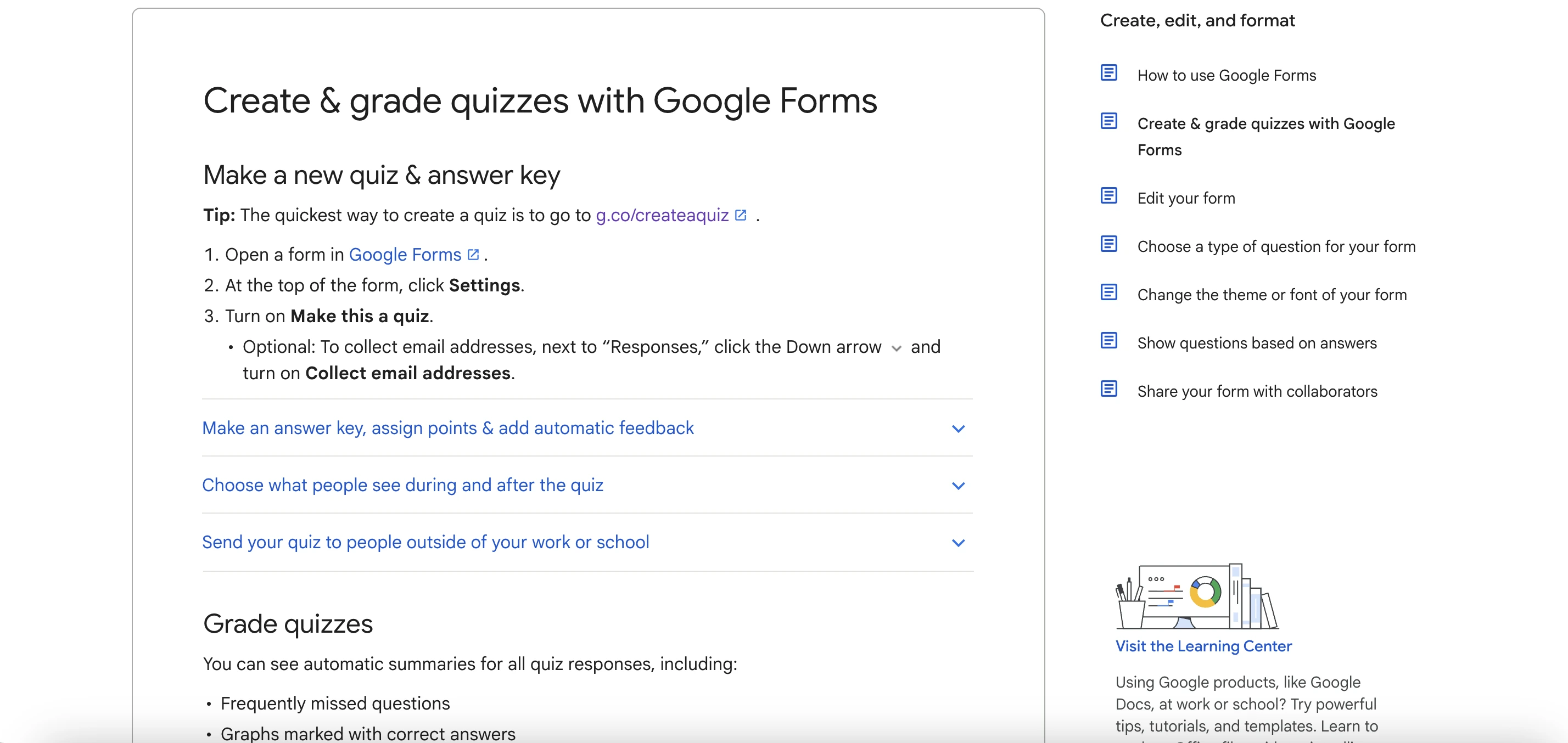
Google Forms remains a popular choice for its simplicity and reliability. It allows teachers to build quizzes quickly, with built-in multiple-choice and short answer grading. Recently, Google has also introduced AI assistance to help with quiz generation. While this feature can suggest questions based on your topic, you’ll still need to manually assign the correct answers and scoring. It’s a helpful starting point, but doesn’t fully automate the process yet.
- Free with a Google account
- Easy to share and collect responses
If you're already using Google Classroom or other Google Workspace tools, Google Forms is a good option for quizzes, as it already integrates into your workflow.
5. Socrative
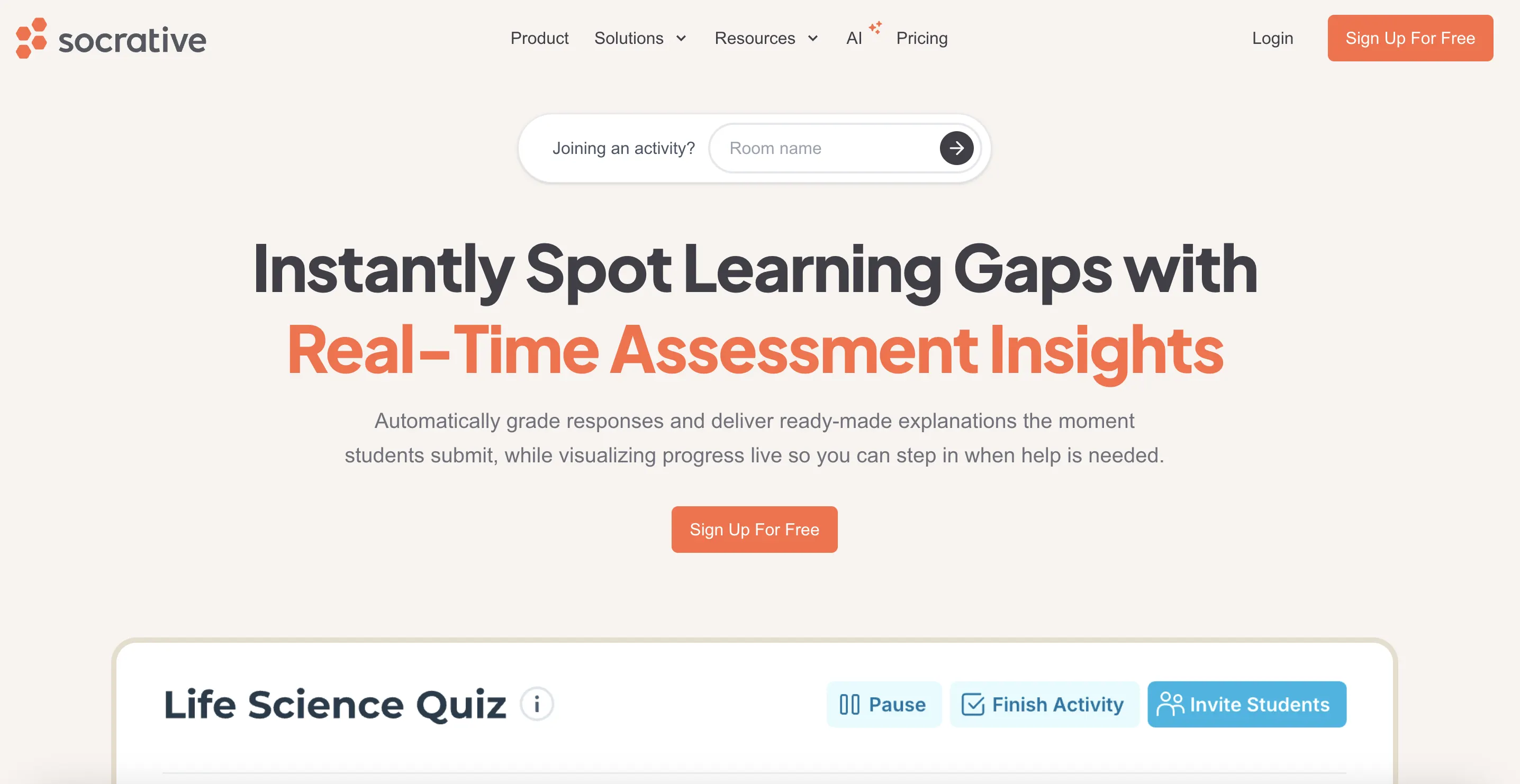
Socrative is a quiz platform designed specifically for educators who want to check student understanding during or right after a lesson. It supports a variety of assessment types, including multiple-choice quizzes, true/false questions, short answers, and quick exit tickets. Thanks to the real-time feedback feature, teachers can see how the class is performing as responses come in. Socrative has also recently introduced an AI assistant, making quiz creation faster.
This makes it ideal for formative assessments and low-pressure check-ins. Students don’t need to create accounts to participate, which makes setup quick and easy.
- Real-time data and class-wide visualizations
- Exit tickets, space race games, and team-based quizzes
Teachers often use Socrative to build out a whole bank of quizzes that they can re-use on a yearly basis. While the free version is good for trying the platform, it’s quite limited. Upgrading to a paid plan is often necessary for regular use, which starts at $15/month.
Frequently asked questions
Which quiz maker is best for quick setup?
Weavely is ideal for fast quiz creation. Just describe the quiz you want, and it generates a working version instantly using AI. You can edit, publish, and start collecting responses in minutes.
Can I auto-grade quizzes in Google Forms?
Yes. Google Forms allows auto-grading for multiple-choice and checkbox questions. You’ll need to manually set the correct answers and assign points.
Do students need accounts to use these tools?
Most tools don’t require student accounts. For example, Socrative and Kahoot allow students to join sessions using a game or room code. Google Forms and Weavely quizzes are accessible via a shared link.
How do I make my quizzes more engaging for learners?
Use a mix of question types (multiple-choice, open-ended, image-based), add relevant visuals and even videos. Gamification is another way to maximise attention. Platforms like Kahoot and Wayground bring energy and competitiveness with timed questions and music. If you're aiming for a more traditional assessment experience, Weavely is great for self-paced, structured quizzes that still feel interactive and visually engaging.
What makes Weavely different from other quiz tools?
Weavely combines AI-powered quiz generation with a flexible form builder. It allows you to auto-score responses, display correct answers, and customize the quiz design. It also offers a generous free version and supports sharing as links, embedded forms, or popups.

Tatiana is the Growth Marketing Manager at Weavely, where she's spent nearly four years running marketing end to end. From campaign strategy to the SEO content that brings new readers to the platform. Working day to day on a form builder gives her a front-row seat to what actually makes forms, surveys, and landing pages convert, and that's what she writes about here: practical, tested advice on lead generation and form design. Before Weavely, she led brand and SEO work at Digital Leap and cut her teeth on B2B and B2C content at Ruddy. She's based in Brussels.


