Collecting signatures in Google Forms (+ a free tool that does it natively)
Google Forms is the go-to form builder for many users, thanks to its simplicity and accessibility. But while it’s great for quick surveys or internal feedback, it’s not built for advanced functionality. Many users assume it can handle more complex tasks, like collecting electronic signatures, but that’s not the case.
Google Forms lacks native support for signature fields, along with other key features like design customization and deeper integrations. That’s why, while still popular, it’s often not the best fit for professional or commercial use.
In this article, we’ll show you a workaround to collect signatures through Google Forms. And if you’re looking for a simpler, more reliable solution, we’ll also introduce a dedicated form builder that supports signatures natively, for free.
Adding a signature field in Google Forms
As we already mentioned, Google Forms doesn't natively support signatures. But there are two options how to do it!
Option 1: Use file upload for signatures in Google Forms

This method asks users to sign elsewhere, save it on their device, and upload it through the form.
Just add a new file upload question. Ask respondents for their signature uploaded as an image or a document. You can customize the settings and restrict the allowed file types to images such as PNG or JPG, or documents like PDFs.
This workaround essentially allows respondents to draw or scan their signature separately and attach it to the form. It is not the most user-friendly option, as it requires more manual work, but it is an acceptable solution if you don't want to use any third-party tools.
Option 2: Use a plugin from the Google Workspace Marketplace
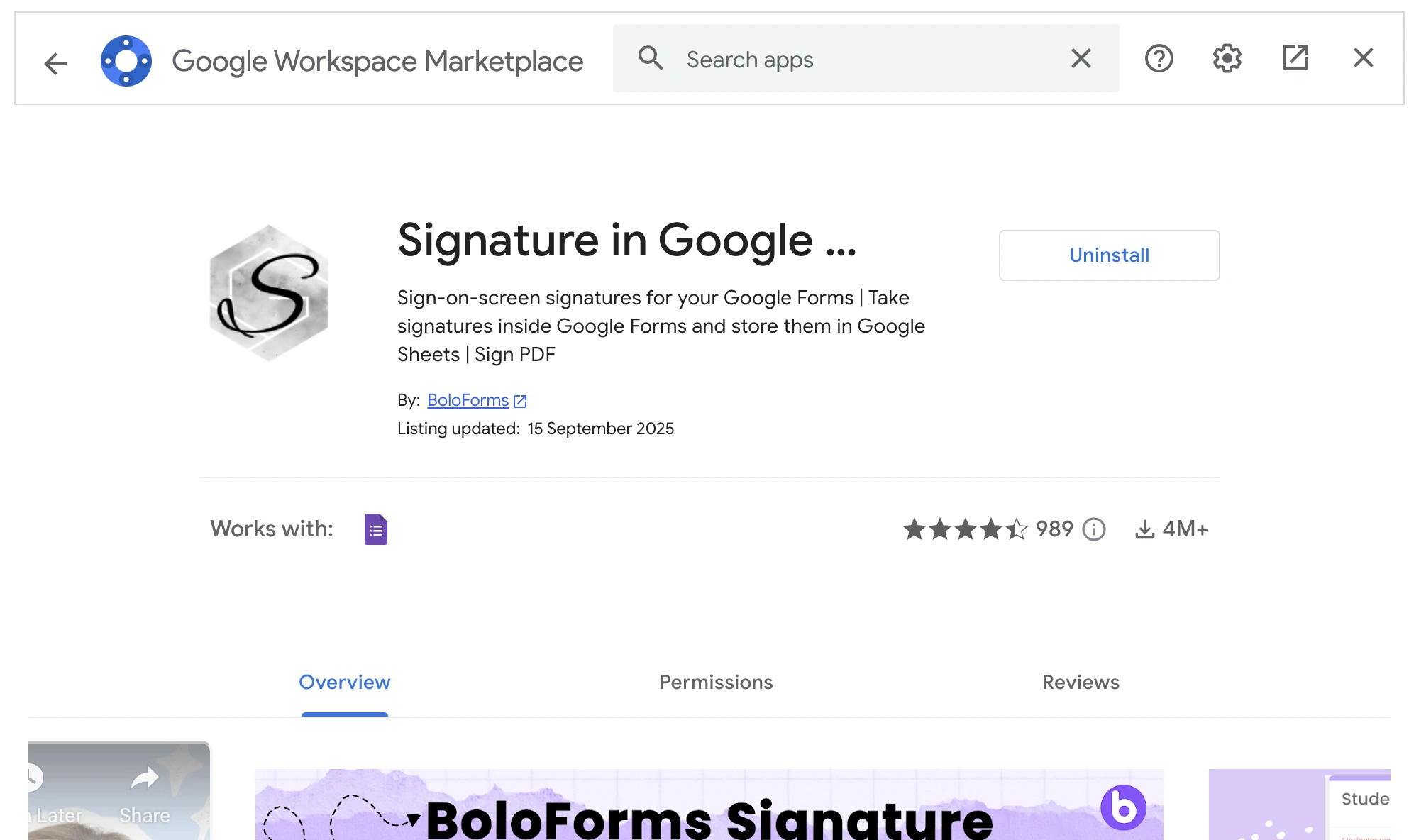
If you want to add signature functionality to Google Forms, you can turn to Google's workplace ecosystem. There are several add-ons in the Google marketplace that let you add signatures. For example, like Bolosign. It's a Google Workspace add-on that integrates directly with your Google Forms, allowing you to insert signature fields into your form. Respondents can sign documents electronically, and their submissions will include a legally binding e-signature. To get started, you’ll need to install BoloSign from the Google Marketplace. Once added, you can enable signature capture on a form and customize fields as needed. The add-on offers a free version with basic features but it is very limited in volume. You can only receive up to 5 form submissions and 2 documents on a single form for free.
To get more submissions and access to more features, you'll have to upgrade. Paid plans start at $15/month.
Free form builder with built-in signature feature
If you'd rather skip the workarounds and add-ons altogether, you can use a professional form builder like Weavely, which offers native signature functionality. Just add a signature field like any other element and you’re done.
Unlike Google Forms, Weavely lets you build very custom forms and surveys. You can create forms using AI by simply describing what you need, whether it’s a contract form, registration form, or anything else. Logic, design, and structure are all handled automatically, though you can manually tweak anything if needed.
And just like Google Forms, Weavely is free, with no limits on forms or submissions. You only need to upgrade if you want to remove the Weavely branding. It’s a flexible alternative for anyone who needs reliable signature collection built right into their forms.

Pro tip: Already built your form in Google Forms? You don’t have to start from scratch. With Weavely’s import feature, you can upload your existing Google Form and have it automatically replicated in Weavely. Then, simply add a signature field and any other advanced elements you need. This way, you don't waste time re-building the form!
Frequently Asked Questions
Is it possible to add signature to a Google form?
Not directly. Google Forms doesn’t have a native signature field. However, there are a couple of workarounds: you can ask respondents to upload an image of their signature, or use a third-party add-on, which integrates with Google Forms to enable basic e-signature functionality.
Are there Google Forms alternatives that offer signature functionality?
Yes, there are plenty of form tools that include signature feature. For example, like Typeform, Jotform, Fillout, and more. Some of them offer legally binding signatures compliant with eSIGN and UETA, but this feature is often hidden behind the paywall. Weavely is a free Google Forms alternative that lets you build forms fast with AI and offers dozens of advanced features and form elements, including a signature field.
What kind of forms might need a signature field?
While not every form requires a signature, there are plenty of cases, especially in business, education, or services, where collecting a signature is essential. Here are some common examples: Event registration and consent forms, job applications, medical & health forms, order forms, subscription agreements, approval workflows.

Tatiana is the Growth Marketing Manager at Weavely, where she's spent nearly four years running marketing end to end. From campaign strategy to the SEO content that brings new readers to the platform. Working day to day on a form builder gives her a front-row seat to what actually makes forms, surveys, and landing pages convert, and that's what she writes about here: practical, tested advice on lead generation and form design. Before Weavely, she led brand and SEO work at Digital Leap and cut her teeth on B2B and B2C content at Ruddy. She's based in Brussels.


