5 Best form builder apps for Webflow
While Webflow’s native forms cover the basics, many users need mor, such as better logic, analytics, design flexibility, or integrations. This guide covers five of the best form builders for Webflow, chosen for their unique features and ease of user. In addition, all of the tools in the list have a dedicated Webflow app which makes the embedding process faster and easier.
What makes a good form builder for Webflow?
There are thousands of form builders in the market, which makes it difficult to choose the right tool. Here are the key features to look for in a professional form tool :
- Ease of use: a clean, intuitive interface — ideally with drag-and-drop functionality — helps you build forms quickly without a learning curve.
- Customization: look for flexible styling options like colors, fonts, and layouts to match your brand and design needs.
- Advanced features: conditional logic, file uploads, data validation, hidden fields add power and interactivity to your forms.
- Mobile-responsive design: Forms should look great and function smoothly across all devices and screen sizes.
- Integrations: a good form builder should connect easily with CRMs, email tools, and payment systems to streamline your workflows.
- Scalability: choose a platform that can grow with you, offering flexible pricing and features as your needs evolve.
How to embed a form in Webflow?
1. Embed code:
Most form builders provide an HTML embed code you can copy and paste into Webflow. Just drag the embed element onto your page, paste the code, and publish. This method is quick and works with almost any third-party form tool.
2. Via Webflow app:
Some form builders, like Weavely or Formester, offer a dedicated Webflow app for more seamless integration. Instead of embedding code, you simply paste the form URL into the plugin block, and the form appears as a live, responsive component. Using an app often results in better performance and more consistent styling, as well as easier form updates without touching any code.
3. iFrame embedding:
If the tool only provides an iframe (a type of embed code), you can still use Webflow’s embed element to insert it. This works similarly to regular HTML embeds but may require manual adjustment of width or height for full responsiveness.
Weavely
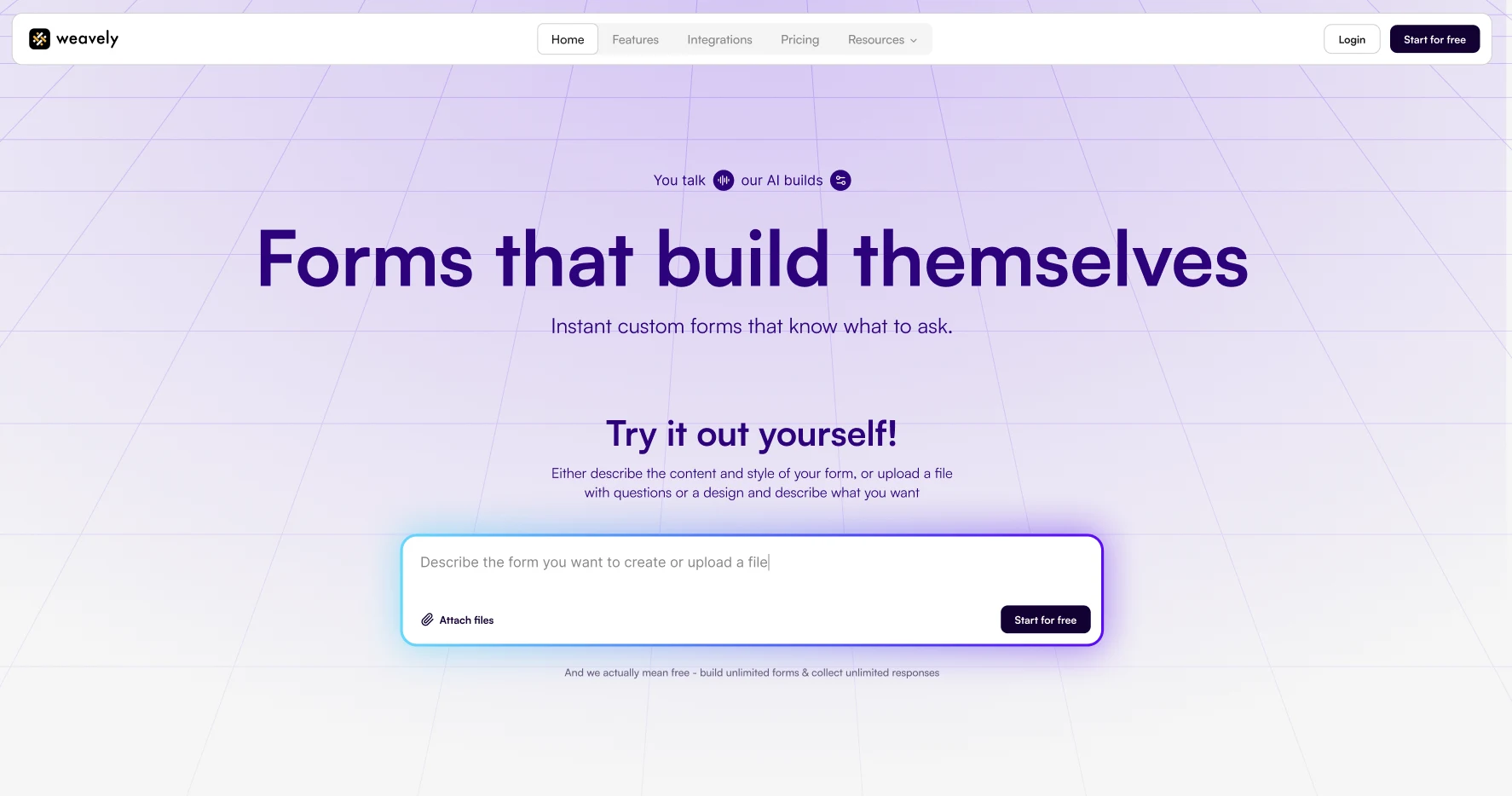
Weavely is an AI-powered form builder that helps you generate forms simply by describing what you need, or uploading a document. It automatically creates fields, logic, and multi-step forms in seconds. In addition, Weavely is the only form tool with a conversational interface. If you're used to using ChatGPT as an assistant, Weavely is a perfect form builder for you.
Strengths:
- AI generation saves time on form creation
- AI can apply conditional logic and style the form to make it look just like your website
- Provides free reports from responses
- Unlimited forms and responses for free
To embed a Weavely form on your Webflow website, just paste your form’s URL, and the Weavely app for Webflow renders a live, responsive web form directly inside your Webflow page.
Pricing:
Extensive free plan. One single paid plan is $20/month that removes branding and lets you use custom domain.
Basin Forms
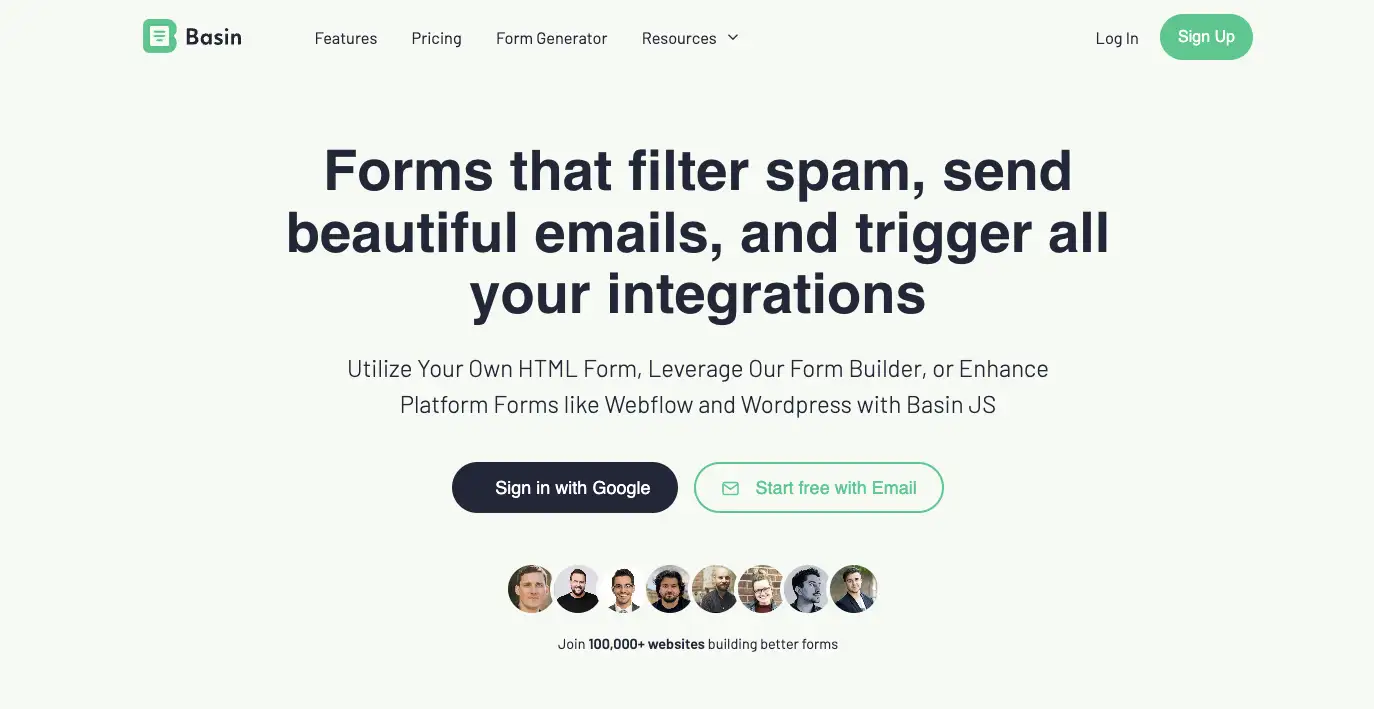
Basin Forms is a backend-first form platform that now includes a flexible, no-code form builder. You can either enhance your existing Webflow forms by connecting them to Basin for spam filtering, lead scoring, email notifications, and chat-based lead capture, or build a standalone form directly in Basin and embed it into your Webflow site.
Strengths:
- Lets you embed an AI-powered chat to Webflow
- Offers partial submissions with automated follow-ups
- Automatically qualifies and score leads based on submission data with AI
It’s especially useful for designers, marketers, and agencies who focus on lead generation, want better automation and more control over form behaviour.
Pricing:
No free plan available. Pricing starts at $7/month, with plans scaling up to $65/month depending on usage.
HubSpot
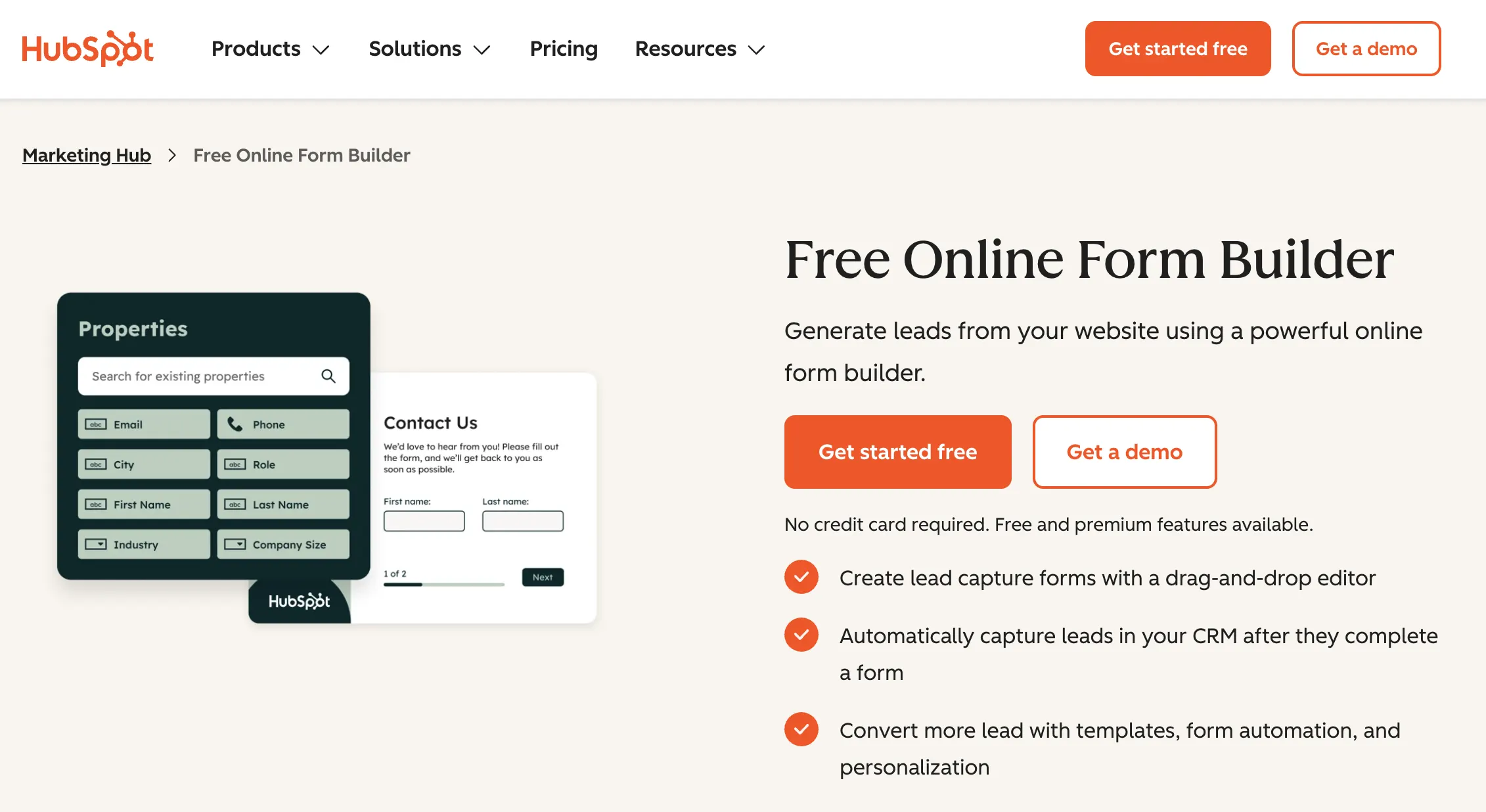
HubSpot offers a built-in form builder that integrates directly with Webflow via its official app. HubSpot forms focus on lead capture, offering features such as conditional redirects, smart shortening and analytics on how users behave with your form. If you're already using HubSpot, it's a convenient way to capture leads, as submissions go straight into your CRM without the need for third-party integrations.
Using HubSpot’s "Non-HubSpot Forms" feature, you can channel all submissions directly into HubSpot, and control the styling in Webflow.
Pricing: a HubSpot Marketing Professional or Enterprise plan is required to access the new form-editor compatibility and embed-styling features.
Typeform
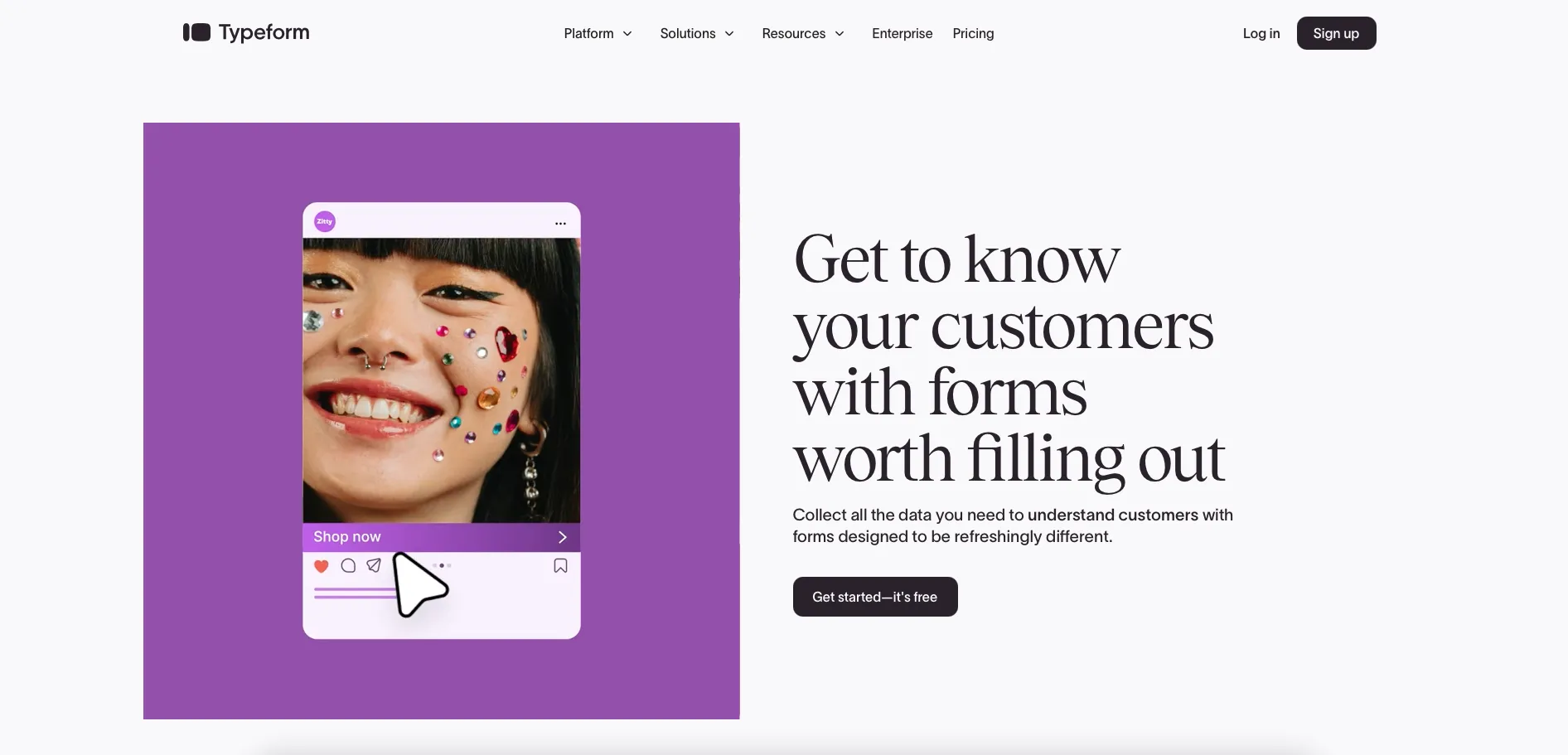
Typeform is a form builder known for its stylish lead generation forms, smooth animations, and user-friendly experience. It transforms traditional forms into interactive, conversation-style flows that feel more engaging than standard questionnaires. However, this polished experience does come at a higher price point.
Strengths:
- AI form generation and extensive template gallery
- Advanced lead generation features
- Powerful conditional logic
When you embed the a Typeform into you Webflow website, you don't need to paste a link. Instead, the app immediately shows you a list with all your forms and you can just select the one you need.
Pricing:
Free plan offers unlimited forms, but only 10 responses/month with limited functionality. Pricing starts at $29/month for 100 responses, with higher-tier plans at $59 and $99/month offering more responses, advanced features, and team collaboration.
Formester
Formester is a form builder that offers both template-based and AI-assisted form generation. It integrates well with Webflow, allowing users to embed forms that stay visually consistent with their brand. While Formester is flexible and user-friendly, its AI generation capabilities seem slower compared to some other form tools. In addition, key features are locked behind paid plans, with a limited free tier.
Strengths:
- Advanced logic
- Response limits and collaborative submissions
- Online payments
Pricing:
Limited free version, paid plans at $13/month scaling up to $49/month.
forms.app
forms.app is an all-around form builder with powerful features for creating professional forms. forms.app offers both classic multi-question layouts and conversational one-at-a-time views, plus AI-powered form generation and 5,000+ quality form templates so you can get started quickly. You can easily embed forms into any website, including Webflow, WordPress, or a custom site, using simple embed codes or direct links.
Strengths:
- The AI form generator creates forms super quickly.
- The platform supports many advanced features, such as conditional logic, payment integrations, scoring, prefills, and more.
- You get professional-looking forms out of the box.
It's a flexible form tool and is especially useful for small businesses, educators, and any team that needs online forms that handle everything from customer feedback and registrations to product orders and lead generation.
Pricing:
A free plan is available. Paid plans start at $25/month (Basic), $35/month (Pro), and $99/month (Premium) with increasing response limits and advanced features.
How to build a form in Webflow natively?
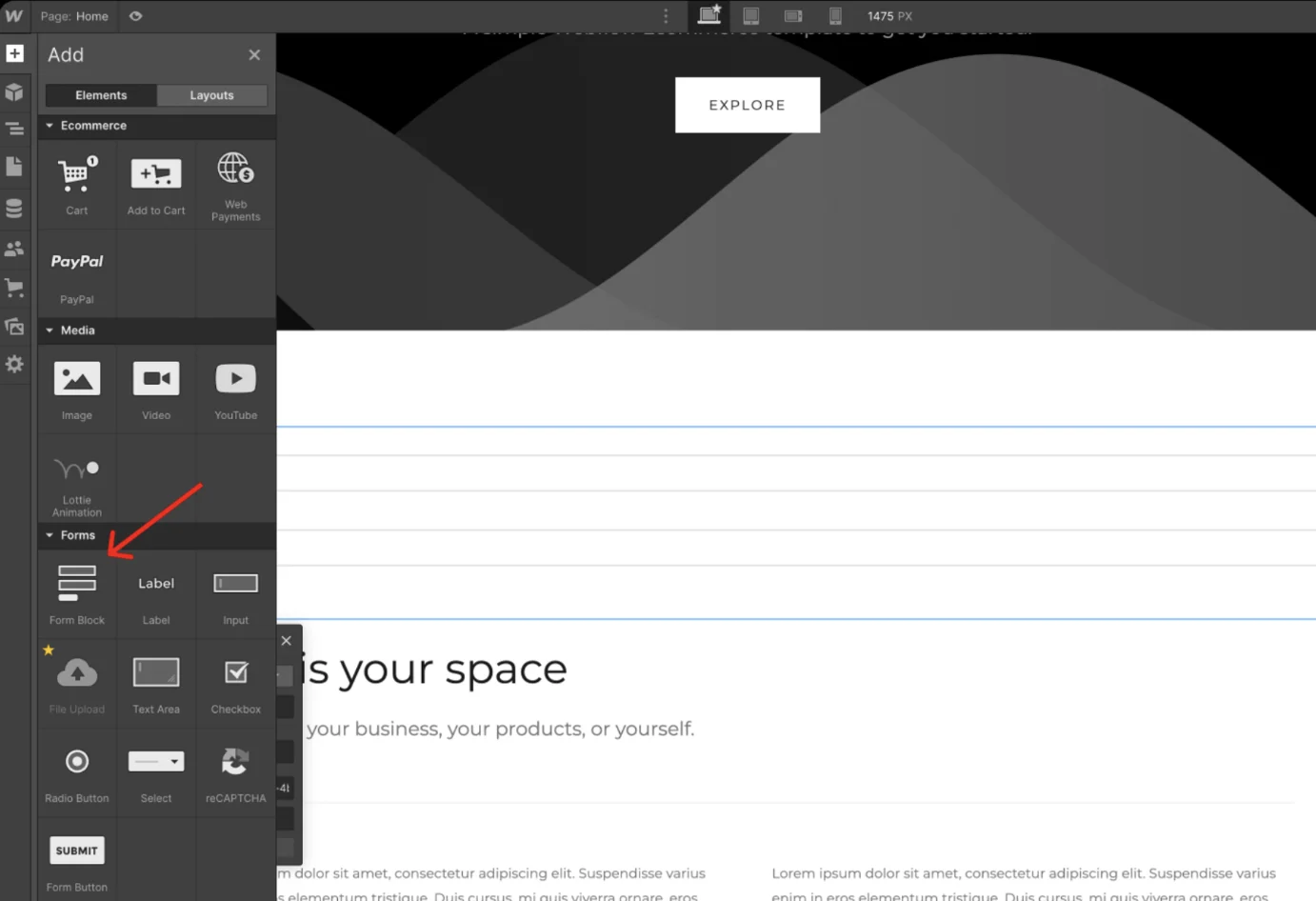
Webflow also includes a native form builder tool.
Its form builder includes a range of customizable form elements, such as text fields, dropdown menus, and checkboxes, along with the ability to style and animate forms to match your website design. Users can also benefit from built-in spam protection, customizable form notifications, and integration with popular third-party tools like Zapier and HubSpot.
This functionality is enough for simple contact forms. However, if you need more advanced features like conditional logic, file uploads, or multi-page forms, you'll want to turn to a dedicated form tool.

Tatiana is the Growth Marketing Manager at Weavely, where she's spent nearly four years running marketing end to end. From campaign strategy to the SEO content that brings new readers to the platform. Working day to day on a form builder gives her a front-row seat to what actually makes forms, surveys, and landing pages convert, and that's what she writes about here: practical, tested advice on lead generation and form design. Before Weavely, she led brand and SEO work at Digital Leap and cut her teeth on B2B and B2C content at Ruddy. She's based in Brussels.


